
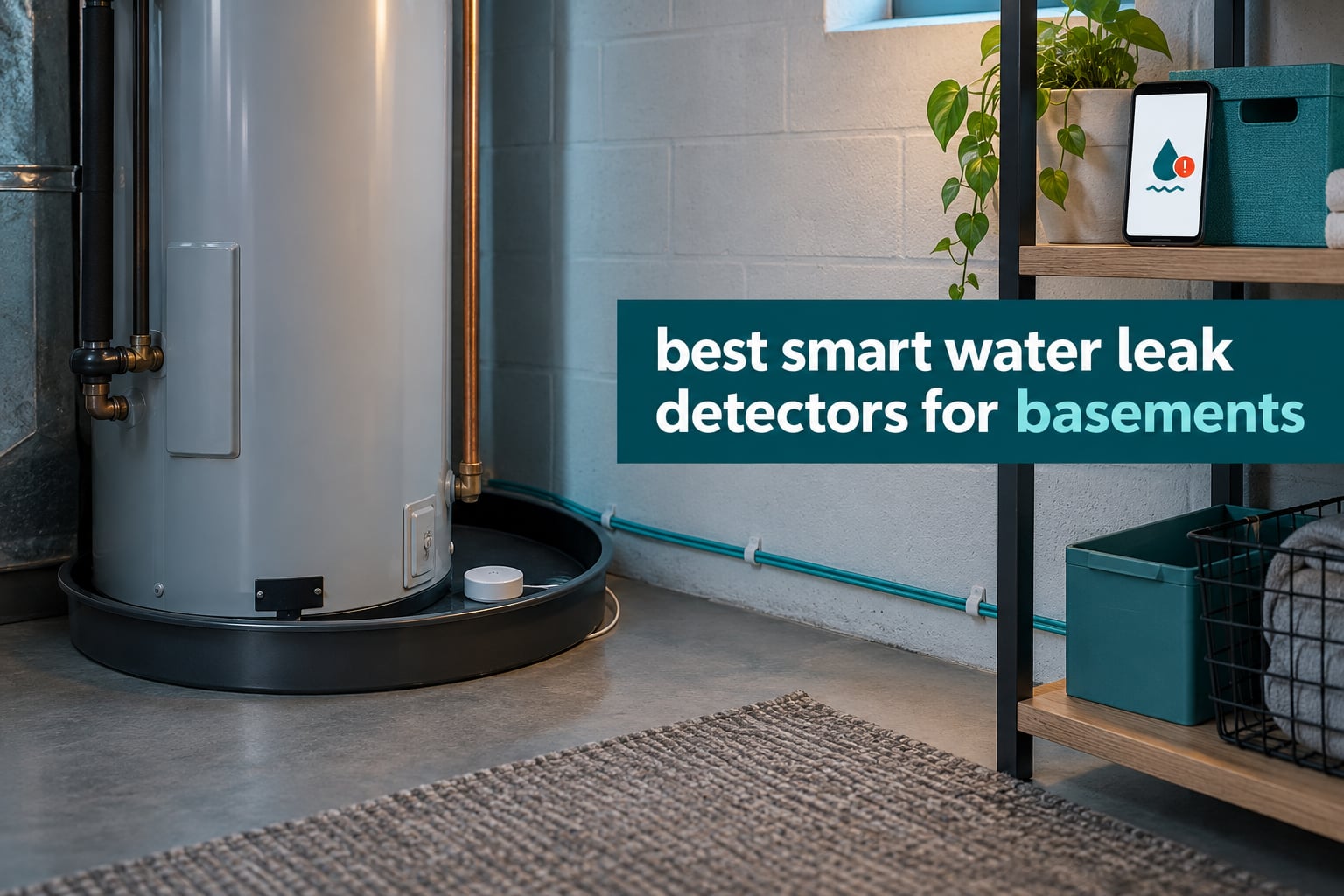
Basements hide plumbing failures. A water heater drain pan quietly overflows, a washing machine supply hose lets go behind an appliance nobody looks at, a sump pump quits mid-storm, and the water reaches the subfloor long before anyone sees a stain. The fix is not a faster cleanup. It is an alert while the damage is still measured in gallons instead of square feet.
So, what is the best smart water leak detector for a basement? The YoLink Water Leak Starter Kit takes our top slot because its LoRa radio reaches 1320 ft through concrete and below grade, four sensors cover a whole basement in one box, and the Control-D2D mode still trips a local siren and shutoff valve when the internet is down. For basements with strong Wi-Fi and no hub budget, the X-Sense SWS54 kit is the better-value alternative.
This roundup covers 12 smart water leak sensors tested and compared for basement duty, from silent LoRa pucks you scatter in a crawl space to Thread sensors that run all week on mains power. We looked hard at the things that decide whether a sensor actually helps you: how far the radio reaches, whether the alarm is loud enough to hear two floors up, whether the housing survives a damp slab, and whether the phone alert is reliable at 3 a.m.
Basement sensors sit in the same category as whole-home monitoring gear, and if you are covering upstairs as well, our whole-house smart leak detector guide maps out the upstairs priorities. Under-sink coverage is a different problem entirely and gets its own breakdown in smart water leak sensors for under sinks.
Top 3 Smart Water Leak Detectors for Basements in 2026
These three cover the three situations most basements fall into: a hard-to-reach space with weak Wi-Fi, a large finished basement that needs several zones, and a wired-weak house that already has a hub.

YoLink Water Leak Starter Kit
- LoRa range to 1320 ft
- Hub plus 4 sensors
- 5-year AAA battery
- Works offline with Control-D2D

X-Sense Wi-Fi Water Leak Detector Kit SWS54
- 120 dB sensor and base alarm
- Six probes to 0.4 mm
- 1804 ft open-area range
- 3 sensors plus base

Aqara Water Leak Sensor 3 Pack
- Zigbee within 33 ft of hub
- 0.5 mm probe detection
- IP67 sealed housing
- Triggers Aqara automations
The YoLink kit wins on reach and resilience. The X-Sense SWS54 wins on alarm volume and out-of-the-box coverage for a finished room. The Aqara three-pack wins if you already run HomeKit or Google Home and want leak detection to drive automations.
All 12 Smart Water Leak Sensors Compared in 2026
Every sensor below is rated for the damp, low-signal environment that a basement actually is. Scan the connectivity and coverage columns first, because those two decide whether a sensor works in your space at all.
| Product | Specifications | Action |
|---|---|---|
| YoLink Water Leak Starter Kit |
|
Check Latest Price |
| Aqara Water Leak Sensor 3 Pack |
|
Check Latest Price |
| X-Sense SWS54 Kit |
|
Check Latest Price |
 GoveeLife Smart Water Leak Detector 2 GoveeLife Smart Water Leak Detector 2 |
|
Check Latest Price |
 SwitchBot WiFi Water Sensor SwitchBot WiFi Water Sensor |
|
Check Latest Price |
 Winees WiFi Water Leak Detector 3 Pack Winees WiFi Water Leak Detector 3 Pack |
|
Check Latest Price |
 X-Sense Wi-Fi Leak and Freeze Alarm X-Sense Wi-Fi Leak and Freeze Alarm |
|
Check Latest Price |
 Tapo Smart Water Leak Detector T300 Tapo Smart Water Leak Detector T300 |
|
Check Latest Price |
 SONOFF SNZB-05P Zigbee Sensor SONOFF SNZB-05P Zigbee Sensor |
|
Check Latest Price |
 TECKNET WiFi Water Leak Detector TECKNET WiFi Water Leak Detector |
|
Check Latest Price |
 Shelly Flood Gen4 Shelly Flood Gen4 |
|
Check Latest Price |
 Eve Water Guard Eve Water Guard |
|
Check Latest Price |
1. YoLink Water Leak Starter Kit review
YoLink Water Leak Sensor 1 Kit: 4-Pack + Hub
LoRa to 1320 ft
Hub plus 4 sensors
2 AAA, 5-year battery
Silent, needs a siren
Pros
- LoRa range reaches basements where Wi-Fi drops
- Control-D2D trips sirens and valves with no internet
- App SMS and email name each sensor
- One hub supports 300+ YoLink devices
- 2 AAA rated for up to 5 years
Cons
- Leak Sensor 1 has no built-in siren
- Proprietary ecosystem with limited third-party integration
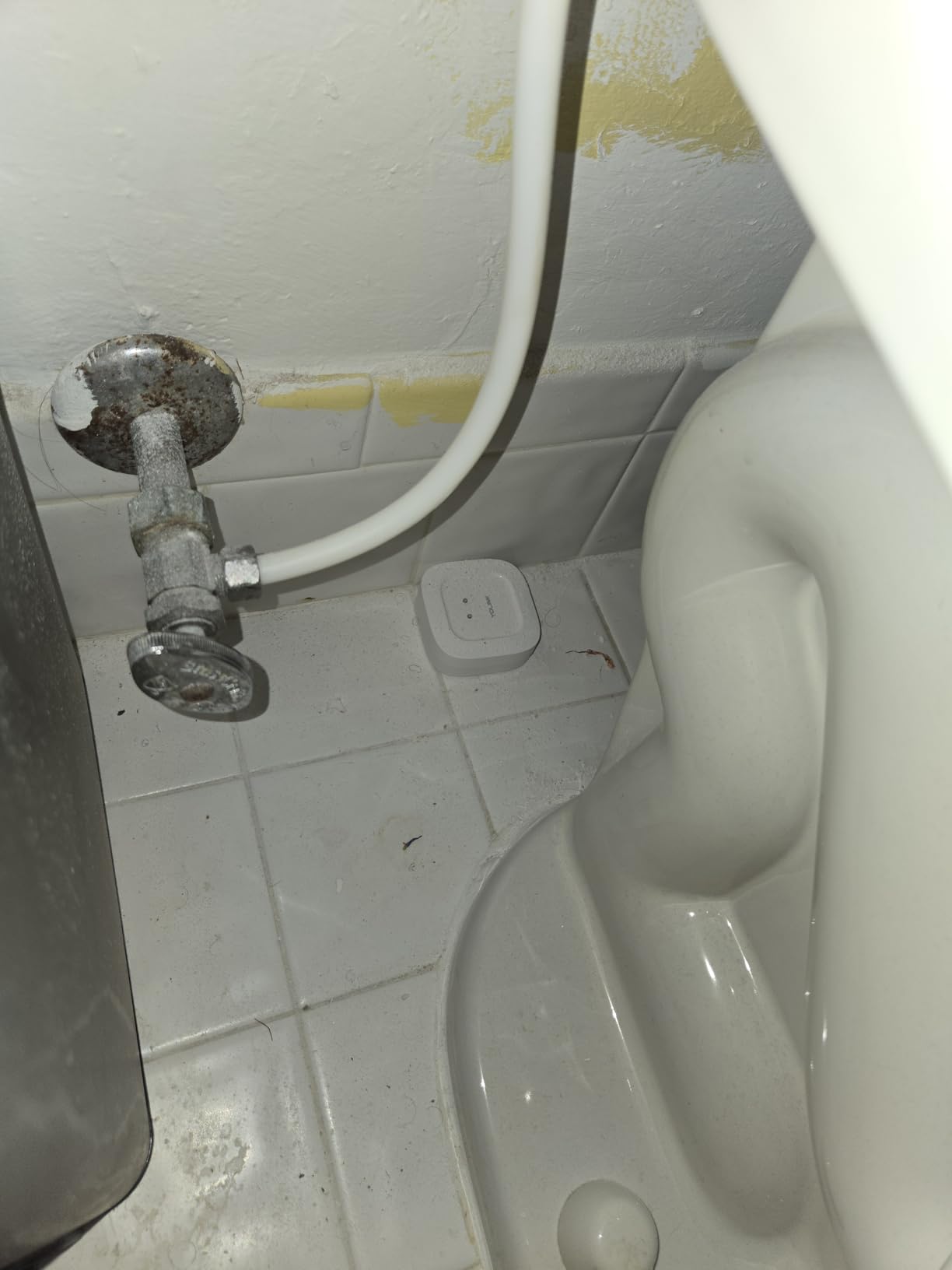
This is the kit we keep coming back to for basements, and the reason is the radio. LoRa is a long-range low-power protocol, and the hub is rated for 1320 ft in open air, which means a hub mounted near the basement stairs still talks to a sensor in the far corner, behind the water heater, or out in the crawl space. Wi-Fi struggles with exactly those spots.
What you get is one hub and four Leak Sensor 1 sensors. Each one runs on two AAA batteries rated for up to five years, which removes battery anxiety from a device you will not touch for years. The sensors are silent by design, so you route audible warnings to a SpeakerHub or a paired YoLink siren if you want to hear something locally.
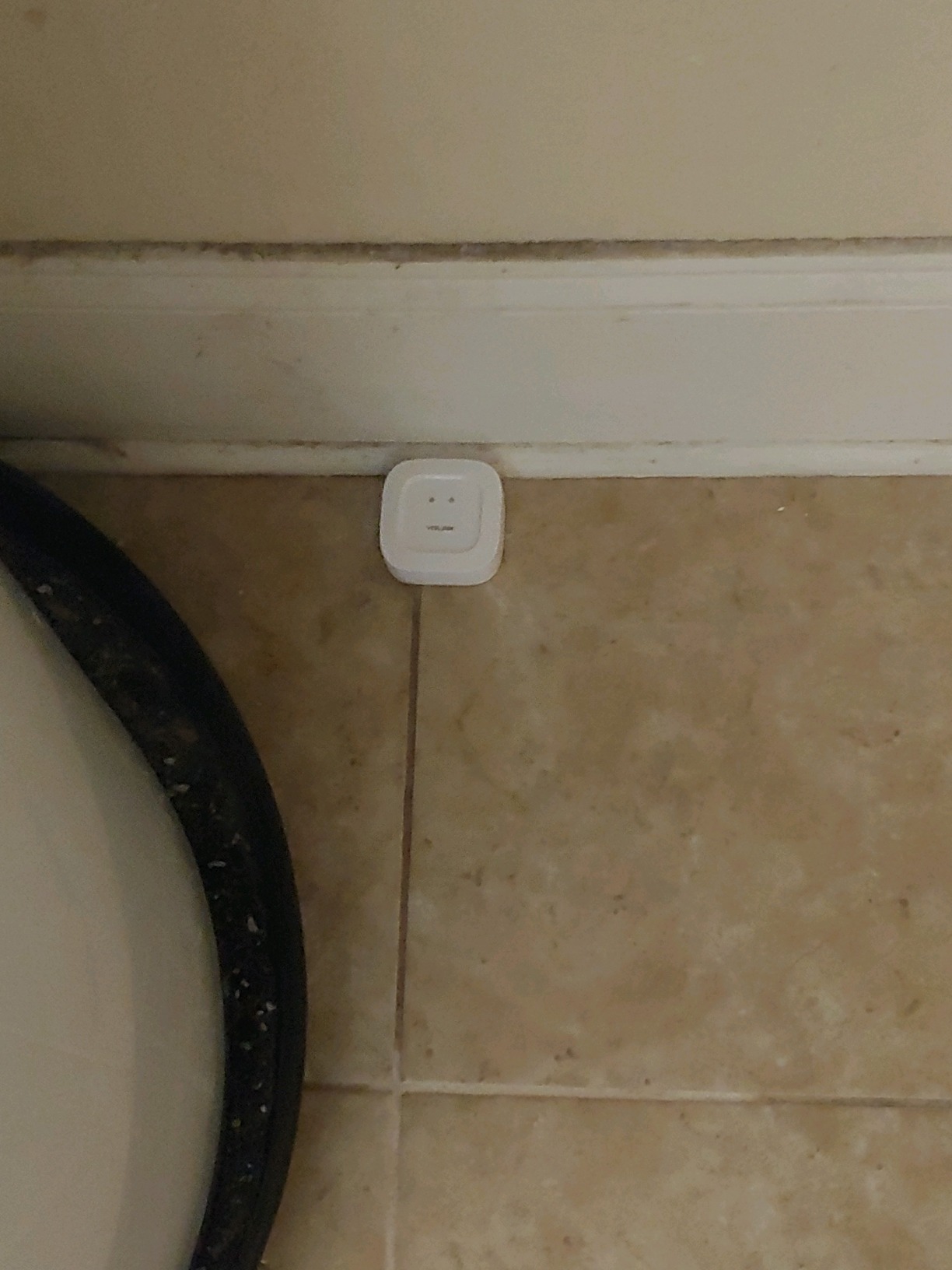
The Control-D2D feature is the part most roundups skip. Sensor-to-sensor communication means a leaking sensor can trigger a nearby YoLink siren or shutoff valve directly, with no route to the cloud and no internet connection. In a basement during a storm, that is the difference between an alert that arrives and an alert that does not.
Alerts go out by app push, email, and SMS, and each sensor can be named for its location, which turns a vague notification into an actionable one. One hub handles 300+ YoLink devices, so the same hardware scales to a whole building if you later add more sensors.
The honest drawback is that Leak Sensor 1 makes no noise at all. If you sleep on the floor above and rely on the siren rather than your phone, you need to buy the SpeakerHub separately. The second limitation is ecosystem lock-in: this is a closed platform with thinner third-party support than a Zigbee sensor, and Home Assistant and Matter users will find fewer options.
What to check before you buy it
Check where your basement router actually is. If the signal downstairs is poor, this kit solves a problem the hub-free sensors will not. Also count how many zones you need: four sensors in the box is a good fit for a typical basement, and a second hub is cheap compared with a burst supply hose.
Also check outlet access for the hub, since it needs power and a spot where you can hear or see the SpeakerHub if you add one.
Where it falls short
It is a silent sensor, so it is the wrong pick if you want a self-contained alarm that screams in an empty basement with nobody upstairs listening. It is also the wrong pick for anyone who wants their leak sensors inside Home Assistant or HomeKit, since YoLink is its own ecosystem.
2. X-Sense SWS54 Wi-Fi Water Leak Detector Kit review
X-Sense Wi-Fi Water Leak Detector Kit, 120 dB, 3 Sensors + Base, SWS54
120 dB sensor and base
Six probes to 0.4 mm
1804 ft range
3 AAA batteries
Pros
- Sensor and base alarm together for whole-house audibility
- Six probes catch drips and pooling at 0.4 mm
- 1804 ft open-area range
- App shares alerts with up to 12 users
- Caught a sump pump failure during heavy rain
Cons
- Siren cannot be muted in the app
- Only one email address can be added
- 2.4 GHz Wi-Fi only
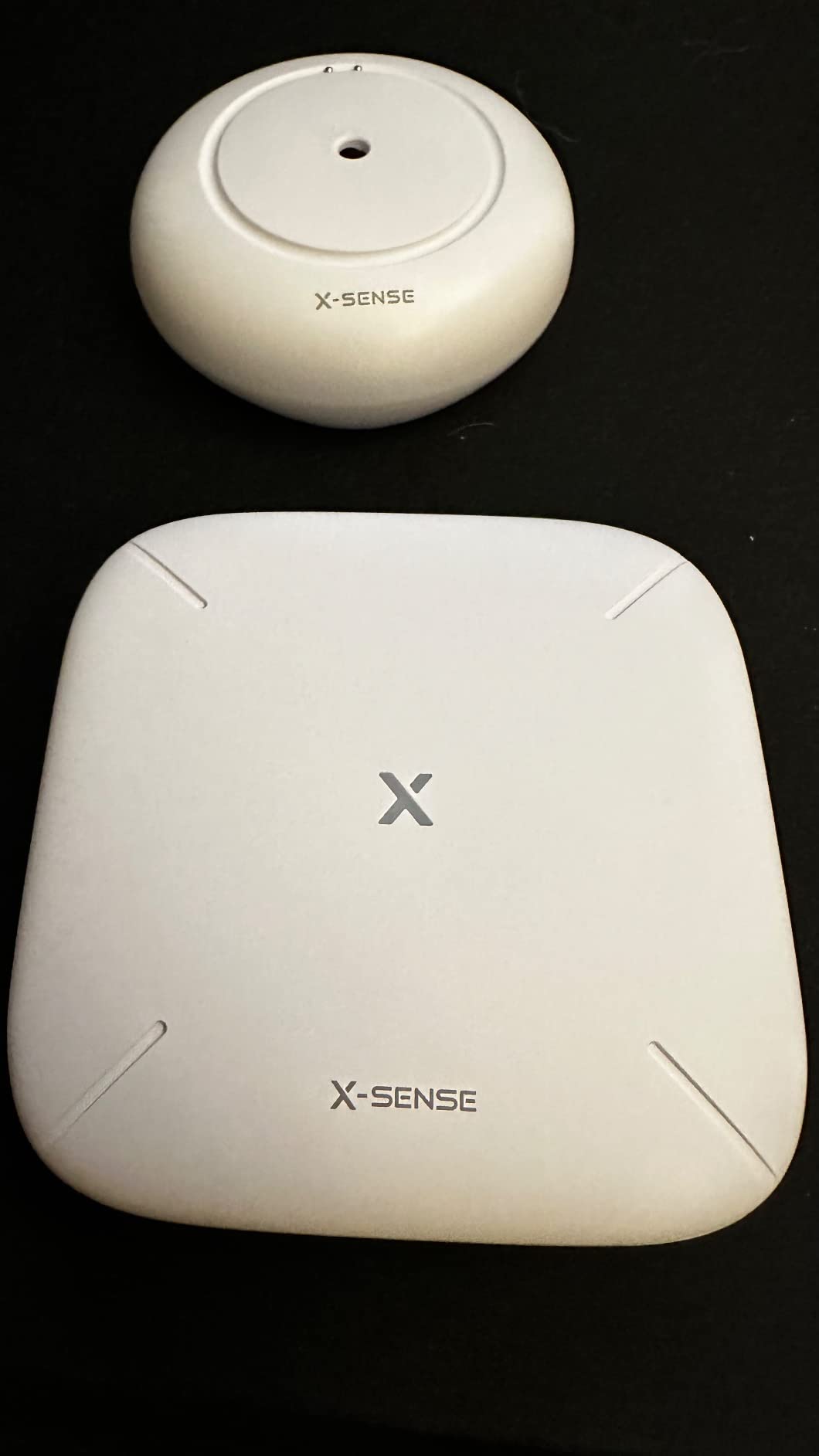
This kit solves the loudest practical problem in a basement: you will not hear a 100 dB purring on the floor below you. The X-Sense SWS54 ships three sensors and a base station, and all four alarm together when any sensor trips, so the siren sounds wherever the base is plugged in.
Detection is six-probe, with two upper probes for drips arriving from above and four lower probes for pooling, down to 0.4 mm. That threshold is the number that matters at a sump pit, where the first sign of trouble is a film of water, not a puddle. The housing is IP66 rated, which is appropriate for a humid slab.
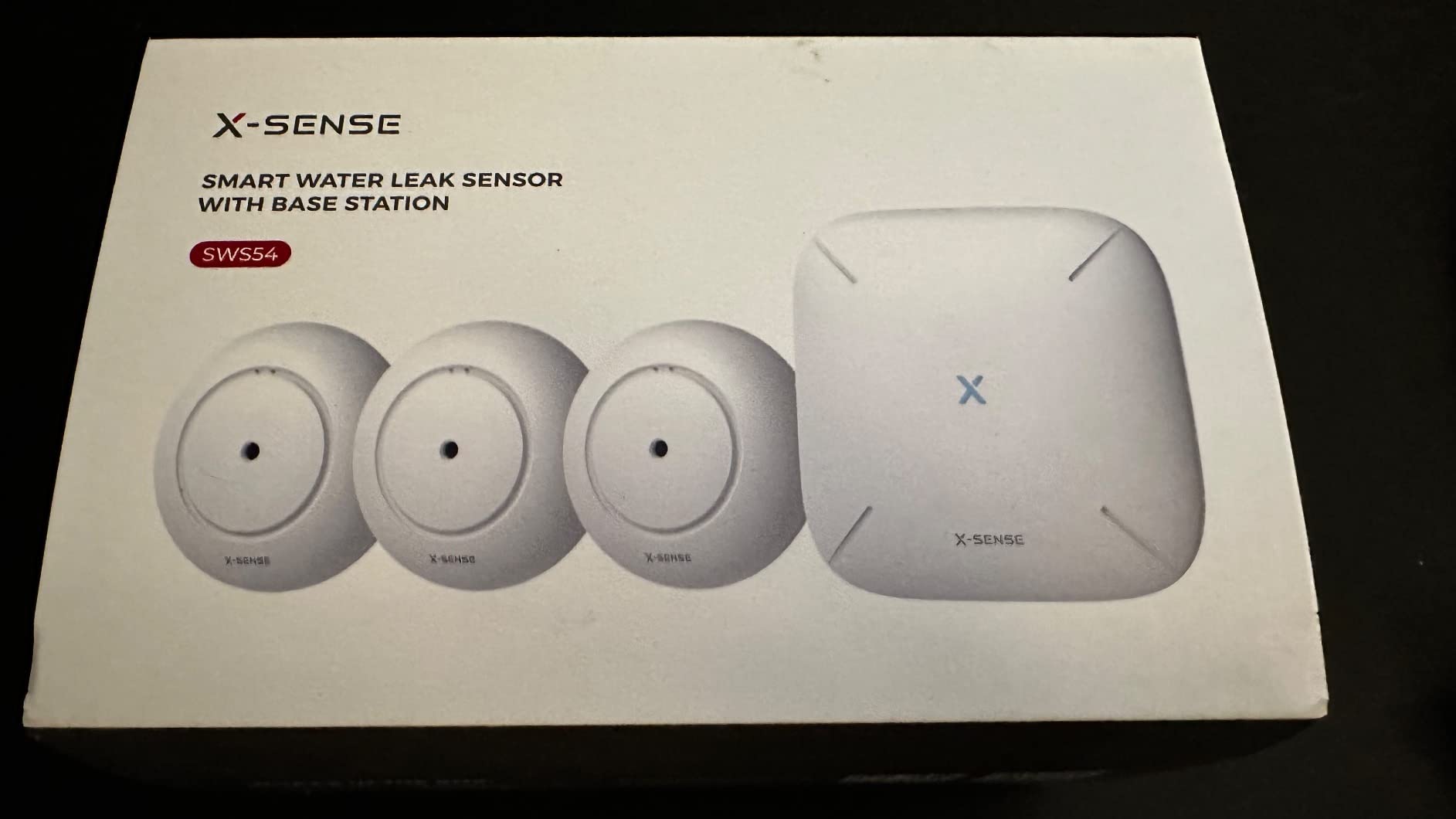
Range is listed at up to 1804 ft in open areas, so one base station at the top of the basement stairs can serve sensors in a garage or a workshop too. Reviewers report the app sharing access with up to 12 users, which is the feature that makes sense for landlords or for anyone monitoring a rental property.
The kit runs on three AAA batteries per sensor. One owner’s review described catching a sump pump failure during heavy rain before the pit overflowed, which is precisely the failure mode a basement sensor exists to catch.
Three real annoyances: the audio alarm cannot be disabled in the app, only by opening the unit and unplugging the speaker; only a single email address can receive alerts; and it is 2.4 GHz only, so on a dual-band router you may need a separate SSID. None of these break the product, but you should know about them before setup day.
What to check before you buy it
Check your router band. If your 2.4 GHz network is guest-only or disabled, this kit will not pair. Also check the base station outlet placement, because you want it on a floor you can hear from rather than tucked behind the water heater.
Check how many rooms you are covering. Three sensors is generous for one utility area and tight for a whole finished basement, so budget for a second kit rather than stretching the first.
Where it falls short
It is a Wi-Fi system, so it inherits every Wi-Fi weakness: dead spots behind appliances and thick concrete. If your basement is a dead zone, move up to the LoRa kits. It also ties the alarm to mains power at the base, so a tripped breaker silences the loudest part of the system.
3. Aqara Water Leak Sensor 3 Pack review
Aqara Water Leak Sensor 3 Pack, Zigbee Water Leak Detector for Alarm System
Zigbee within 33 ft
0.5 mm detection
IP67 sealed
3 lithium batteries
Pros
- Probes detect water as shallow as 0.5 mm
- IP67 housing with rust-proof coating
- Compact body fits under appliances
- Triggers other Aqara devices
- Works with HomeKit Google Home and Alexa
Cons
- Aqara Hub sold separately and required
- Must stay within about 33 ft of the hub
- No siren on the sensor itself
- About 9 percent of reviews are 1-star
Aqara built this one for people who want a leak to start a routine, not just an alert. When water is detected, the sensor can trigger other Aqara devices, so a basement leak can turn on hallway lighting, shut a valve, or announce over a speaker. Three sensors come in the box, which usually matches a single mechanical room.
Detection is probe-based and rated down to 0.5 mm, with an IP67 sealed housing and a rust-proof exterior coating. That sealing matters more in a basement than any spec on the box, because corrosion is what kills cheap sensors over a decade.
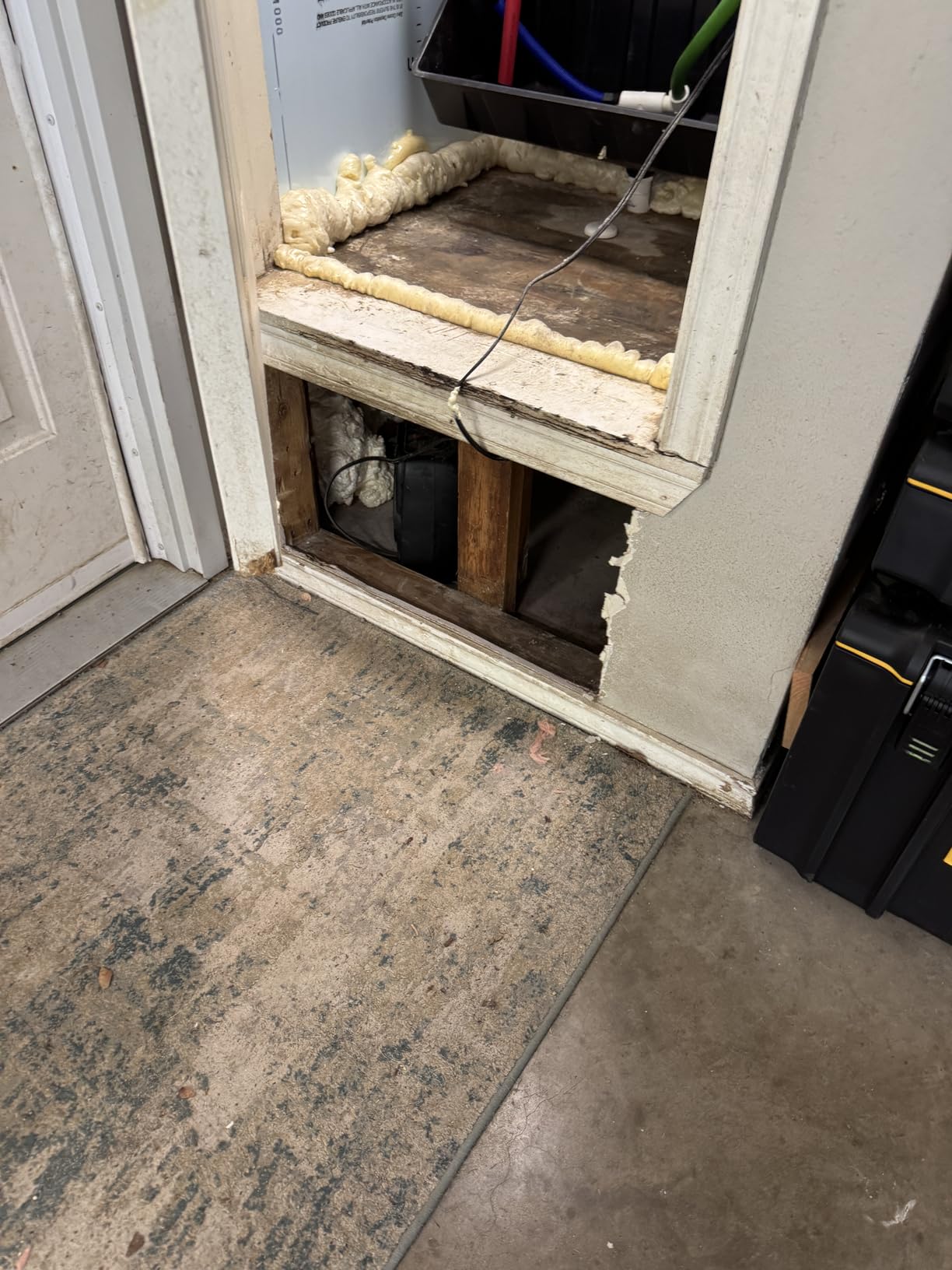
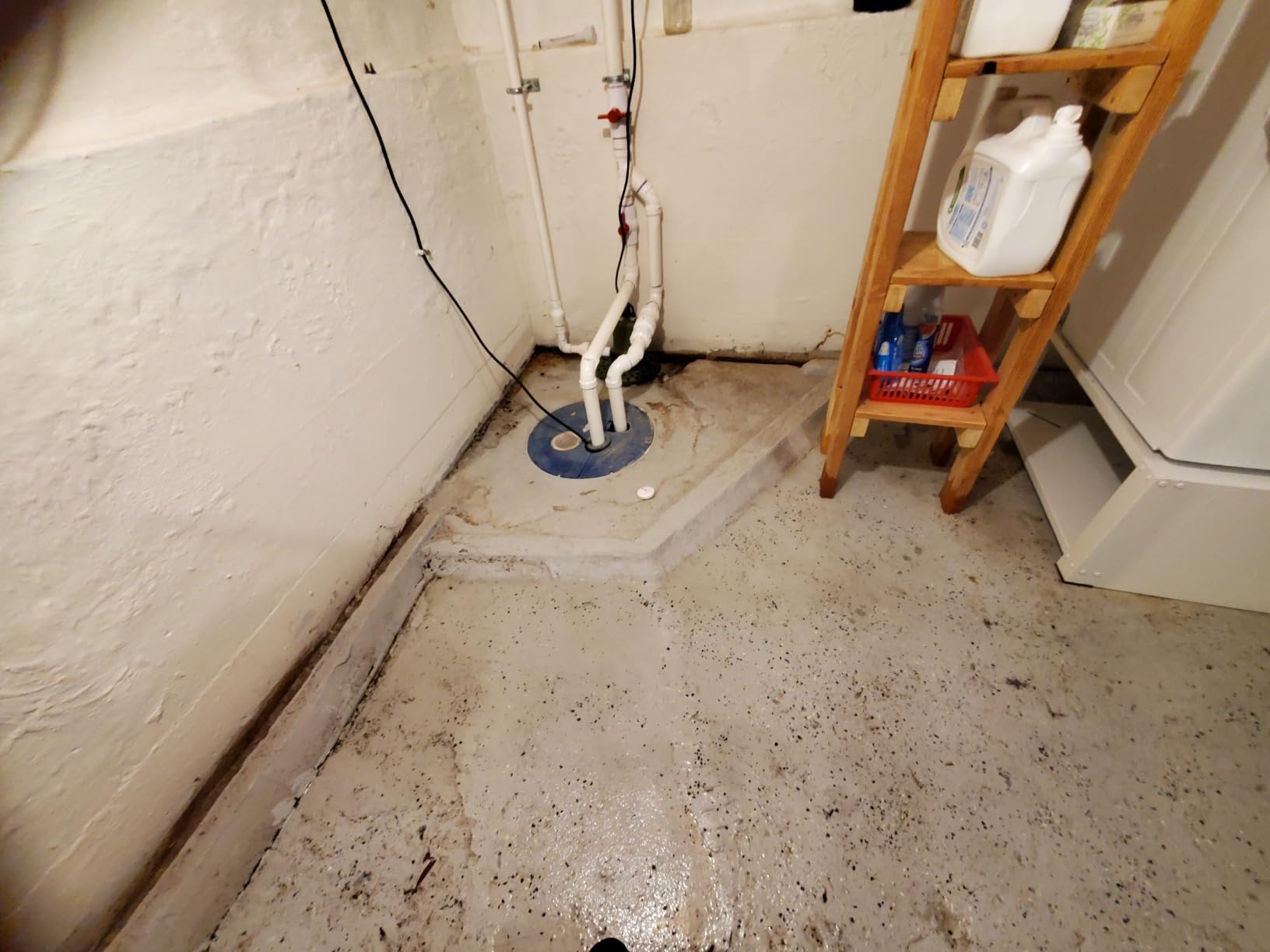
The unit is 1.97 inches square and 0.59 inches thick, wireless, and needs no screws or wiring, so it slides under a washing machine or behind a utility sink without drama. The audible alert comes from the Aqara Hub, not the sensor, so the hub needs to be somewhere you can hear.
Hubitat community members running SmartThings note that sensors with contacts on both the top and the bottom catch overhead drips and pooling alike, which is exactly this sensor’s design. The Aqara implementation is the same idea in a smaller body.
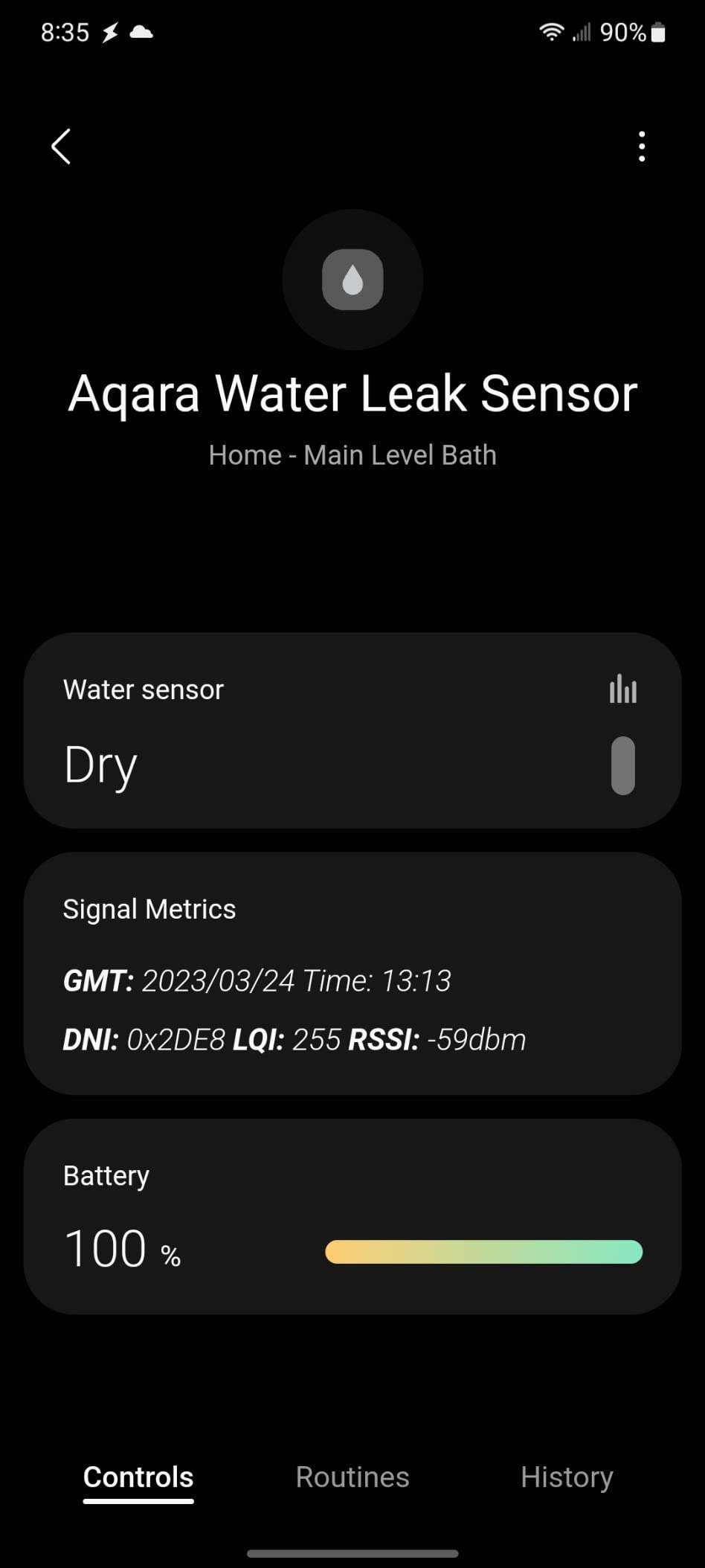
The real constraint is range: Zigbee here is rated to about 10 meters, or 33 ft, from the Aqara Hub. In a wide or split-level basement that is genuinely limiting, and reviewers call it out. The hub also sells separately, and about 9 percent of the reviews are 1-star, the highest negative share in this group, largely around hub pairing and missed alerts.
What to check before you buy it
Measure from where the hub will sit to the farthest sensor you want. Over 33 feet and you are out of spec. If you already own Aqara gear the math is easy, because the hub is not an extra cost you have to justify.
Check your ecosystem too. If you are on Apple HomeKit, Google Home, or Alexa and want leak sensors to drive automations, this is one of the few picks that does it natively.
Where it falls short
It is useless without the Aqara Hub, so a single-sensor buy is a two-box buy. It also produces no local noise, which matters if your phone is charging downstairs and nobody is home during the day.
4. GoveeLife Smart Water Leak Detector 2 review
GoveeLife Smart Water Leak Detector 2 with 1968ft Ultra-Long Range, 4 Pack
LoRa to 1968.5 ft
100 dB alarm
IP66 housing
8 AAA, 5-year battery
Pros
- LoRa range covers basements and sheds
- SMS app and email alerts arrive within seconds
- Gateway supports up to 100 sensors
- Works with Alexa Google Assistant and IFTTT
- Two top and four bottom probes
Cons
- Gateway can block the second socket
- No latching alarm so alerts fade in seconds
- App can log out and stop alerts
- Setup documentation is out of sync
The GoveeLife system is the longest-reach option here, with a gateway rated for up to 1968.5 ft of LoRa signal. That is a number you only need if your basement extends well beyond your router, or if you want coverage in a detached utility building or a shed, but it also means the gateway upstairs can serve sensors two floors down.
The pack includes four sensors plus the gateway, which is a better per-zone economics than buying four single sensors. Homeowners in r/HomeImprovement specifically call out Govee sensors as performing well in crawl spaces and basements, and that matches what the range spec implies.
Each sensor has a 100 dB alarm, two top and four bottom probes, and an IP66 housing. Alerts go out by SMS, app push, and email, and reviewers consistently report they arrive within seconds. The gateway is 2.4 GHz only, and one battery per sensor is rated for over five years.
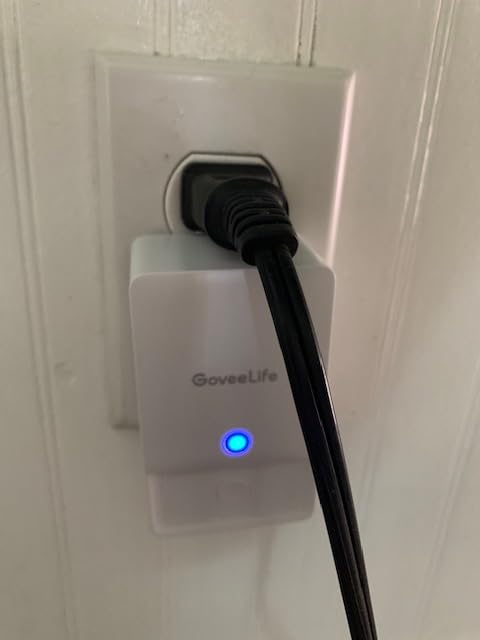
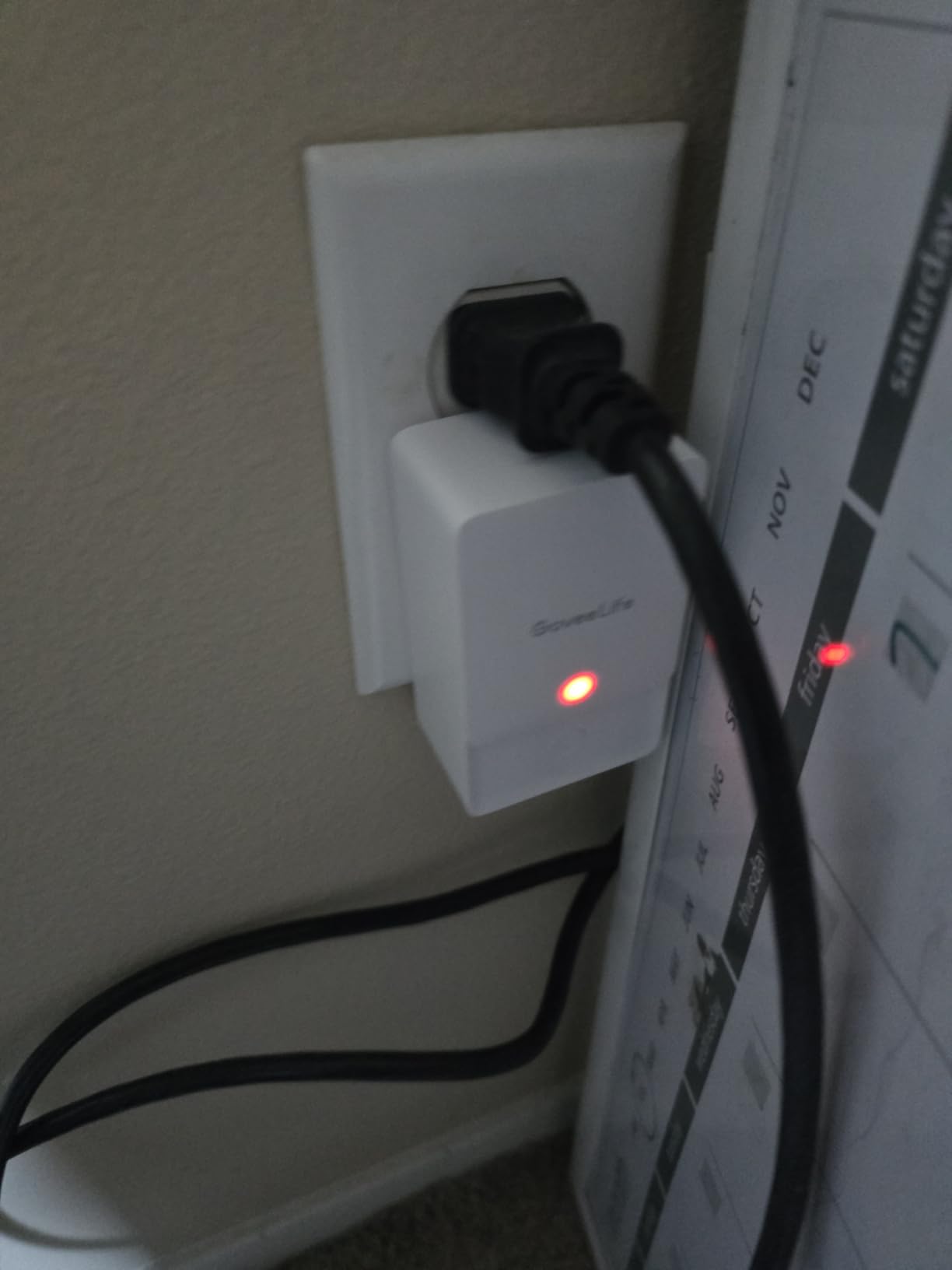
There are some real gripes. The gateway is a plug-in brick that can block the second socket on a standard outlet. There is no latching alarm, so a phone notification fades after a second or two and you can sleep through it. The app can log out, and while it is closed, alerts stop arriving. The written setup steps are also out of sync with the app, which slows first-time pairing.
None of that is disqualifying, but the no-latch behavior is the one to think hardest about. A sensor that beeps until acknowledged protects you better than a ping that vanishes.
What to check before you buy it
Check that you have a free socket for the gateway and that it can live somewhere with a phone signal, since the gateway is what talks to the cloud. Check the outlet, because losing that socket to the brick matters in a mechanical room.
Check how many zones you actually need. Four sensors is plenty for most basements, and a second pack plus gateway is a heavier commitment than a single sensor.
Where it falls short
It is the weakest pick for anyone who sleeps through a notification, because the alarm does not latch. It is also a closed gateway, so there is no path into Home Assistant if you are consolidating platforms.
5. SwitchBot WiFi Water Sensor review
SwitchBot WiFi Water Sensor, Smart Water Leak Detector, 100dB Adjustable Alerts & App Alerts, IP67 Waterproof, Wireless Detector for Kitchen, Bathroom, Basement, No Hub Required (Support 2.4G)
No hub needed
0.5 mm probes
IP67 sealed shell
100 dB adjustable alarm
Pros
- Connects straight to 2.4 GHz Wi-Fi with BLE backup
- No hub or gateway to buy
- 100 dB alarm with adjustable volume and app mute
- Catches micro-leaks as shallow as 0.5 mm
- Works with Alexa Google Siri IFTTT and SmartThings
Cons
- All sensors need resetting after a Wi-Fi drop
- Default alarm volume is startling
- 2-year battery life is short
- Opening the battery compartment needs a tool
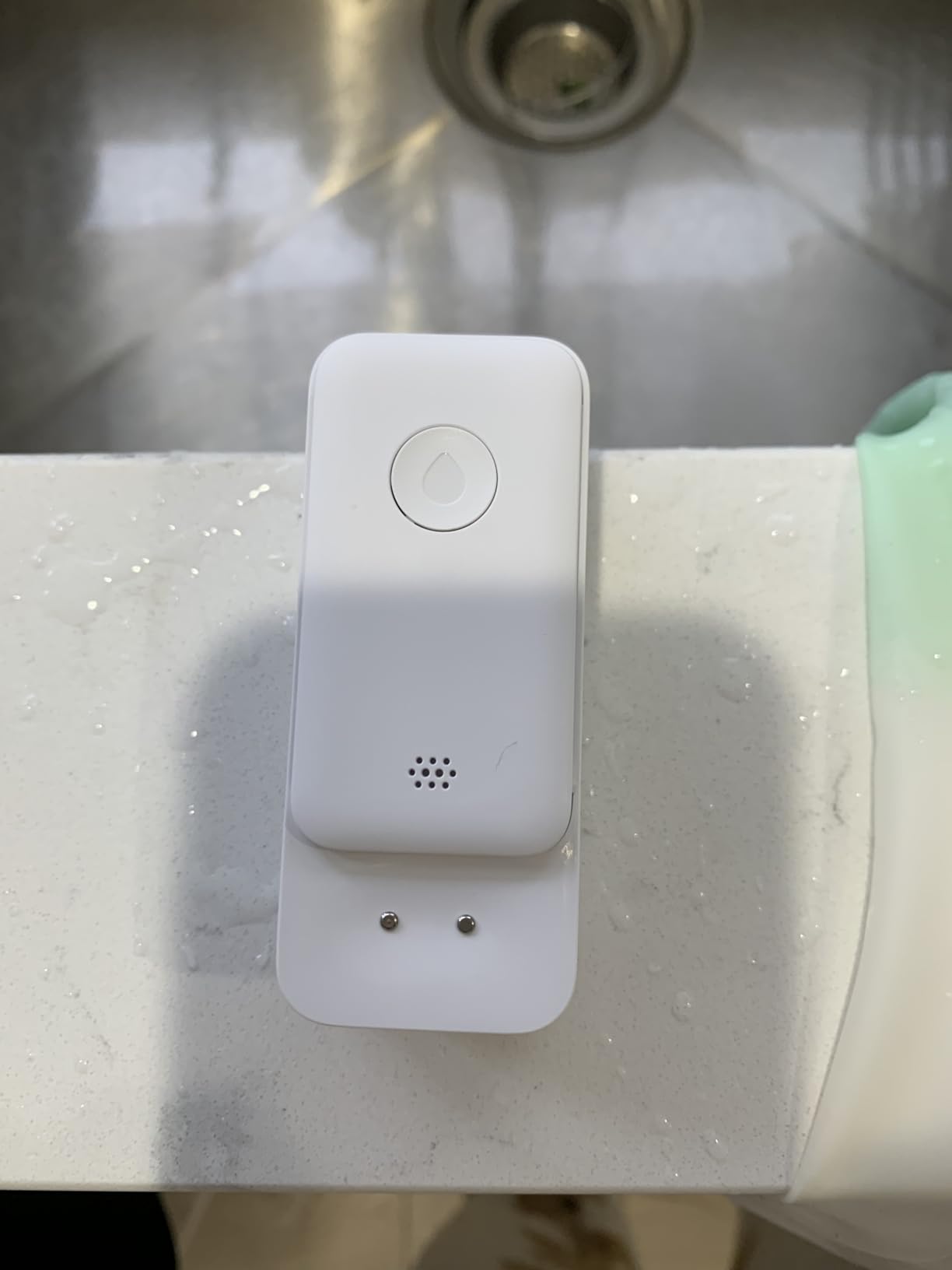
The SwitchBot is the simplest thing here that still does the job properly. It talks directly to 2.4 GHz Wi-Fi with Bluetooth LE as a backup link, so there is no hub, no gateway, and no second app infrastructure to maintain. For one or two sensors in a small utility area, that simplicity is worth more than range.
Four high-precision probes catch water as shallow as 0.5 mm, and the shell is fully sealed to IP67, which is the highest rating among the picks here alongside a couple of others. The 100 dB alarm has adjustable volume and duration, and it can be muted from the app once you have dealt with the leak, which is a small thing that matters at 2 a.m.
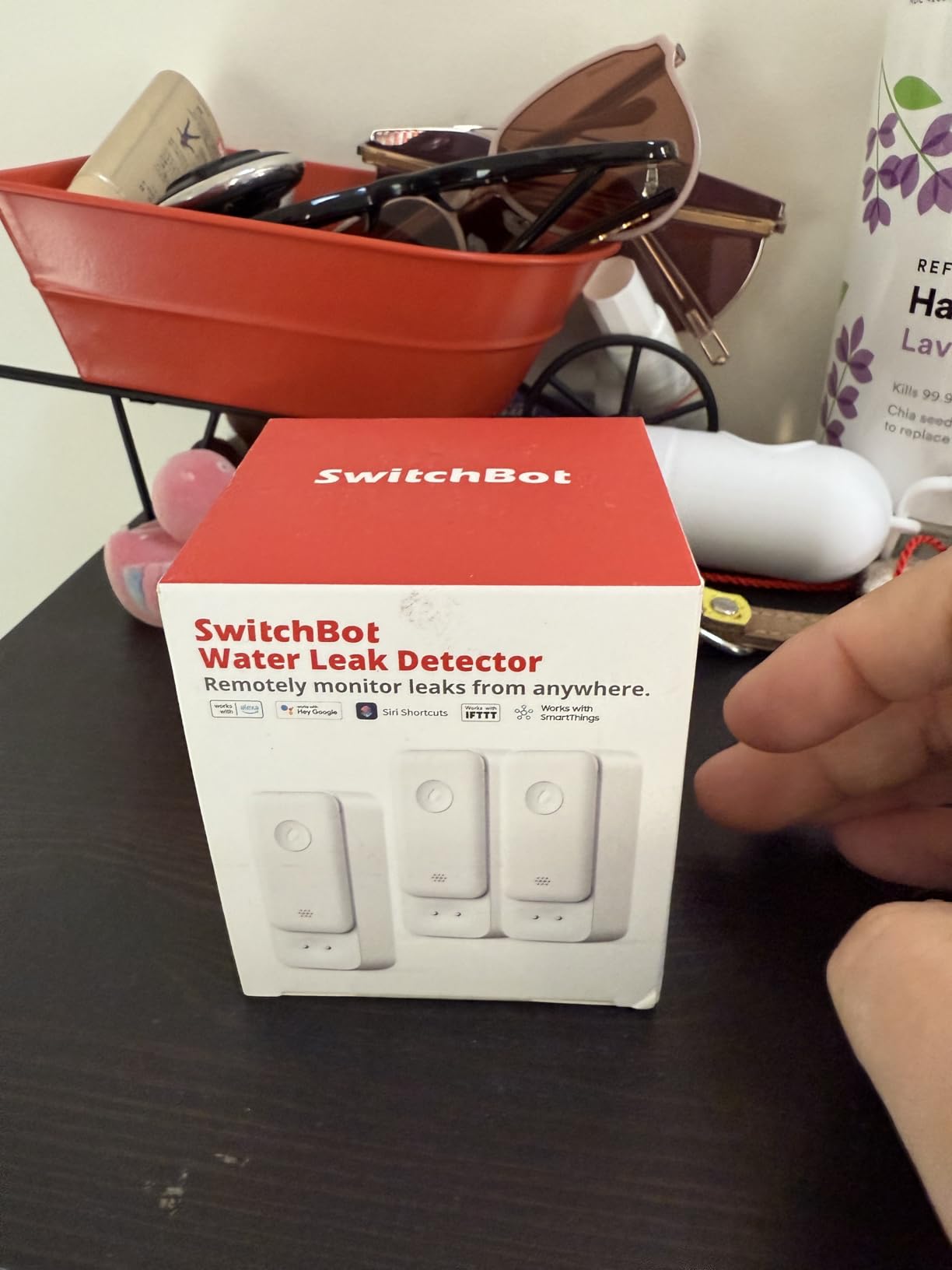
It pairs with a SwitchBot Plug Mini to cut power to a leaking appliance, so an electric water heater or dehumidifier can be de-energized automatically. IFTTT and SmartThings support means it also fits into broader routines, and reviewers running sets of ten sensors report no installation glitches.
The trade-offs are honest ones. If the Wi-Fi connection drops, every sensor needs resetting. The default alarm is loud enough to startle people, so you will want to tune volume and duration on day one. Battery life is around two years, the shortest here among the multi-year claims, and the sealed battery compartment needs a small screwdriver or pry tool.
One reviewer found a small washing machine hose leak during installation, which is a good reminder that the sensor is only useful if you put it where water would go.
What to check before you buy it
Check that your 2.4 GHz network reaches the location. Bluetooth backup keeps the sensor from going silent, but it does not restore remote alerts. Also check wall thickness, because a Wi-Fi sensor behind a water heater on a concrete wall is the classic dead zone.
Check how many you will need. At two years of battery life you will be replacing cells more often than with the five-year units, so factor that into a multi-zone plan.
Where it falls short
A Wi-Fi drop means a manual reset on every sensor, which is annoying in a finished wall or under a water heater you would rather not move. The two-year battery life is also the shortest in this group.
6. Winees WiFi Water Leak Detector 3 Pack review
Winees WiFi Water Leak Detector for Home, 3 Pack Water Sensors
1.8 mm slim sensors
100 dB hub siren
200 m hub range
3 CR2450 batteries
Pros
- Sensors are only 1.8 mm thick for hidden spots
- Hub siren at 100 dB wakes sleepers
- App SMS and email name the sensor that tripped
- Pre-paired sensors cut setup to about 30 minutes
- Hub reports its own offline status
Cons
- Detects standing water not moisture in wood
- Hub sometimes drops Wi-Fi
- One review reported a submerged sensor showing DRY
- Sensors arrive with out-of-order numbers
The Winees sells one specific idea: get the sensor out of sight. At 1.8 mm thick, these pads slide under a refrigerator, behind a washing machine, or beneath finished wall trim where a puck-shaped unit would be visible. Basement owners with finished walls care about this more than almost any other spec.
The hub is a 100 dB siren, which several reviewers describe as loud enough to wake sleepers and carry across the house. App push, SMS, and email all name the specific sensor that tripped, so you learn the location without walking the basement. Setup takes about half an hour because the sensors are pre-paired to the hub.
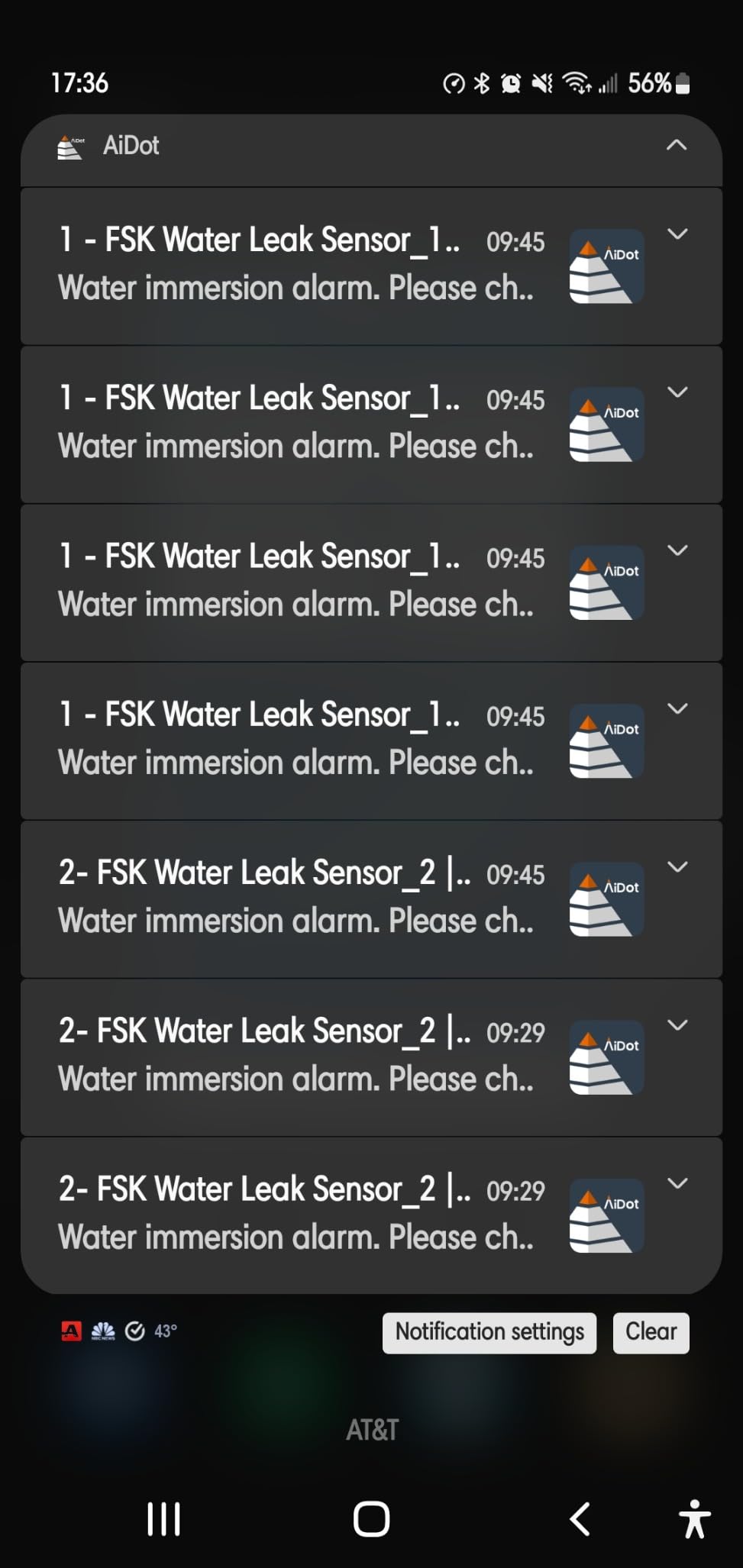
Alert controls are unusually granular: three volume levels, and trigger durations of always ringing, 10 minutes, 1 minute, or 30 seconds. The hub also reports its own offline state, so a dropped system is visible in the app rather than silently failing, and reviewers report hub and sensors reconnecting on their own after a power outage.
The limitation that matters most for basements: these sensors detect standing water, not moisture seeping into wood floors or subfloor underlayment. In a finished basement that is the difference between catching a puddle and catching the first slow soak. Reliability is also mixed in a few reports, including one detailed account of a submerged sensor still reading DRY with no push alert, and periodic hub Wi-Fi drops lasting a minute or two.
Sensors also arrive labeled with non-sequential numbers, which sounds trivial and is genuinely annoying when you are naming six of them by room.
What to check before you buy it
Check whether your risk is a puddle or a slow seep. If it is slow seep into framing, these are the wrong tool. The IP66 sealed housing is well matched to a humid mechanical room.
Check hub-to-sensor distance, listed at up to 200 meters, and whether the hub has a clean outlet. The 2.4 GHz only limitation applies here too.
Where it falls short
It will not tell you about moisture inside wood, and the reliability reports are not rare enough to ignore. If you want early warning before the floor is wet, pick a probe-based puck with top and bottom contacts instead.
7. X-Sense Wi-Fi Water Leak Detector and Freeze Alarm review
X-Sense Wi-Fi Water Leak Detector & Freeze Alarm, No Hub Required, 1-Pack
No hub required
110 dB alarm
0.4 mm six probes
CR123A, 2-year battery
Pros
- Direct Wi-Fi connection with no base station
- Freeze alerts below 39 F for unheated spaces
- Only 0.67 inch thick for tight gaps
- Six probes detect as shallow as 0.4 mm
- Alerts shareable with up to 12 users
Cons
- Cluster of recent 1-star reviews reports dead batteries
- Alarm could not be silenced without battery removal
- One reviewer says a subscription is required
- Setup and Wi-Fi security confused some users
This single-sensor X-Sense model is the one to consider when the water risk is as much cold as wet. It monitors temperature and alerts below 39 F, which in an unheated basement or a crawl space during a hard freeze can warn you about a pipe before it splits.
Detection is six probes, two upper and four lower, sensing down to 0.4 mm, in an IP66 housing that is 0.67 inches thick. That thin profile is the practical win: it slides behind a dishwasher, under a cabinet kickboard, or into the gap behind a water heater where nothing else fits.
It connects directly to 2.4 GHz Wi-Fi with no base station, and the local alarm is 110 dB, loud for a unit this small. App alerts can be shared with up to 12 users. Power is a replaceable CR123A cell rated for up to two years under normal conditions, which is honest but shorter than the multi-year claims elsewhere.
There is a real risk factor on this listing. Long-term owners describe it as reliable, but a marked cluster of recent 1-star reviews reports units that would not stop beeping, batteries dying within a day, and units arriving dead or with low batteries. Some users also could not silence the alarm through the app, a button hold, or volume control and had to remove the battery.
One reviewer states that a subscription is required for the product to work, which does not match the way the unit functions for most buyers, but it is worth reading recent reviews before ordering a single unit.
What to check before you buy it
Read the most recent reviews, not the aggregate. The rating is strong, but the recent batch complaints are specific and recent. Test the unit within the return window and confirm app alerts on your phone before you leave it in place.
Check the CR123A cell. It is a coin cell, easy and cheap to replace, but the two-year life means this is the one here you will actively maintain rather than forget.
Where it falls short
It is a single unit, so a full-basement plan means buying several. It also has no hub-free backup: a Wi-Fi dropout means no remote alert at all, and the alarm cannot always be silenced remotely.
8. Tapo Smart Water Leak Detector T300 review
Tapo Smart Water Leak Detector, Requires Tapo Hub, T300
1-second siren response
90 dB adjustable alarm
IP67 housing
2 AAA, 3-year battery
Pros
- Siren triggers in as little as 1 second
- Tapo platform stays connected for years
- Easy first-attempt pairing in the Tapo app
- Compact body for tight spaces
- Automations can announce a leak and shut a valve
Cons
- Requires a Tapo hub sold separately
- App occasionally logs out and suppresses alerts
- Taller profile is harder to hide
- Regional wireless frequencies differ between markets
The Tapo T300 is built around speed. The siren can trigger in as little as 1 second on drip detection, using six highly sensitive probes with top and bottom sensing. In a mechanical room where the difference between catching a slow drip and a fast one is measured in drywall, that latency figure is the whole pitch.
Owners report easy pairing on the first attempt through the Tapo app and a platform that rarely disconnects, which is a meaningful contrast with several competitor apps that log out and stop delivering alerts. One review describes catching an overflowing A/C condensate drain in a concrete-slab basement after a year of unattended service.
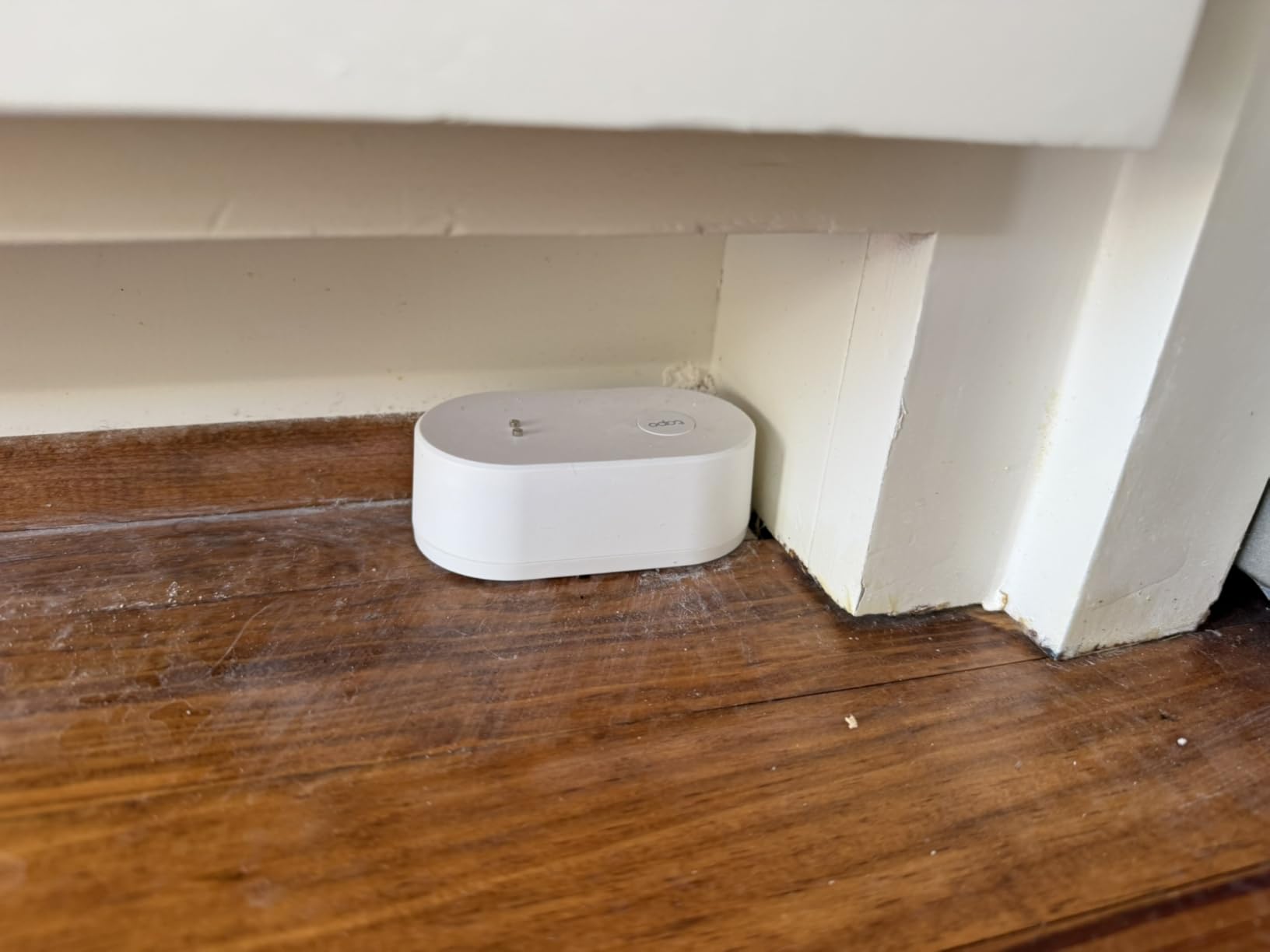
The alarm is 90 dB and adjustable with a one-press silence, and it can trigger the Tapo hub’s own alarm for extra coverage on another floor. The housing is IP67 rated, and two replaceable AAA batteries give up to three years per TP-Link lab results.
Integration is the quiet strength. Because the T300 sits in the Tapo ecosystem, automations can announce a leak out loud and shut off a water valve, which is the response protocol most owners want and few cheap sensors can do.
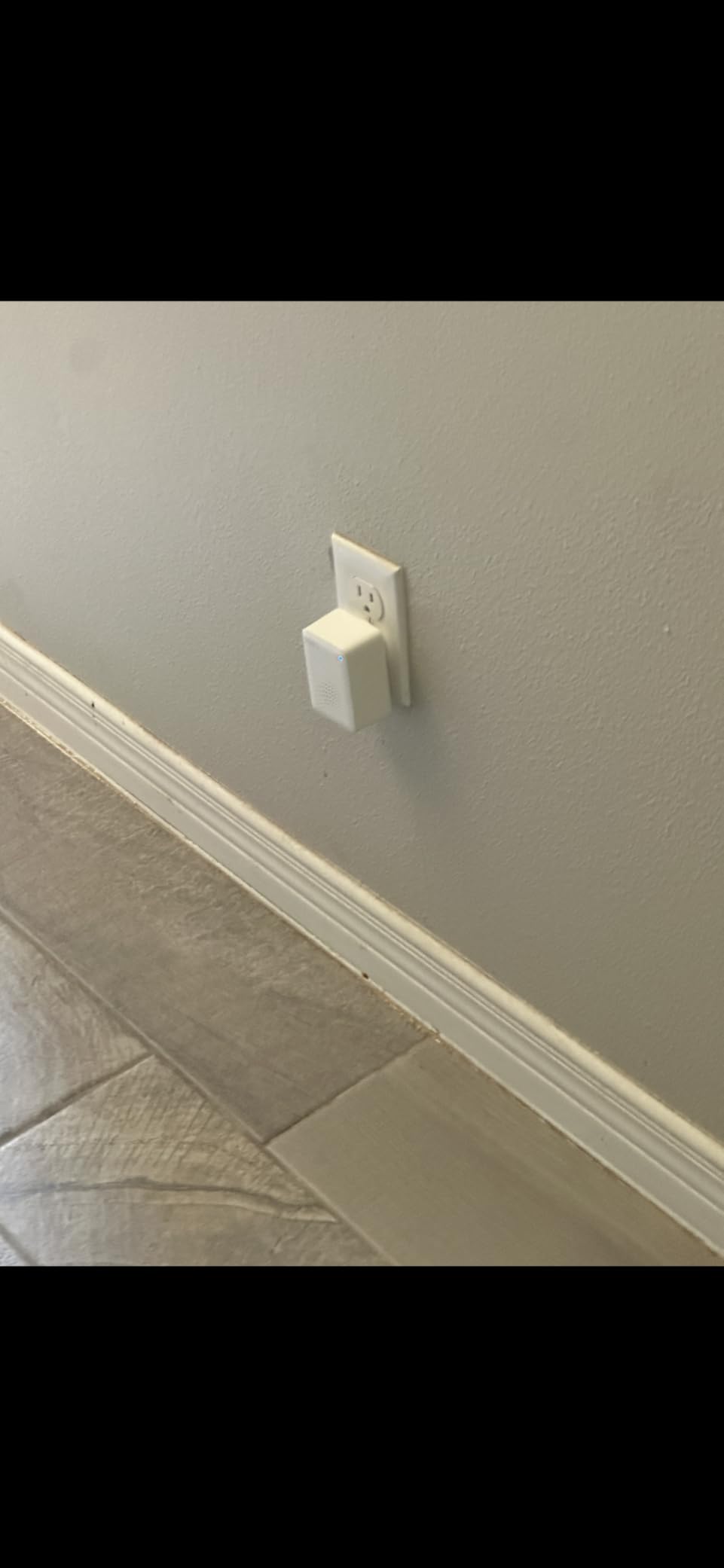
The catch is the required Tapo hub, an added cost if you are not already in that ecosystem. The app can also log out and suppress phone alerts until reopened, and the body has a higher profile than a hockey-puck sensor, so it is harder to hide. Units bought in one region are not compatible with hubs in others because of differing wireless frequencies.
What to check before you buy it
Check whether you already run Tapo. If you do, the hub cost disappears and this is one of the strongest performers in the group. If you do not, price the hub into the decision before you commit to a per-sensor strategy.
Check hub placement, because the built-in 90 dB alarm is not what carries upstairs. The hub alarm is.
Where it falls short
It does nothing without the hub, and a taller body means it will be visible in a finished basement. The app logout behavior is the other recurring complaint and is worth knowing about.
9. SONOFF SNZB-05P Zigbee Water Leak Sensor review
SONOFF SNZB-05P Zigbee Water Leak Sensor for Alarm System and Smart Home Automation, Wireless Mini Flood Detector for Kitchen Bathroom Basement 1Pack
Zigbee 3.0
CR2477, 5-year battery
Extension cable support
Re-alerts every 10 min
Pros
- Pairs cleanly with Home Assistant and Zigbee hubs
- CR2477 battery rated for up to 5 years
- Extension cable covers long or narrow runs
- Re-reports every 10 minutes during a continuous leak
- Gateway and app alerts work independently of Wi-Fi
Cons
- Needs a Zigbee hub
- not standalone
- No siren on the sensor itself
- Sensitivity can need adjustment in dry setups
The SONOFF SNZB-05P is the pick for anyone running Home Assistant or any open Zigbee setup. It speaks Zigbee 3.0, which means it joins your existing coordinator instead of demanding a vendor hub and a vendor cloud account, and users praise the integration as straightforward.
Battery life is a CR2477 coin cell rated for up to five years of continuous monitoring, which puts it in the same tier as the longest-lasting units here despite being far smaller. The extension cable support matters in basements because a narrow gap or a long run along a water heater pipe is exactly where a puck will not sit well.
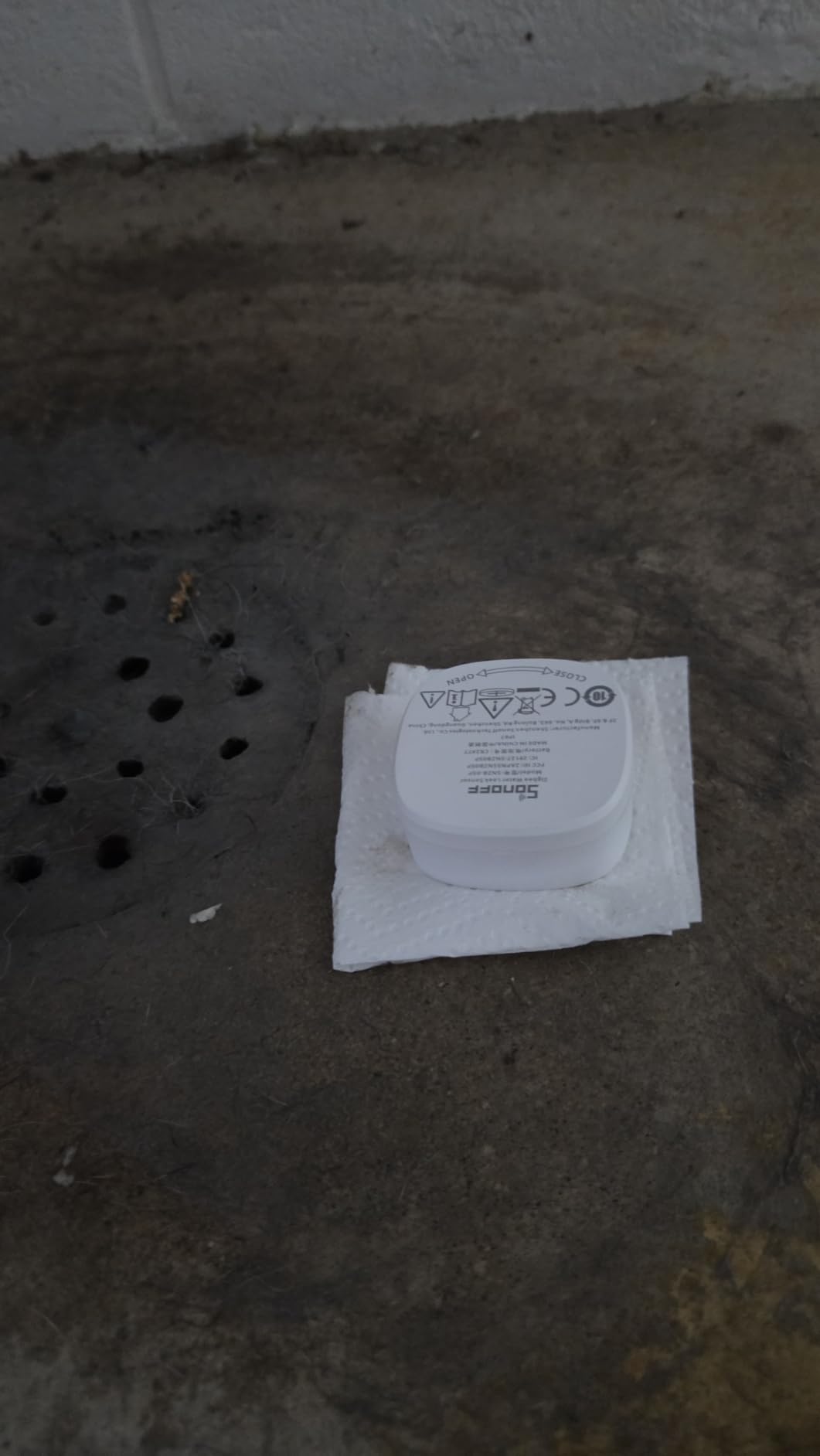
The redundant alarm design is the sleeper feature. The sensor reports again every 10 minutes during continuous water detection, so a missed notification does not mean a missed leak. Gateway sound alarms and app messages also work independently of the Wi-Fi network, so a router outage does not take the alarm offline.
There is no built-in siren on the sensor, and it needs a Zigbee hub, so it is not a device you can unbox and drop under a sink. Some users also note that sensitivity can need adjustment in dry setups. For a self-contained puck with a louder voice, look at the Wi-Fi or LoRa options instead.
What to check before you buy it
Check that you already have a Zigbee coordinator. If you run Home Assistant, a ZHA or Zigbee2MQTT install handles this in minutes. If you have no smart home setup at all, this is a poor entry point.
Check how many you need. A single pack means a single zone, and pairing is a few seconds each, so a full basement takes a multi-pack.
Where it falls short
It is silent on its own and dependent on hub hardware for any noise. The lack of a factory app also means the setup experience depends entirely on how well maintained your Zigbee software is.
10. TECKNET WiFi Water Leak Detector review
TECKNET WiFi Water Leak Detector, Smart Leak Sensor with App Alerts
No hub, 2.4 GHz only
120 dB adjustable alarm
IP67 housing
2 pack, AAA included
Pros
- Hub-free setup straight to 2.4 GHz Wi-Fi
- 120 dB adjustable alarm
- IP67 housing suits damp utility rooms
- Two sensors and four batteries in the box
- 36-month warranty when registered
Cons
- 2.4 GHz only not 5 GHz
- SMS and phone call alerts need a paid plan
- App setup confuses some users
- A little large for tight spaces
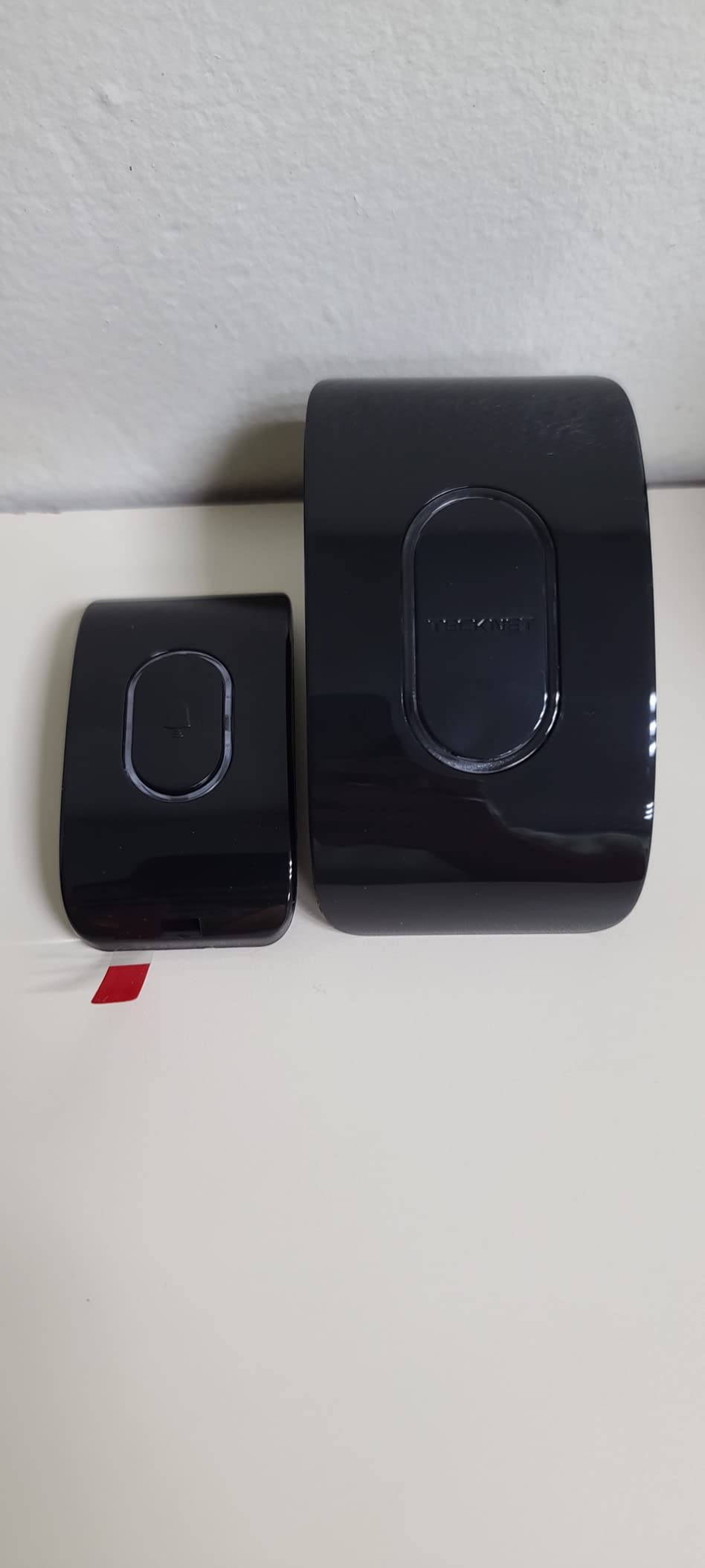
The TECKNET 2-pack covers the small mechanical room scenario without ceremony. It connects directly to 2.4 GHz Wi-Fi with no hub, the housing is IP67, and the box includes two sensors and four AAA batteries, so you can deploy a water heater zone and a laundry zone on the same afternoon.
The alarm is 120 dB and adjustable, which is a serious siren for a unit this size, and detection uses six probes, two on top and four on the bottom, so it catches both overhead drips and pooling. Setup runs through the Tuya Smart app, and most users find it straightforward once the network details are entered.
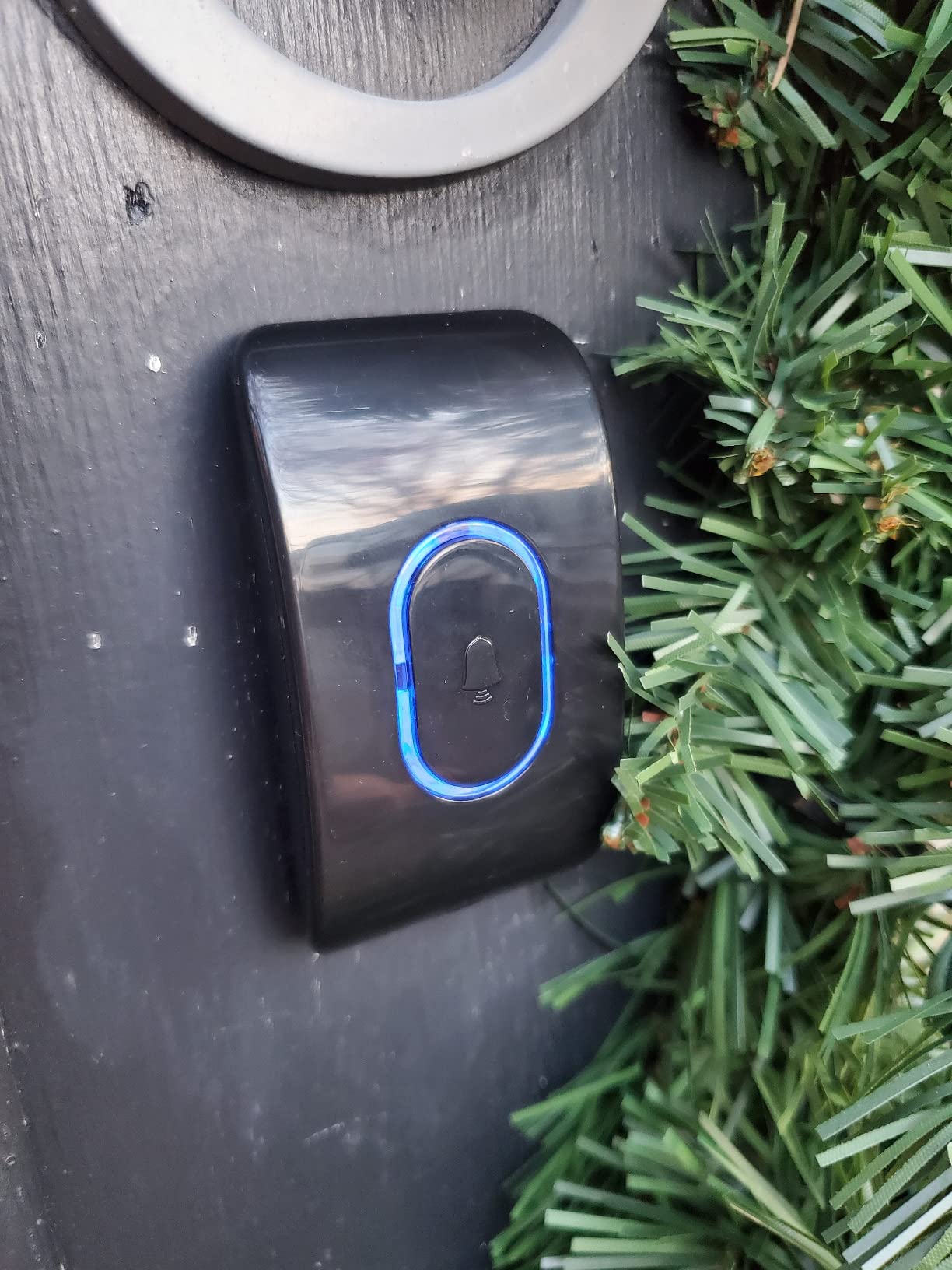
Naming each sensor by room in the app is what makes a 2-pack useful rather than anonymous. One unit in the water heater pan and one under the laundry tub, each labeled, turns a generic push alert into a specific instruction, and that is the difference between reacting in five minutes and reacting after dinner.
Two things to know. It is 2.4 GHz only, so a dual-band router may need a separate network. And while app push notifications are free, SMS and phone call alerts require a paid Tuya plan, which is the kind of ongoing cost that changes a five-year calculation if you rely on them.
Battery life is around two years with low battery reminders, and the sensors are slightly larger than the slim pads in this group, so measure the gap behind your water heater before committing.
What to check before you buy it
Check the gap where you plan to mount it. If the space is tight, the Winees pads or the thin X-Sense fit where this may not. Check your 2.4 GHz coverage in the target room, and note that a paid Tuya plan is needed for SMS or call alerts.
Check that two zones are enough. Basements with a sump pit and a laundry area may need more, and pairs are cheaper than singles here.
Where it falls short
The paid tier for SMS and call alerts is the biggest catch, since those are the alerts that reach you when your phone is on silent. It is also 2.4 GHz only and a little bulky for tight installations.
11. Shelly Flood Gen4 review
Shelly Flood Gen4, WiFi, Bluetooth, Zigbee, Matter Smart Flood Sensor with Leak Sensor Cable, Alexa, SmartThings, Google Home, Apple HomeKit Compatible, Flood and Rain Detection, Easy to Use, IP44
Wi-Fi, BLE, Zigbee, Matter
6.56 ft extendable cable
IP44 housing
3-year warranty
Pros
- Runs Wi-Fi Bluetooth Zigbee and Matter in one body
- Works with Alexa SmartThings Google Home and HomeKit
- 6.56 ft cable is extendable for wider coverage
- Economic Alarm Mode suits vacation homes
- Three-year manufacturer warranty
Cons
- IP44 rating is lower than IP66 and IP67 rivals
- Only one sensor per pack
- Costs more than basic puck sensors
The Shelly Flood Gen4 is the protocol hedge. One unit speaks Wi-Fi, Bluetooth, Zigbee, and Matter, so it joins whichever platform you are standardizing on now without a hub purchase for the Wi-Fi or Matter paths. It works with Alexa, SmartThings, Google Home, and Apple HomeKit, which makes it the least ecosystem opinionated sensor here.
Coverage comes from the included 6.56 ft leak sensor cable, which is extendable. For a basement water heater, laying a cable along the pan edge or a sump pit rim covers an area no puck sensor can reach, and that is a genuine advantage rather than a spec-sheet nicety.
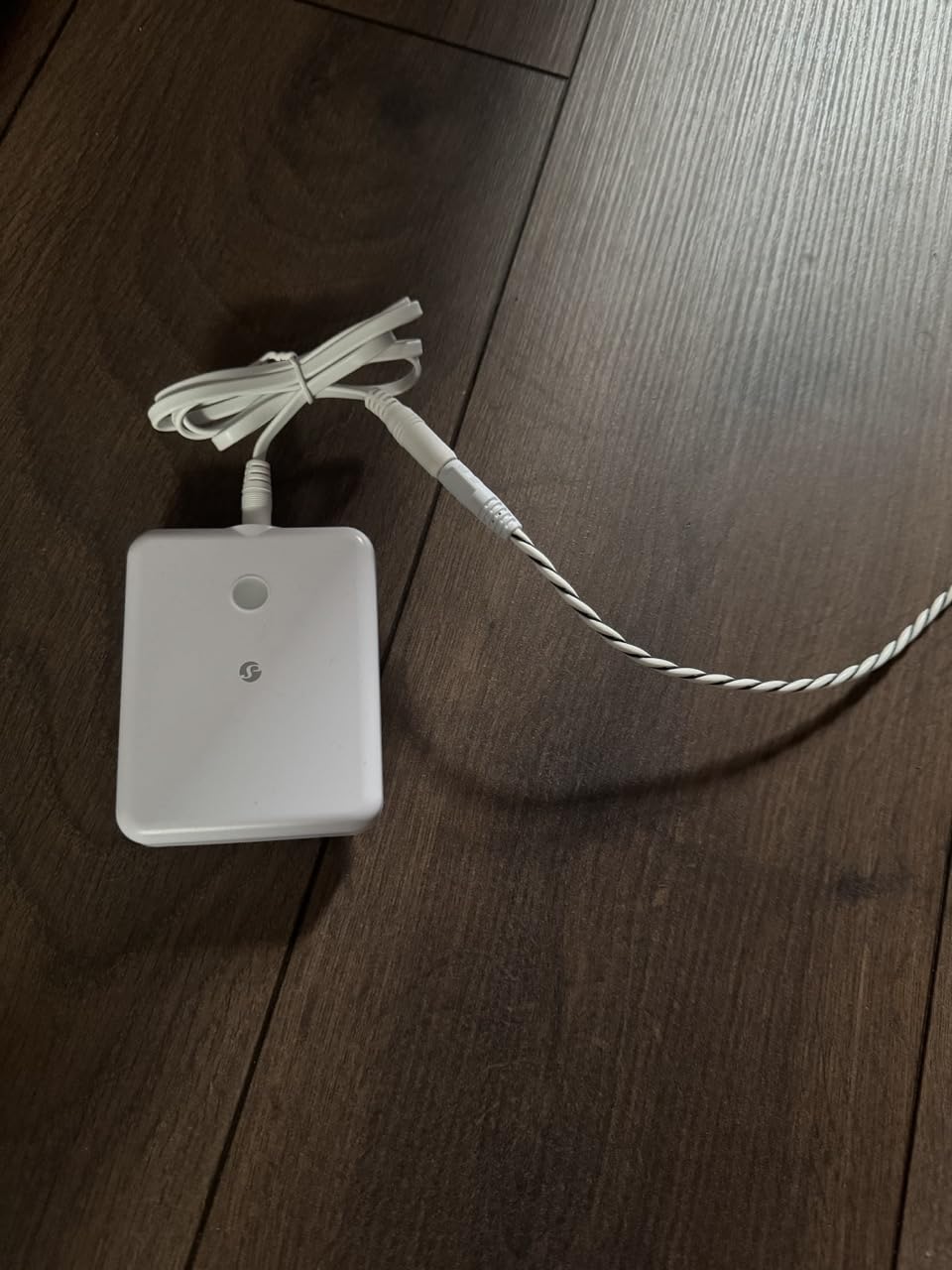
It is battery operated with an Economic Alarm Mode intended for vacation properties and holiday homes, and Shelly backs it with a 3-year manufacturer warranty, the longest stated warranty in this group. Real-time alerts go through the Shelly Smart Control app.
The drawback is ingress protection. IP44 is the lowest rating in this roundup, and every other product here runs IP66 or IP67, which means the Shelly is the least tolerant of standing water and heavy spray. It is fine on a dry-ish floor beside a heater; it is the wrong choice directly in a sump pit. The pack also holds a single sensor and costs more per unit than basic pucks.
What to check before you buy it
Check where water would actually land. If the sensor could sit in standing water, choose an IP66 or IP67 unit instead. If it will stay on a shelf or a raised platform, the IP44 rating is not a practical problem.
Check your protocol plans. Matter and Thread support is the reason to buy this, and it is also why it makes sense alongside a smart home or HomeKit install rather than as a one-off.
Where it falls short
It is one sensor per pack at a higher per-unit cost, and the lowest water resistance rating in the group. A single unit also cannot cover a large basement on its own.
12. Eve Water Guard review
Eve Water Guard – Smart Home Water Leak Detector, 6.5 ft Sensing Cable, 100 dB Siren, (Apple HomeKit), App Notifications, Bluetooth, Thread
HomeKit and Thread native
6.5 ft cable to 490 ft
100 dB siren
Corded power
Pros
- Native HomeKit over Thread with no hub
- Corded power so batteries never die
- 6.5 ft cable extendable to 490 ft
- Thread router strengthens mesh coverage
- Local only with no cloud or account
Cons
- Costs more than battery-powered alternatives
- Large plug blocks the adjacent outlet
- Cable is stiff and hard to lay flat
- Needs a nearby power outlet
The Eve Water Guard is the one to consider if mains power is available and you live in the Apple ecosystem. It is a Thread router node as well as a Thread device, so it actively strengthens the mesh in your home rather than just joining it, and it needs no separate hub because HomeKit handles that layer.
It is corded electric, so there is no battery to die in a finished basement during a hard freeze with nobody there to change it. The 6.5 ft sensing cable is extendable up to 490 ft, which means one unit can cover a water heater pan, run along a wall, or reach a sump pit rim.
Privacy is handled differently from everything else here: it is local only, with no cloud, no registration, and no tracking. For a device sitting in a utility room with a 100 dB siren, that is a reasonable design choice rather than a missing feature.
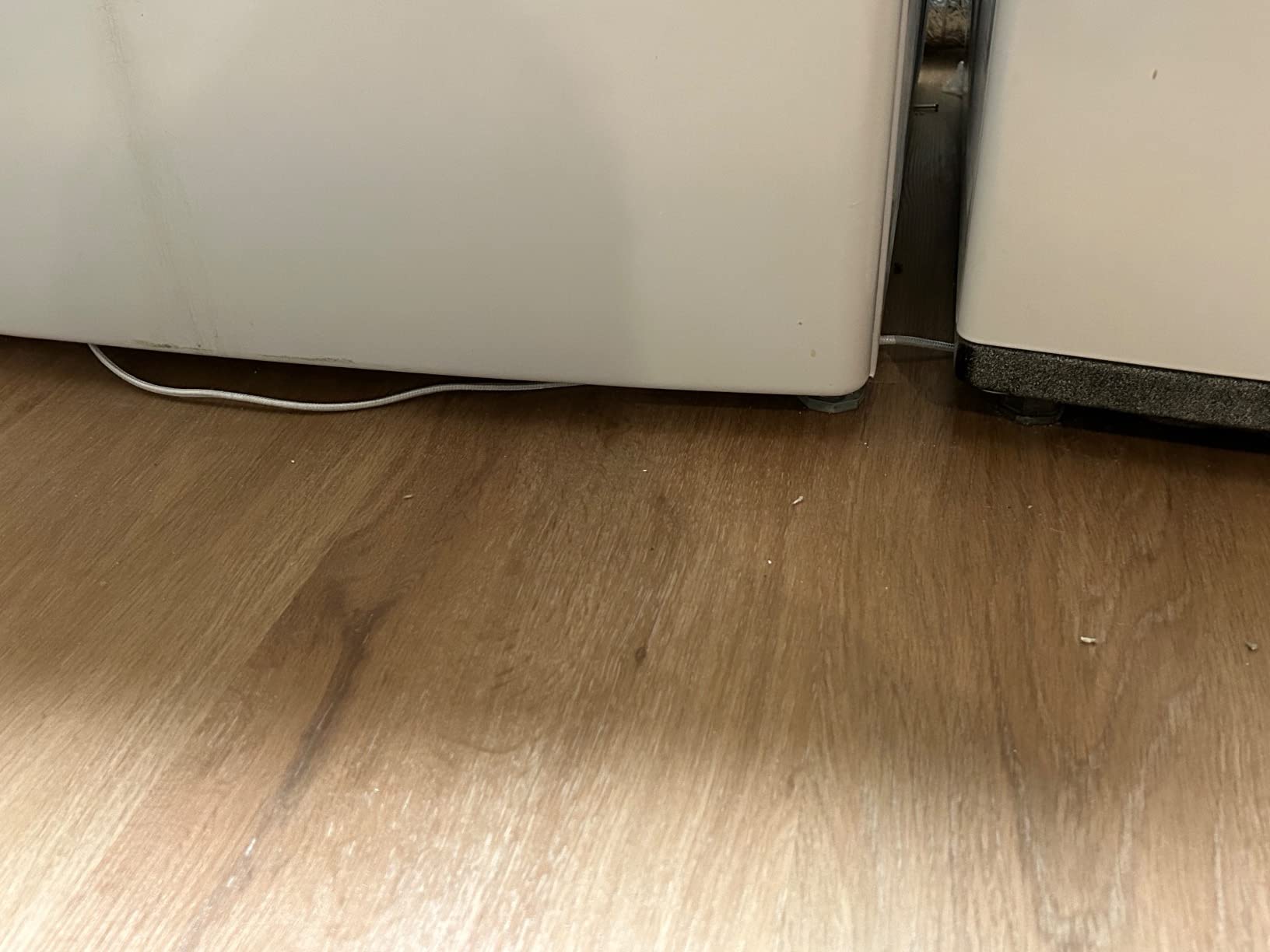
The 100 dB siren pairs with a red flashing warning light, and several users who have already experienced water damage describe the reliability as worth the premium. The complaints are practical: it costs more than battery alternatives, the plug is large enough to block the adjacent outlet, the cable is stiff and difficult to lay flat, and it needs an outlet within reach.
What to check before you buy it
Check for a free outlet. In a mechanical room with two sockets already in use, this is the dealbreaker. Also check that you are comfortable committing to HomeKit, because switching ecosystems later means replacing the unit.
Check the cable routing. At 6.5 ft it will reach a water heater pan easily, but a sump pit across the room may need the extension run or a second sensor.
Where it falls short
It is the most expensive pick here and the least flexible, because Apple-only support and a required outlet are both hard limits. Without a nearby socket, it is not installable.
Where to Place Water Leak Sensors in a Basement
Placement matters more than the model you choose. A 120 dB sensor behind a finished wall panel protects nothing, and a sensor sitting on a shelf above a water heater catches a drip a full foot away from where it lands. Work down this priority order and you will cover the statistically likely failures first.
- Water heater drain pan. The highest-value single placement in any basement. Put a sensor in or directly beside the pan, not under the tank where a slow drip may run along a floor joist for weeks.
- Sump pit rim. A sensor at the top of the pit or on the pit edge catches rising water before the basin overflows. Here a cable-style unit like the Shelly or Eve is better than a puck, because you can lay the cable along the rim.
- Washing machine supply hoses. Behind and beneath the machine, offset to the side so a burst hose hits the sensor rather than the wall. Homeowners in r/HomeImprovement describe a sensor here catching a small hose leak during installation.
- Utility sink and floor drain. A slow drip at a trap or a cracked joint reaches the floor long before it reaches a wall. Place the sensor at the low point.
- Toilets on the level above. A failed wax ring shows as a ceiling stain in the basement. A sensor in the basement ceiling below each toilet catches it before the drywall does.
- Egress walls and exterior walls. Groundwater intrusion and sill-plate leaks migrate along the wall base. A sensor at each egress window well and at the base of below-grade walls covers the common path.
- HVAC condensate line and dehumidifier drain. A blocked condensate line can overflow a pan quietly for a year. One Tapo owner discovered exactly this in a concrete-slab basement after a year of unattended service.
Mount flood-prone sensors on a short riser so the unit itself is not submerged, which preserves the electronics and the battery contact. Keep sensors clear of stored boxes, shelving legs, and finished wall kickboards, because forum complaints repeatedly describe storage blocking a sensor that could have worked.
How many sensors does a typical basement need?
Most 800 to 1200 square foot basements need four to six sensors, and that is the honest answer to the question the top-ranking forum thread asks. An unfinished 800 square foot basement with a water heater, a sump pit, a washer, and a utility sink needs four: heater pan, sump pit, washer, and utility sink.
Add one for each toilet on the floor above, and one at each egress window well if the basement is below grade on more than one wall. A finished basement with a bathroom of its own needs one more for that bathroom. Crawl spaces adjacent to the basement should be covered separately, because a leak there often does not reach the basement sensors at all.
Also check what else lives below grade. Our radon detector guide for basements covers the other common below-grade risk, and a sump that runs constantly pairs with our picks on utility pumps for draining basements.
Finished versus unfinished basements
In an unfinished basement, use whatever sensor you like, mount it on a joist or a wall, and expect it to be seen. Slim pads like the Winees make no sense here because visibility is irrelevant.
In a finished basement, the priorities shift. Appearance matters, so a 0.67 inch puck or a 1.8 mm pad behind an appliance is worth the premium over a tall unit. Access matters more: a sensor that needs a phone app to re-pair after a power cut should be placed where you can physically reach it, not inside a finished wall cavity. And because the walls hide leaks longer, ceiling-mounted sensors below upstairs plumbing become more important, not less.
Connectivity below grade
Basements are the hardest place in most homes to get a radio signal, and the protocol you choose should follow the signal, not the other way around. Wi-Fi sensors like the SwitchBot, TECKNET, and the hub-free X-Sense work well when a router is within about 50 feet and on the same floor. Behind a water heater, through a poured concrete wall, or at the far end of a long basement, Wi-Fi degrades badly.
LoRa is the fix for that. The YoLink and GoveeLife gateways are rated for 1320 ft and 1968.5 ft respectively, which is generous for a house and why both reach into crawl spaces and detached outbuildings. Zigbee and Thread are mesh protocols: Thread nodes like the Eve Water Guard repeat signal through other devices, and Zigbee sensors need a coordinator within about 33 ft, which is the tightest limit in this group.
Before buying any Wi-Fi model, stand near the location with your phone on 2.4 GHz and check the signal. If it drops below two bars, choose a LoRa kit or move the router.
How to Choose a Smart Water Leak Detector for a Basement
Decide what happens when water is found. An alert-only sensor sends you a phone notification and relies on you acting. An automatic shutoff valve closes the main line for you. Basements with a finished floor, a finished ceiling, or a long workday are where a shutoff system starts to make sense, and several picks here can be paired with a valve to build one.
Match the radio to the signal. LoRa for long reach, Wi-Fi for hub-free simplicity, Zigbee or Thread if you already run a hub. Do not buy a Wi-Fi sensor for a spot you already suspect is a dead zone, because a sensor that cannot send an alert is just a beeper.
Check the alarm path, not just the volume. A 120 dB siren in an empty basement wakes nobody. The X-Sense SWS54 solves this by pairing the sensors with a base station you place on an upper floor, and the Winees hub does the same job. Confirm your alerts reach a phone you carry, and set a phone-side latch rather than relying on a two-second ping.
Read the IP rating. IP66 and IP67 units tolerate splash, humidity, and brief submersion. IP44, on the Shelly, resists splashes only. In a sump pit or beneath a heater, take the higher rating.
Account for the app. This is the decision most buyers skip. Every product here reports some level of app logout, missed alert, or setup friction. X-Sense, Tapo, and SwitchBot are the most commonly praised for stable, straightforward apps. Any Tuya-based product puts SMS and call alerts behind a paid plan. If you plan to keep alerts for years, that recurring cost belongs in your decision.
Govee versus YoLink. Both use LoRa, both sell a multi-pack with a gateway, and both are the strongest choices for a below-grade space. YoLink reaches 1320 ft, includes four sensors, and adds Control-D2D so a sensor can trip a siren or valve locally with no internet. GoveeLife reaches further at 1968.5 ft, adds a 100 dB alarm on each sensor, and does not latch that alarm, so notifications fade quickly.
If you want audible protection without a separate speaker, Govee wins. If you want the alert path to survive a router or internet outage, YoLink wins. Our pick for most basements is the YoLink kit, with the Govee four-pack close behind for larger or outbuilding coverage.
How to Test and Maintain Basement Leak Sensors
Press the test button on every sensor once a month and confirm you received the push, the email, and the SMS. A sensor that stopped reporting weeks ago is indistinguishable from a sensor that has nothing to report, and the only way to know the difference is to check.
Wipe the probes with a dry cloth each quarter. Basement humidity and dust settle on the contacts, and a film across the probes is a common cause of both nuisance alarms and missed detections.
Check the app for offline devices at the same time, because a hub that dropped off the network is the most common cause of a silent system. Replace coin cells and AAA cells on the schedule the manufacturer lists, or on the low-battery notification, and never ignore a low-battery warning on a sensor you cannot hear.
For false alarms, the usual basement culprits are condensation dripping off a cold water line, dehumidifier drainage running past the sensor, and a mopped floor. Mount the sensor off the floor edge where condensation lands, keep dehumidifier hoses away from sensing areas, and never place one where a hose routinely splashes.
Leak detection is only one part of a below-grade safety setup. If you are covering smoke and fire on the floors above, our smart smoke and carbon monoxide detector guide covers the rest of the household alerting picture.
Frequently Asked Questions
What is the best water leak detector for a basement?
The YoLink Water Leak Starter Kit is our top pick for basements. Its LoRa radio reaches up to 1320 ft, so it works where Wi-Fi fails behind water heaters and below grade, four sensors cover a typical basement in one box, and Control-D2D lets a leaking sensor trip a local siren or shutoff valve even when the internet is down. The X-Sense SWS54 kit is the better-value alternative when Wi-Fi is strong.
Are smart water leak detectors worth it?
For a basement, yes. Water damage is one of the most common and most expensive claims homeowners file, and a sensor converts a slow unnoticed leak into a notification while the problem is still a few gallons rather than a ruined subfloor. The sensors reviewed here run on two AAA batteries for up to five years or on mains power, so ongoing cost is low. The real return is turning a mold remediation bill into a plumber visit.
How many water leak sensors do I need in a basement?
Most basements between 800 and 1,200 square feet need four to six sensors. An unfinished basement with a water heater, sump pit, washing machine, and utility sink needs four. Add one for each toilet on the floor above, one at each egress window well on below-grade walls, and one for a bathroom if the basement has its own. Cover adjacent crawl spaces separately.
Which water sensor is better, Govee or YoLink?
Both use LoRa, so both reach far beyond normal Wi-Fi range and both suit basements with poor signal. GoveeLife reaches about 1968.5 ft, includes a 100 dB alarm on every sensor, and does not latch that alarm, so notifications fade quickly. YoLink reaches 1320 ft, ships four sensors, and uses Control-D2D so a sensor can trigger a siren or shutoff valve locally with no internet connection. Choose Govee for built-in audible alarms and YoLink for outage-proof alerting.
What is the best water alarm for a basement with poor Wi-Fi?
Pick a LoRa or Thread system instead of a Wi-Fi sensor. The YoLink kit reaches 1,320 ft and the GoveeLife four-pack about 1,968.5 ft, so a gateway mounted near the basement stairs covers sensors in crawl spaces and outbuildings. If you are in the Apple ecosystem, the Eve Water Guard acts as a Thread router node that strengthens mesh coverage and includes a 6.5 ft cable extendable to 490 ft. Avoid placing any Wi-Fi sensor behind a water heater or through a poured concrete wall.
Can water leak sensors detect moisture behind walls?
Partially, and this is where sensor type matters. Puck sensors with probes on both the top and the bottom catch a drip arriving from above and pooling below, which is how a ceiling stain gets an early warning. Thin pads that sit flat under appliances detect standing water only, not moisture seeping into wood or subfloor underlayment. Cable-style sensors such as the Shelly Flood Gen4 and the Eve Water Guard can be routed along a pipe, a pan edge, or a sump pit rim to cover areas a puck cannot reach.
Conclusion
The best smart water leak detectors for basements are the ones whose radio actually reaches your basement and whose alert actually wakes you up. The YoLink Water Leak Starter Kit sets the standard with 1320 ft LoRa range, four sensors, five-year batteries, and offline Control-D2D triggering, and it stays our top pick in 2026. Add the X-Sense SWS54 where Wi-Fi is reliable and you need a louder alarm, or the Shelly Flood Gen4 and Eve Water Guard where cable routing or Matter and Thread support matters most.
Start with four sensors at the water heater pan, sump pit, washing machine, and utility sink, then add coverage below upstairs toilets. Test them monthly, and they will still be working long after the season that would have flooded your floor.