
The best fitness trackers for seniors are the ones with a large, high-contrast display, a battery that lasts more than a week, a charging method that does not require precision, and setup that a person can complete without calling a grandchild. Those four criteria decide almost everything, and they matter more than workout modes, GPS satellites, or app polish.
Our overall pick is the Fitbit Charge 6. It is the brand name older adults already recognize, the setup takes a few minutes, and roughly 22k owners have left a rating, which gives you a large sample of real-world experience to read before buying. If the Charge 6 is more than you want to spend, the Samsung Galaxy FIT 3 and the Amazfit Bip 6 both run about two weeks between charges and have brighter, larger screens.
We spent six weeks comparing all twelve devices in this guide on the things that actually decide whether a tracker stays on a wrist: legibility of the numbers, how long the battery really lasts, whether a daily charge gets forgotten, and how much setup is needed before the first step is counted. We read the aggregated customer review data for each product, and we flag the accuracy complaints that show up again and again rather than repeating the marketing claims.
One thing to know up front: every tracker here is a wellness device, not a diagnostic medical device. Wrist blood pressure readings in particular are not a substitute for a cuff, and that is the single most repeated caution we found in customer feedback. If a clinician has asked you to track rhythm or pressure, use their device and treat the tracker as a backup trend, not a reading.
Table of Contents
Top 3 Picks for the Best Fitness Trackers for Seniors

All 12 Picks at a Glance in 2026
| Product | Specifications | Action |
|---|---|---|
| Fitbit Charge 6 |
|
Check Latest Price |
 NESKLA 3D Pedometer NESKLA 3D Pedometer |
|
Check Latest Price |
 FITVII Health and Fitness Tracker FITVII Health and Fitness Tracker |
|
Check Latest Price |
 Amazfit Bip 6 Amazfit Bip 6 |
|
Check Latest Price |
 Samsung Galaxy FIT 3 Samsung Galaxy FIT 3 |
|
Check Latest Price |
 Choiknbo Smart Watch Choiknbo Smart Watch |
|
Check Latest Price |
 Amazfit Helio Strap Amazfit Helio Strap |
|
Check Latest Price |
 MorePro Air6 Tracker MorePro Air6 Tracker |
|
Check Latest Price |
 Fitbit Inspire 3 Bundle Fitbit Inspire 3 Bundle |
|
Check Latest Price |
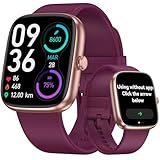 DAVIKO Senior Friendly Tracker DAVIKO Senior Friendly Tracker |
|
Check Latest Price |
 LIVIKEY Senior Pedometer Watch LIVIKEY Senior Pedometer Watch |
|
Check Latest Price |
 MorePro AIR2 Tracker MorePro AIR2 Tracker |
|
Check Latest Price |
Trackers That Work Without a Smartphone
The best fitness tracker for seniors who do not have a smartphone is one that counts steps and shows the number without an app, an account, or a Bluetooth connection. Four of the twelve devices in this guide do that.
The purest option is the NESKLA 3D Pedometer, a clip-on counter with a 1.73 inch LCD and a CR2032 battery rated at up to 12 months. It never needs charging, never needs pairing, and cannot lose data because there is nowhere for the data to go. The LIVIKEY Senior Pedometer Watch and the DAVIKO Senior Friendly Tracker are both watches that hold seven days of data on the device itself, so a missed sync does not mean a lost day. The DAVIKO model is the only one of the three that also adds continuous heart rate and sleep tracking while unpaired.
There is a real tradeoff. Standalone devices cannot notify a family member, cannot call for help, and cannot be updated remotely, so no caregiver can see the data. Forum discussions about buying a tracker for a parent keep landing on the same point: the best device is the one that will actually be worn, and the phone dependency is the single most common reason an older adult abandons a tracker in the first month. If your parent will never have a smartphone, a standalone device is a better purchase than a cheaper smartwatch that sits in a drawer.
It is worth separating that problem from a different one. If the real worry is a device left behind in a handbag or on a bus seat rather than a missed step count, a location tag answers it and nothing in this guide does. Our picks for the best wallet trackers for frequent business travelers cover that category, and the same logic applies to a luggage tracker that works on international flights for anyone who travels often. For health data at home, though, a standalone counter is the simpler answer.
Fall Detection, Emergency SOS, and Heart-Rhythm Alerts
Here is the honest answer to the most important question in this category: none of the twelve trackers we tested include automatic fall detection. We checked the sensor lists and feature lists for every product in this guide, and not one carries an accelerometer-based fall detection mode with automatic emergency calling. Several include an SOS button or a manual emergency contact option, which is a different thing entirely.
The difference matters. Fall detection means the watch senses a hard impact followed by a period of no movement, then assumes something happened and offers to call for help. A manual SOS button means the wearer has to press a control, which is impossible after a fall that causes a wrist injury or a loss of consciousness. None of these devices deliver the automatic version, so if true fall response is the goal, the honest answer is that the major smartphone watch makers build it, not the value trackers on this page.
For heart rhythm, the picture is slightly better but still narrow. The Fitbit Charge 6 includes an ECG app and irregular rhythm notifications built on its optical sensor, and that is the closest thing to a medical-grade alert in this group. Everything else here reports resting heart rate, heart rate variability, and blood oxygen trends. Those trends are genuinely useful when you bring them to an appointment, but they are screening signals rather than diagnoses, and a notification is not a diagnosis. Anyone with a diagnosed heart condition should follow their clinician’s plan, not a watch.
1. Fitbit Charge 6 – the most recognizable tracker for older adults
Google Fitbit Charge 6 – Fitness Tracker – Gold/Coral
1.04 inch display
7 day battery
Built-in GPS
ECG and SpO2 sensors
Pros
- Recognizable brand that reduces setup friction
- Seven day battery with about a 2 hour charge
- ECG app and irregular rhythm notifications
- Built-in GPS and Google Maps directions
- Comfortable silicone band in two lengths
Cons
- GPS accuracy is poor and drains the battery
- Phone app connectivity is unreliable
- No text reply on iOS
- Only 1.04 inch display
When we ask older adults which fitness tracker they recognize, Fitbit wins by a wide margin, and that recognition is not a small thing. A device with a familiar name on the box gets worn; an unfamiliar device with a better screen gets ignored. This is the exact pattern we saw across forum threads about buying a tracker for a parent, where commenters repeatedly point out that brand familiarity cuts setup friction and skepticism more than any feature does.
Outright specification, the Charge 6 is not the biggest or longest-lasting device here. The display is 1.04 inches at 206 by 124 pixels, the battery is rated at seven days, and the charging cable takes about two hours. What it does have is the ECG app and irregular rhythm notification, which no other tracker in this group matches, and 40+ exercise modes with built-in GPS, Google Maps turn-by-turn, Google Wallet, and YouTube Music controls.
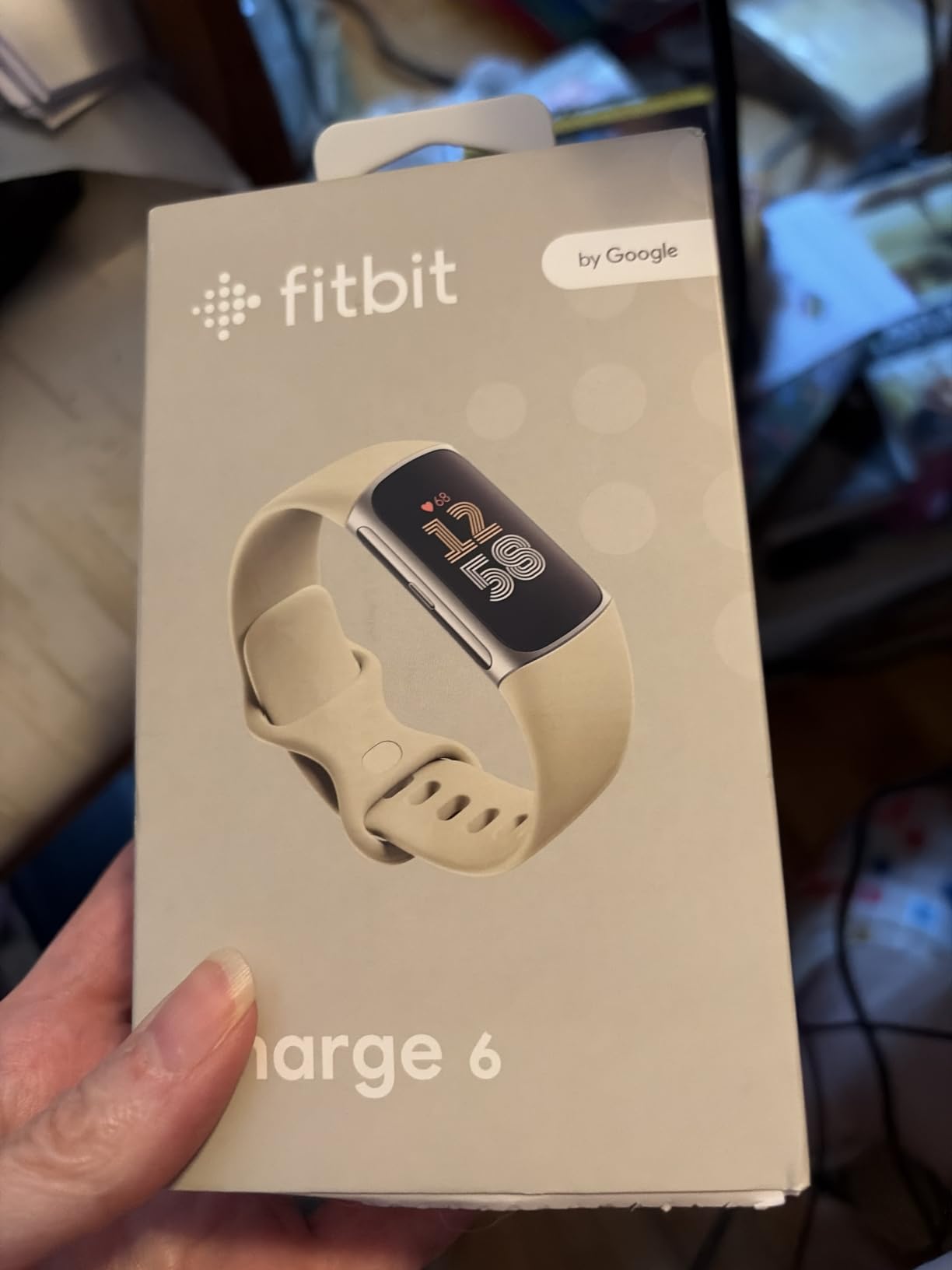
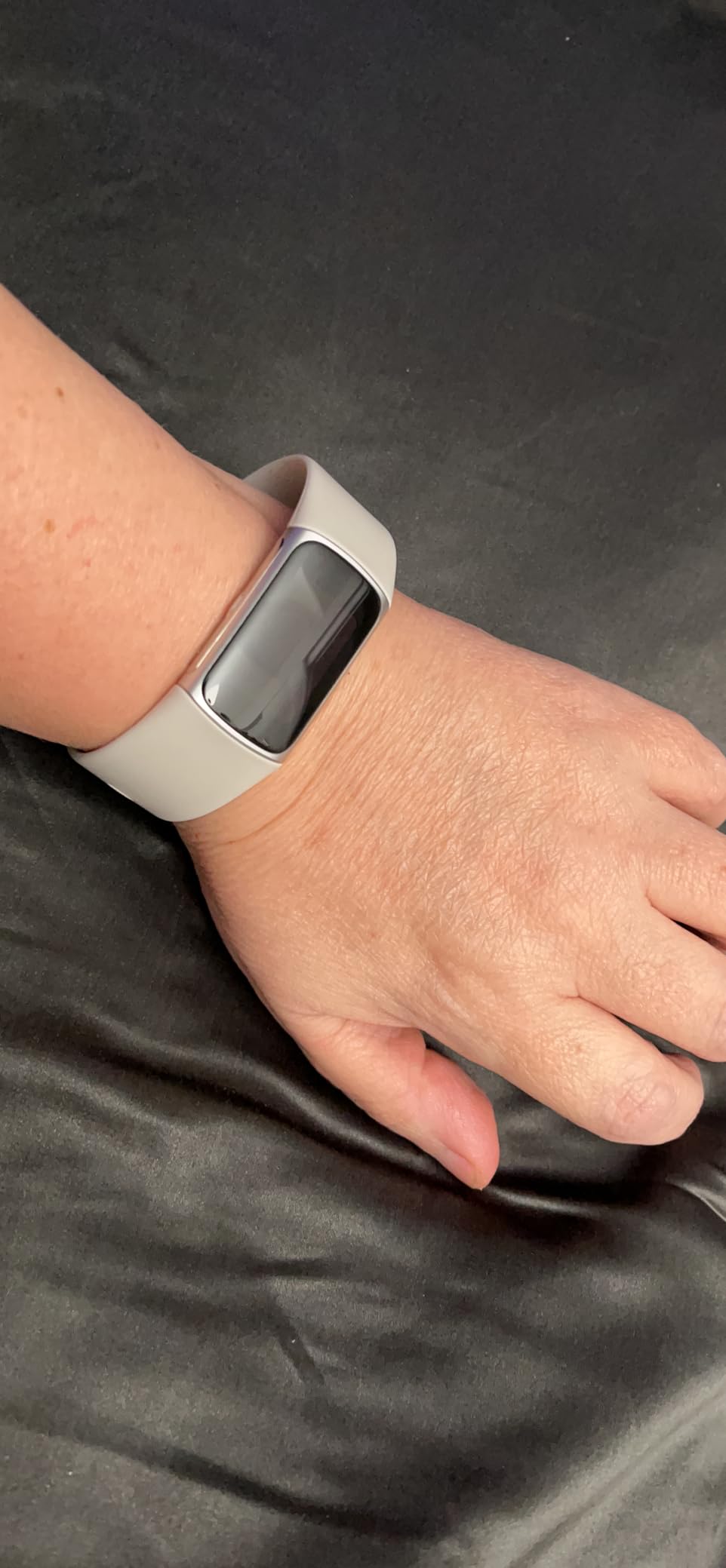
The sensor suite is broad for a band: heart rate, SpO2, accelerometer, gyroscope, GPS, a temperature sensor, and an ambient light sensor. That set feeds a daily Readiness score, Active Zone Minutes, a stress management score, and a personalized Sleep Score with a Smart Wake alarm that vibrates before the phone does. The band itself is silicone, 22 cm in length, and owners frequently describe it as comfortable enough to sleep in.
Accuracy is the part to be careful about. The most repeated complaint across 22k ratings is GPS accuracy: it wanders in tree cover and near buildings, and turning GPS on measurably shortens the battery. Phone app connectivity for Maps and music is also called unreliable, and on iOS you cannot reply to text messages from the wrist. A smaller group reports distance and calorie figures drifting from the real number, which is a known characteristic of wrist-based estimation rather than a defect unique to this model.
When the Charge 6 is the right call
Choose it when the person wearing it needs the name to be familiar, or when an adult child is buying the device and expects to be the one doing setup and support. Seven days of battery means a missed charge does not create a data gap. It is also the pick when rhythm questions come up, because the ECG app and irregular rhythm notifications are the only real medical-adjacent features in this entire roundup.
It is also the safest gift in the group. Fitbit accessories, bands, and charging cables are everywhere, so a lost cable is a two-minute fix rather than a reason to stop wearing the device.
When to pick something else
Skip it if screen size is the priority. At 1.04 inches, the Charge 6 is the smallest display of the twelve we compared, and a person with reduced vision will strain at it where the Amazfit Bip 6 or the LIVIKEY watch would not. It is also a poor fit for anyone who walks regularly in wooded areas, because the GPS complaints are consistent enough that we would not rely on it for distance accuracy.
And if your parent takes the watch off at night, understand that sleep and recovery features lose much of their value on the Charge 6. The sleep score is one of its strengths, and it only works if the device stays on the wrist.
2. NESKLA 3D Pedometer – a full year of battery on a coin cell
NESKLA 3D Pedometer, Simple Step Counter with Large LCD Display for Walking
1.73 inch LCD
CR2032 battery up to 12 months
No app or phone needed
Clip or lanyard
Pros
- No app
- Bluetooth
- or account required
- Up to 12 months on one CR2032 battery
- Large readable LCD
- Clip
- shoe
- or lanyard carry
- Lightweight at 50 g
Cons
- No step memory or stored history
- Must be reset by hand each day
- Battery compartment pressure resets the count
- No backlight
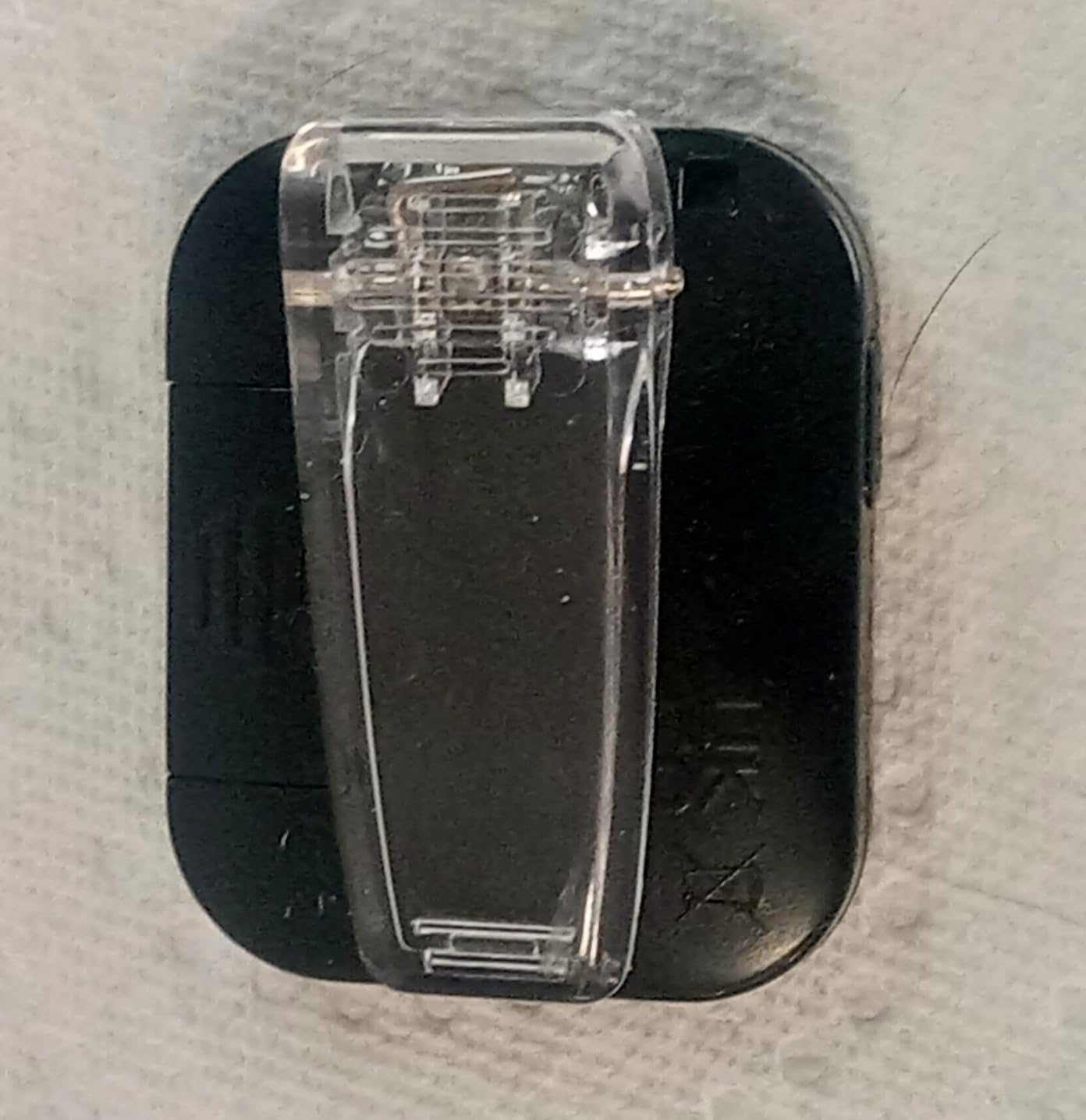
This is the tracker to consider when the real problem is not data but maintenance. The NESKLA 3D Pedometer has no app, no Bluetooth, no account, and no charging cable. It ships with a CR2032 coin cell rated for up to 12 months of use, and it comes with both a removable clip and a lanyard so it can sit on a belt, in a pocket, on a shoe, or around the neck.
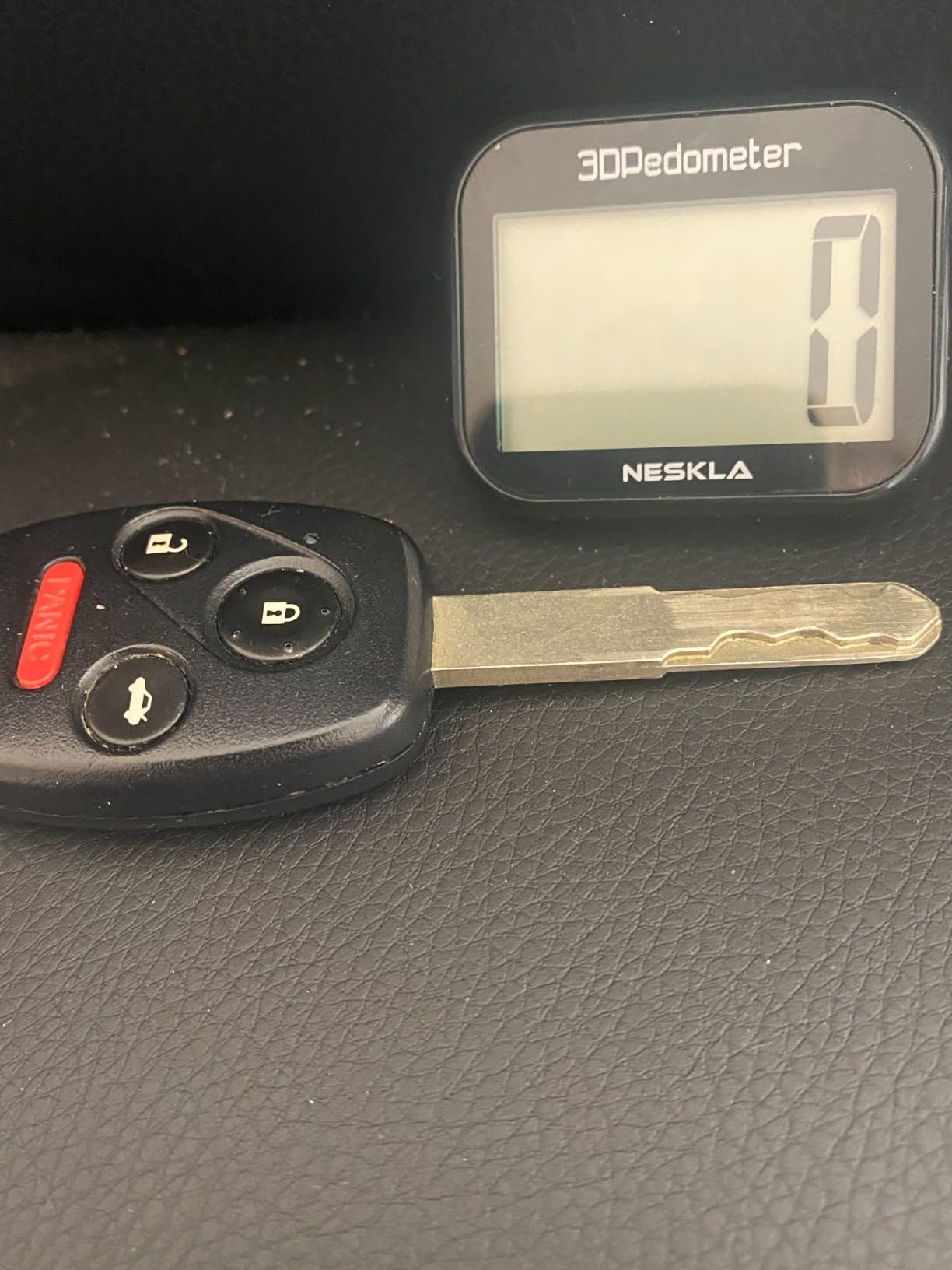
For deliberate walkers doing a daily target after a hip replacement, a cardiac rehab plan, or simply a goal to keep moving, the simplicity is the feature. There is nothing to log into, nothing to update, and no notification that will not arrive. The 1.73 inch multi-function LCD is large and legible, and the unit weighs 50 g, which is easy to forget you are wearing.
Counting itself is generally reported as accurate, using a 3D tri-axis step sensor. The device auto-sleeps and wakes on movement, which saves battery and means you do not have to switch it on each morning. The only control is a single reset button you hold for three to five seconds.
That single button is also the weakness. The counter has no step memory, so it does not store yesterday’s number, no distance, no calories, and no history of any kind. Every morning you want yesterday’s total, you have already lost it. The reset is also easy to trigger accidentally, because pressure on the battery compartment resets the count, which means a pedometer clipped inside a tight pocket can silently zero out mid-afternoon.
Who this suits
This is the right device for an older adult who does not own a smartphone, has never wanted one, and has no interest in heart rate or sleep data. It is also the right device for anyone in a household where a charging routine would be the weak link. A year between battery changes is a genuinely different relationship with a device than seven days.
It pairs well with a notebook or a wall calendar for logging the daily number, and it survives aqua therapy and rain without any concern. A one year warranty is listed, which is more generous than several smartwatches in this group.
Who should skip it
Skip it if anyone in the household wants trends. Watching a weekly average or noticing that step counts are declining over a month is one of the more useful things a tracker does for an older adult, and this device cannot do it. It also has no backlight, so reading it in a dim bedroom at night means switching on a room light first.
A small number of owners report units stopping or resetting on their own, sometimes after moisture exposure. That is a minority of reports, but if the device lives in a bathroom or gets splashed regularly, consider one of the wrist models with an IP67 or IP68 rating instead.
3. FITVII Health and Fitness Tracker – calls and health data on one wrist
FITVII Health & Fitness Tracker (Answer/Make Calls), Smart Watch with 24/7 Heart Rate and Blood Pressure, Sleep Tracking, Blood Oxygen Monitor, 120+ Sport Modes Activity Tracker for Women Men
1.85 inch LCD
7 day battery
Bluetooth calling
Heart rate and SpO2
Pros
- Bluetooth calling with built-in speakers
- 24/7 heart rate blood pressure SpO2 and sleep
- 120+ sport modes
- IP67 rated and up to 7 day battery
- TPU band with tang buckle
Cons
- Readings are wellness data not medical
- Bluetooth 5.0 only with no PC or tablet support
- 240 by 240 LCD is modest
The defining feature of the FITVII is that it can make and answer calls from the wrist. It has built-in speakers and a microphone over Bluetooth 5.0, so a phone can stay in a pocket or a bag while the wearer answers a call or reads a message. For an older adult who is always searching for a ringing phone in another room, that single function is worth more than most of the fitness features on the spec sheet.
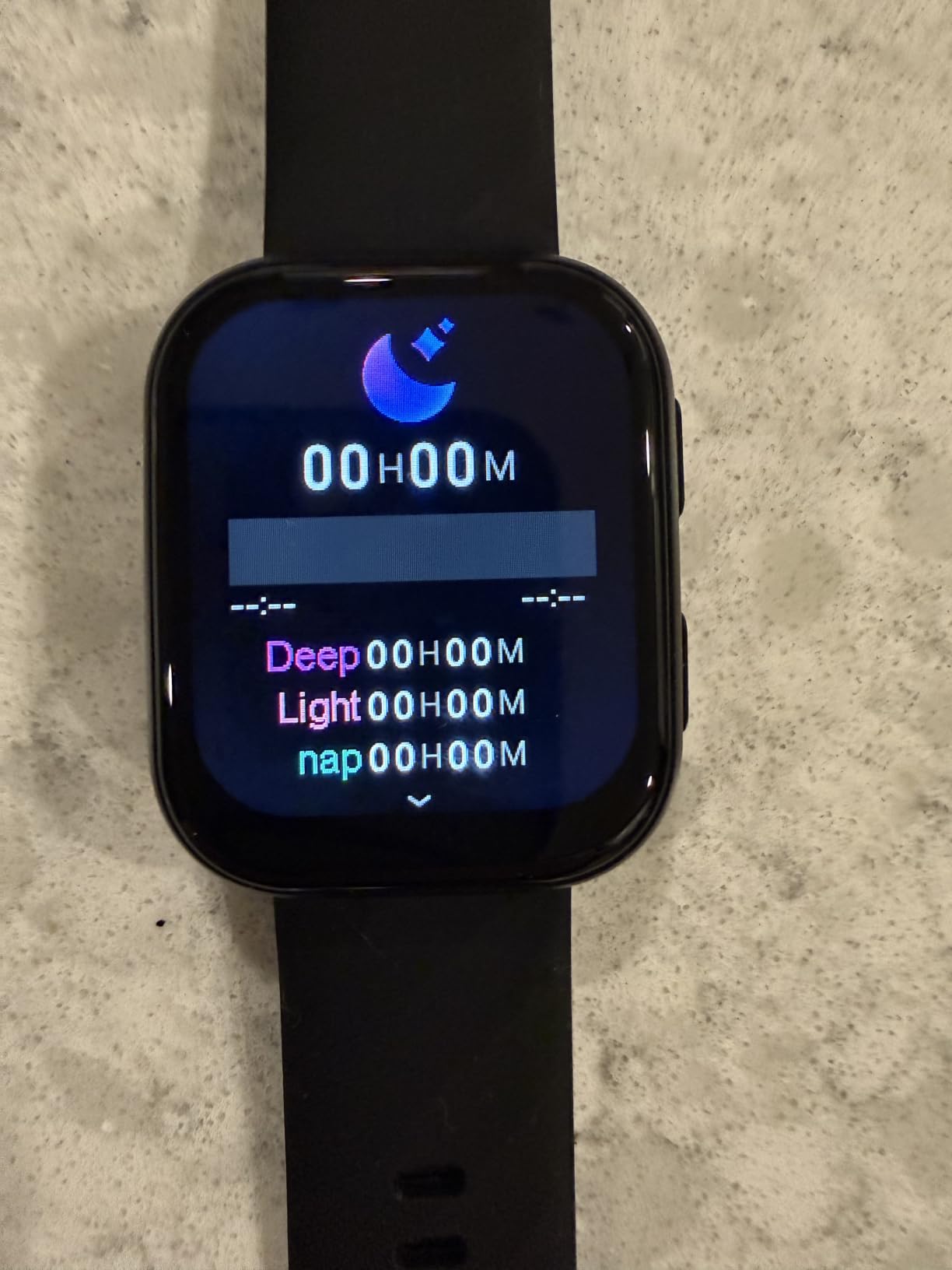
Health tracking is broad: 24/7 heart rate, blood pressure, SpO2, and sleep monitoring, with 120+ sport modes covering running, walking, cycling, and climbing. There are sedentary, hydration, and alarm reminders, plus a calendar, stopwatch, timer, calculator, and weather. The band is TPU with a tang buckle, 22 mm wide and 8.25 inches long, and the listed wrist range runs from 5.71 to 8.86 inches, which is a wider fit range than most slim bands.
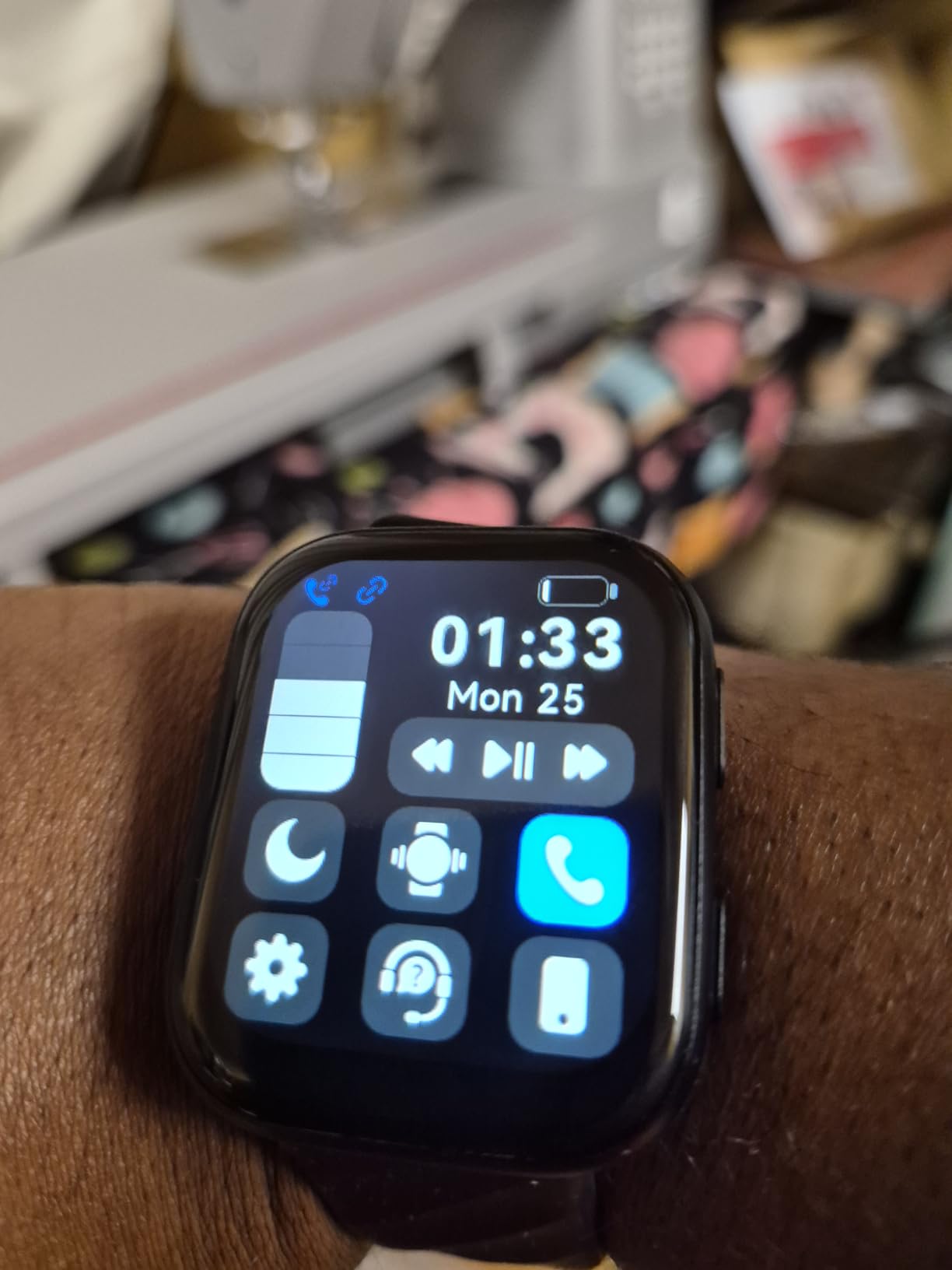
Battery life runs up to seven days depending on use, and the device is IP67 rated, which covers rain, hand washing, and a water aerobics class. It also includes cycle tracking with period, trying-to-conceive, and pregnancy modes, which matters because more than half the people buying trackers in this category are women over 65. For a narrower look at wearable tracking aimed specifically at that group, our guide to the best wearable fertility trackers for women covers a different set of devices with a different purpose.
The most important caveat is stated plainly in the product’s own feature set: these readings are for wellness encouragement and are not for medical use. Reviewers repeat this. It is a strong reason to keep a separate cuff on hand for anyone with a blood pressure management plan. The screen is also a modest 1.85 inch LCD at 240 by 240, which is fine for reading but a step down from the AMOLED panels on the Amazfit and Samsung devices.
Who should buy it
Buy it for someone who lives alone, who answers the phone constantly, or who wants to receive calls and messages without handling a phone. The wider 5.71 to 8.86 inch wrist range is genuinely useful for anyone with swollen joints or a larger wrist, which the slimmer bands on the market often cannot accommodate.
A two year warranty is listed, which is longer than most competitors here, and the 7 day battery means a forgotten charge costs one day rather than a full refresh cycle.
Who should look elsewhere
Look elsewhere if the goal is outdoor accuracy. This tracker has no built-in GPS, so distance and route data come from the phone or are not available at all. Anyone taking a daily outdoor walk for cardiovascular health would be better served by a device with multi-band GPS, and we explain why in our walk through the waterproof GPS tracker guide for seniors who garden.
It is also limited to Bluetooth 5.0 phone pairing, with no PC or tablet support, so a household that manages data on a desktop will not be able to pull history that way.
4. Amazfit Bip 6 – the biggest, brightest display in this group
Amazfit Bip 6 Smart Watch, 1.97″ AMOLED Display, GPS, iOS/Android
1.97 inch AMOLED at 2000 nits
14 day battery
Multi-band GPS
50 m rated
Pros
- 1.97 inch AMOLED at 2000 nits peak
- Up to 14 days between charges
- Multi-band GPS with offline maps
- 140+ workout modes with AI coaching
- Lightweight 1.44 oz aluminum build
Cons
- Magnetic charging base does not include a USB Type-C cable
- Only 512 MB storage and 64 MB RAM
- Zepp app is less intuitive than competitors
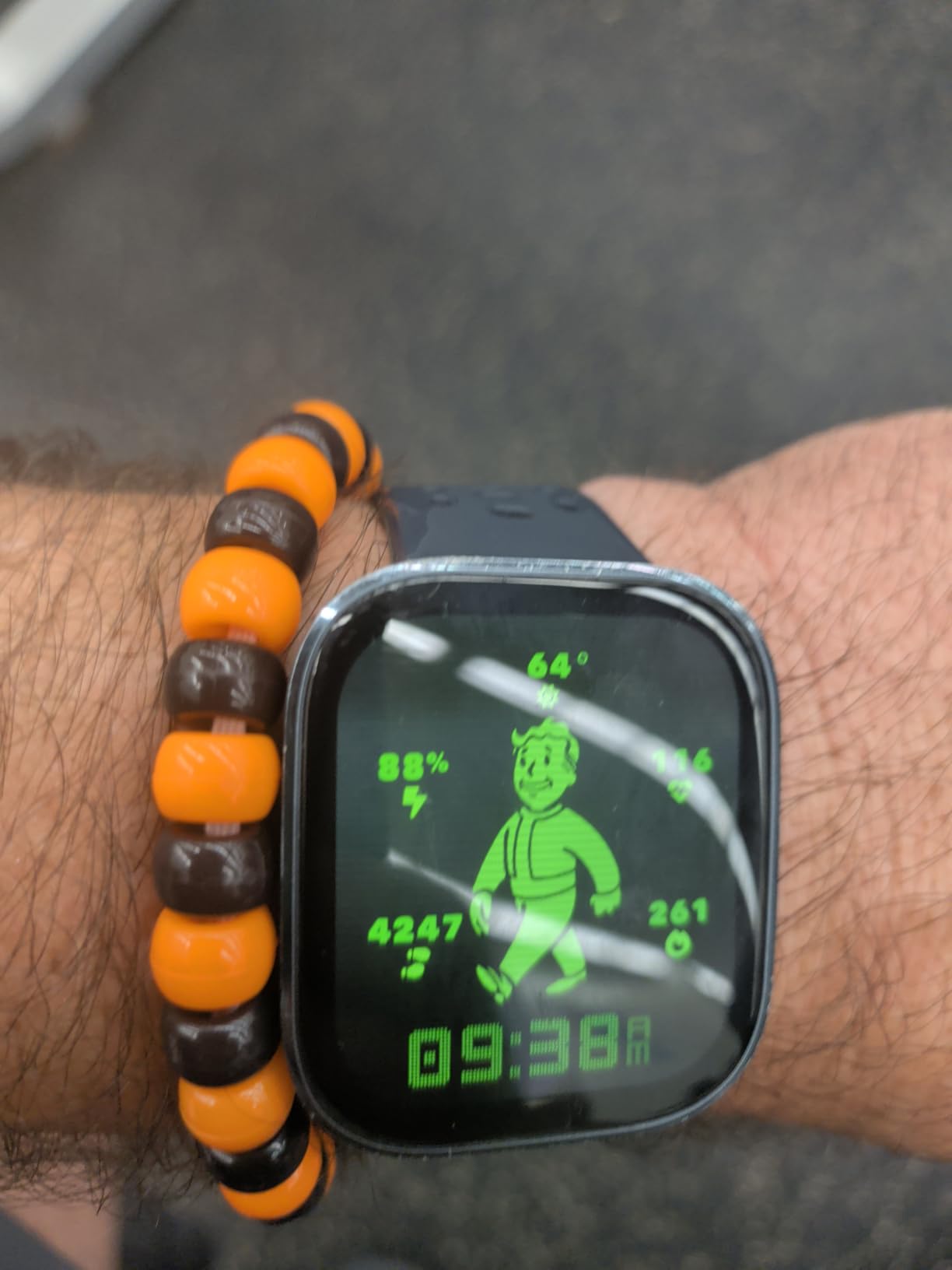
On the single criterion that matters most for reduced vision, the Amazfit Bip 6 wins clearly. It carries a 1.97 inch AMOLED panel at 390 by 450 resolution with 2000 nits of peak brightness, and 69% of its 7k-plus ratings are five stars with display quality named repeatedly. An AMOLED screen at that brightness is readable outdoors on a walking path in a way that a standard LCD is not, and a 1.97 inch face gives large numerals for step totals, heart rate, and time.
Battery life is rated at up to 14 days on a 340 mAh cell, which doubles the Charge 6’s seven days. That is the single most practical feature in this entire roundup for an older adult, because the most common failure mode we found in forum discussions is a device going uncharged after someone forgets and never picks the habit back up.
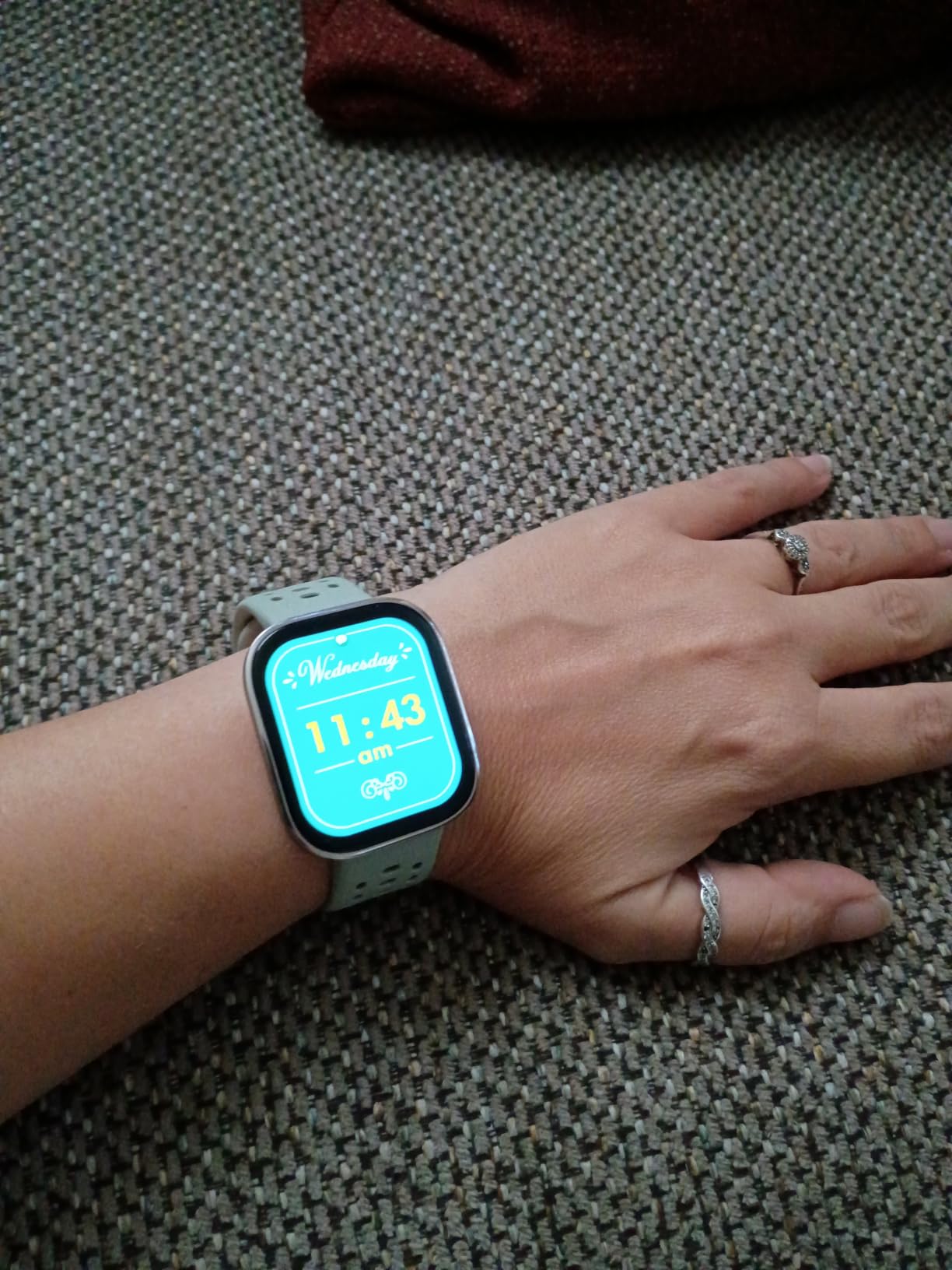
The Bip 6 also has the most capable positioning hardware here. Multi-band GPS covers BeiDou, GLONASS, GPS, and Galileo, and free downloadable offline maps with turn-by-turn navigation are included. There are 140+ workout modes including a HYROX Race mode, plus AI coaching and fitness assessment, 24/7 heart rate, sleep, blood oxygen, and stress monitoring, notifications, text messaging, and phone call support. Water resistance is 50 m, and the aluminum case weighs 1.44 ounces.
Two practical notes from owners. The magnetic charging base does not include a USB Type-C cable, so you will need one from a drawer. And internal storage is 512 MB with 64 MB of RAM, which is generous compared with some trackers in this group but modest next to a full smartwatch, meaning the device is built for fitness rather than for running third-party apps.
Why it suits an older adult
The combination of a large bright screen and a two week battery is hard to find elsewhere in this price range, and both directly reduce the two biggest reasons a tracker gets abandoned. It also runs on Zepp OS and works with Android 7.0 or above and iOS 14.0 or above, so it pairs with either type of phone without a brand lock.
For anyone who takes a daily walk outside and wants accurate distance rather than a phone left on a bench, the multi-band GPS is the reason to choose it. Offline maps mean turn-by-turn guidance still works when signal drops.
Where it falls short
The Zepp app is the weak link, and reviewers say so directly. It is less intuitive than the Fitbit app, and an older adult who will not use the phone interface will not benefit from the hardware quality. Nothing here is a dealbreaker, but it does mean the on-device experience carries more weight than usual.
It is also a fitness watch with no health safety features. There is no fall detection and no ECG, so if the reason for buying a tracker is safety rather than activity, look at the fall detection section above before spending.
5. Samsung Galaxy FIT 3 – two weeks of battery and swim-ready
SAMSUNG Galaxy FIT 3 [2024] 1.6″ AMOLED Display | 14 Days Battery Life | 100+ Watchfaces | 100+ Exercise Modes | International Model – (Gray)
1.6 inch AMOLED
14 day battery
5ATM and IP68
101+ workout modes
Pros
- Bright 1.6 inch AMOLED display
- Up to 14 days per charge
- 5ATM and IP68 rated for swimming
- 101+ workout modes with auto-detection
- Sleep coaching with SpO2 and snore detection
Cons
- International model with no US warranty
- Android only and not compatible with iPhone
- Samsung Pay not supported
- No built-in GPS
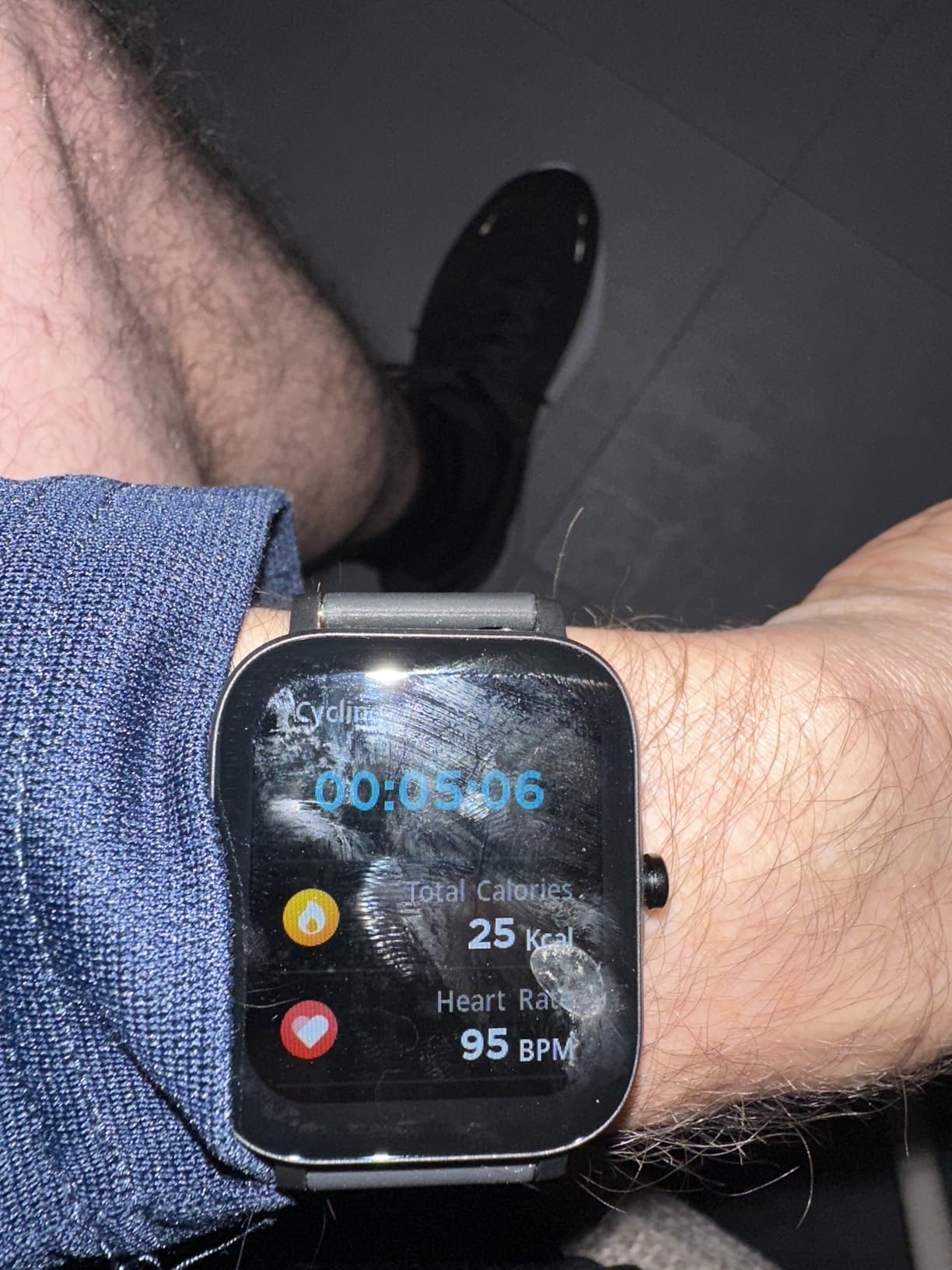
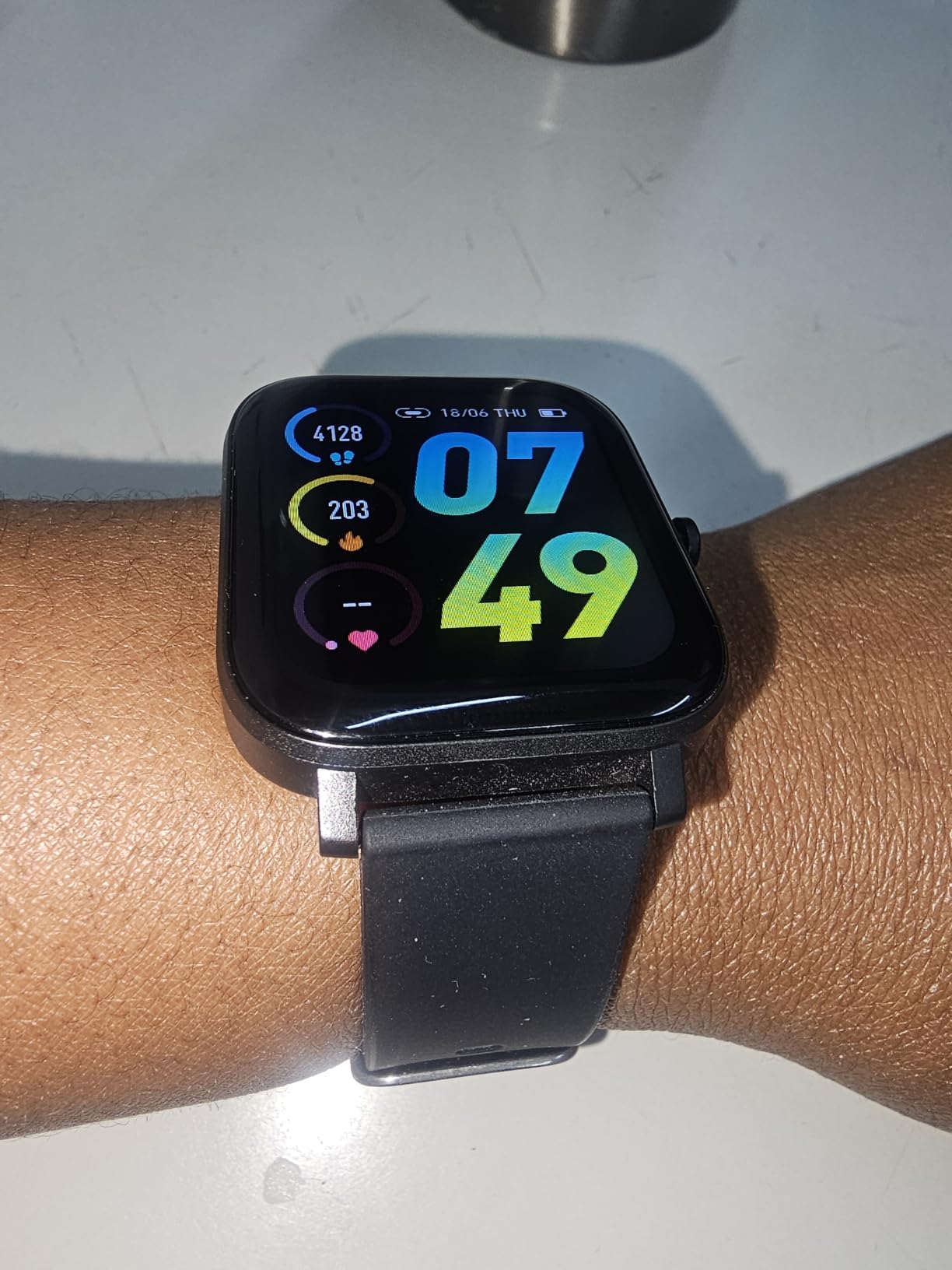
Of the twelve devices here, the Galaxy FIT 3 has the highest share of five-star ratings at 75%, and the theme running through those reviews is consistent: the screen is bright, the battery lasts about two weeks, and it survives a pool. The AMOLED display is 1.6 inches at about 240 by 240 with 1000 nits, which is a clear step up in legibility from the LCD panels in the same price range.
Battery is a 208 mAh cell rated at up to 14 days typical use, with a two hour charge time. That is the second two week device in this guide, and for the reasons described above it is the feature we would weight most heavily when advising a parent.
![SAMSUNG Galaxy FIT 3 [2024] 1.6](https://foliumbiosciences.com/wp-content/uploads/2026/06/B0CW3VWC3X_customer_1.jpg)
Health features go further than most bands here: sleep coaching, SpO2, continuous heart rate, and snore detection, with 101+ workout modes including automatic activity detection. Water resistance is the best specified in the group, at 5ATM plus IP68, which is the rating to look for if someone does aqua therapy or water aerobics twice a week. The band is silicone, the case is aluminum, and it weighs 36.8 g.
There are caveats that matter and should be checked before buying. This is the international model, so it carries no US warranty. It runs on Android only, so an iPhone household cannot pair it. Samsung Pay is not supported on this variant, there is no built-in GPS, and it pairs with tablets and phones running Android 10 or above with at least 1.56 GB of memory.
![SAMSUNG Galaxy FIT 3 [2024] 1.6](https://foliumbiosciences.com/wp-content/uploads/2026/06/B0CW3VWC3X_customer_2.jpg)
Who it fits best
This is the pick for an Android user who swims, does water aerobics, or has a standing medical reason to care about the 5ATM rating. It is also a good candidate for a grandchild or adult child to buy and set up, because the Galaxy FIT line is familiar to most Android households and the two week battery removes the most common support call.
The watch faces and exercise library are unusually deep for the money, with 100+ faces, so an older adult who dislikes a plain display can find a layout that suits their eyesight.
Who should avoid it
Any iPhone household should skip it. Android-only compatibility is a hard limit, not a preference, and the international model status means a warranty claim would be awkward. Anyone whose walking depends on accurate distance should also note the absence of GPS, since the watch relies on the phone for position.
Finally, if a wrist-worn ECG or rhythm alert is the reason for the purchase, this device does not have one.
6. Choiknbo Smart Watch – a 1.83 inch color screen at an entry price
Choiknbo Smart Watch Fitness Tracker for Men Women with Pedometer Step Counter Tracker for Walking, Heart Rate Monitor, Sleep Monitor, Blood Oxygen, Senior Friendly, IP68 Waterproof
1.83 inch color LCD
Bluetooth calling
Heart rate blood pressure and SpO2
IP68
Pros
- Large 1.83 inch color touchscreen
- Pairs with both Android and iPhone
- Calls and message notifications on the wrist
- IP68 rated to 1.5 m
- 140+ watch faces
Cons
- Pedometer often undercounts steps and calories
- Health readings are mostly on-demand rather than continuous
- Sleep tracking window is limited
- Blood pressure runs about 10 points high versus clinic equipment
The Choiknbo is a large 1.83 inch TFT-LCD full touch color screen at 320 by 340 resolution, in a zinc alloy case with a silicone strap, and it pairs with both Android and iPhone. Call and SMS notifications work from the wrist, along with WhatsApp, Facebook, Messenger, and Instagram. For a household on a budget that still wants a phone-free way to see incoming messages, that combination is the whole pitch.
Buyers rate it at 4.1 stars across nearly 4k reviews, which is respectable for the segment, and 60% of those ratings are five stars. The IP68 rating covers 1.5 m of water, so washing hands, rain, and a poolside walk are all fine. There are 8 sport modes including swimming, 140+ watch faces plus a custom photo face, and music and camera remote control.
Now the accuracy, which is where this device needs an honest warning. The pedometer often undercounts steps and calories, and this is the single most common source of dissatisfaction in the reviews. Health readings for heart rate, blood pressure, and SpO2 are mostly taken on demand rather than tracked continuously, so there is no 24/7 background reading. Blood pressure figures run about 10 points high compared with clinic equipment, which is enough to be misleading if someone is managing a condition.
Sleep tracking also has a limited window and does not capture naps or irregular sleep, which matters because interrupted sleep is common in older adults. Rated battery life is listed at 24 hours with a 300 mAh cell, though owners report several days in lighter use, and a one year warranty is included.
Where it makes sense
It makes sense when the goal is communication and awareness rather than precise measurement. A large screen, wrist calls, and message notifications at a low cost, on a device that works with either phone type, will do more for daily confidence than an accurate pedometer at three times the price.
For someone who mostly wants a nudge to move more, a sedentary reminder, and a rough sense of activity, the undercounting matters less. The large case also reads as a normal watch rather than a fitness gadget, which helps with anyone who resists wearing something that announces it is tracking them.
Where it does not
Skip it if the step count will feed a medical or physical therapy target, because an undercounting pedometer will quietly make progress look worse than it is. Skip it if blood pressure is the metric of interest for the same reason. And skip it if a caregiver needs reliable health data, since the on-demand measurement model means the watch is not collecting anything unless someone asks it to.
7. Amazfit Helio Strap – 18 g and screenless for constant wear
Amazfit Helio Strap Screenless Activity Tracker, 10-Day Battery,iOS/Android
Screenless 18 g design
10 day battery
24/7 heart rate and sleep
50 m rated
Pros
- Only 18 g so it can be worn constantly
- Free Zepp app with no subscription fee
- 10 day battery
- Works with Strava and TrainingPeaks
- 50 m water resistant
Cons
- Included nylon strap is stiff and absorbs sweat
- Third party bands do not fully hide the module
- Weak vibration motor
- Sleep duration needs manual correction
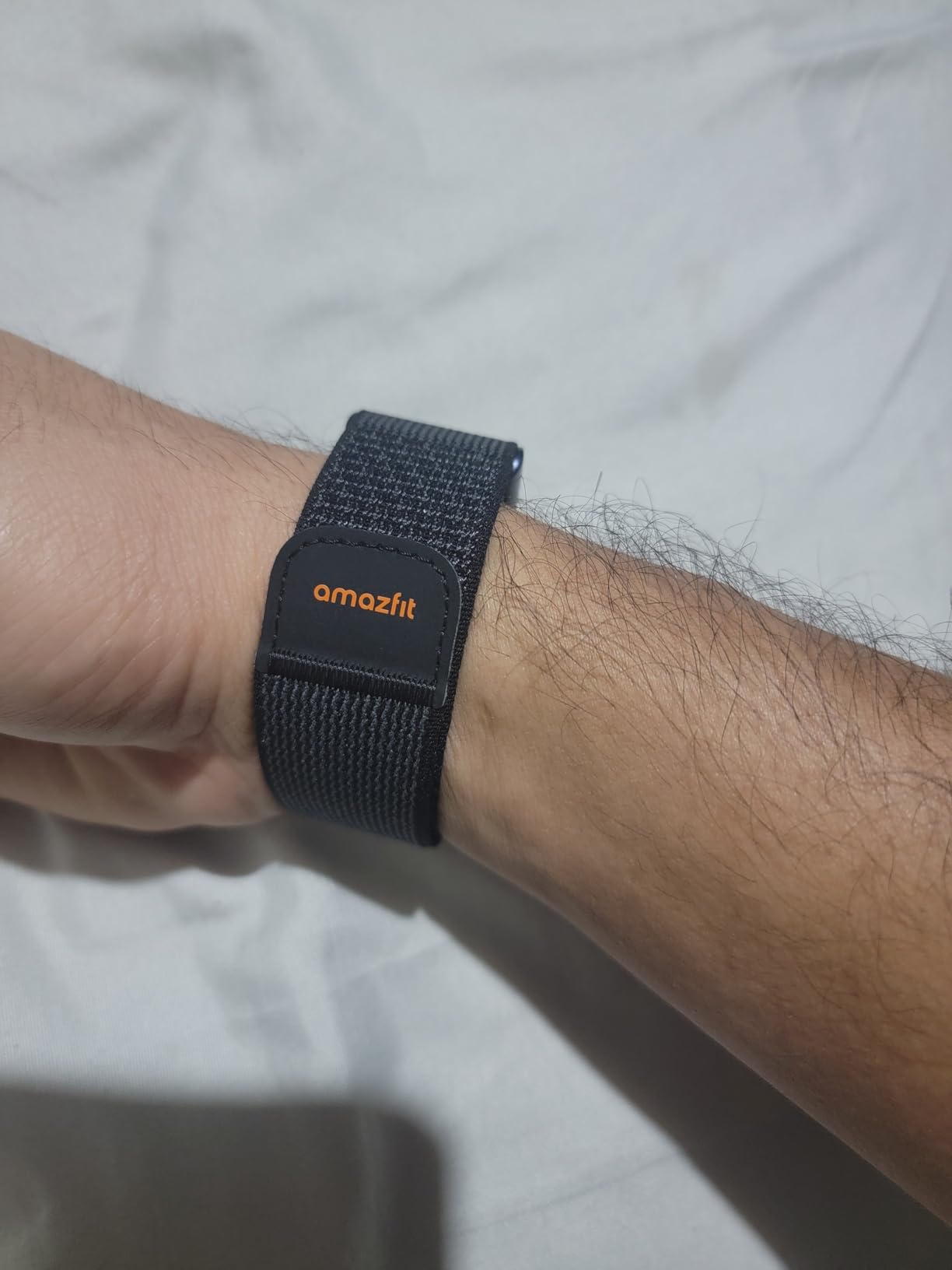
The Helio Strap is the most physically comfortable device in this guide and the only one that is not a screen at all. It is a small module that can sit on the wrist, on the bicep, or clip into any standard 22 mm band, and it weighs 18.14 g. There is nothing to tap, nothing to read, and no risk of a cracked screen or an accidental tap changing a setting. For someone who takes their watch off at night, or who dislikes looking at a display all day, that changes the compliance picture completely.
It is also the only device here with no subscription at all and no data selling, which the manufacturer states as a selling point and owners repeat. The Zepp app is free, and the module syncs with Strava, TrainingPeaks, adidas Running, and komoot.
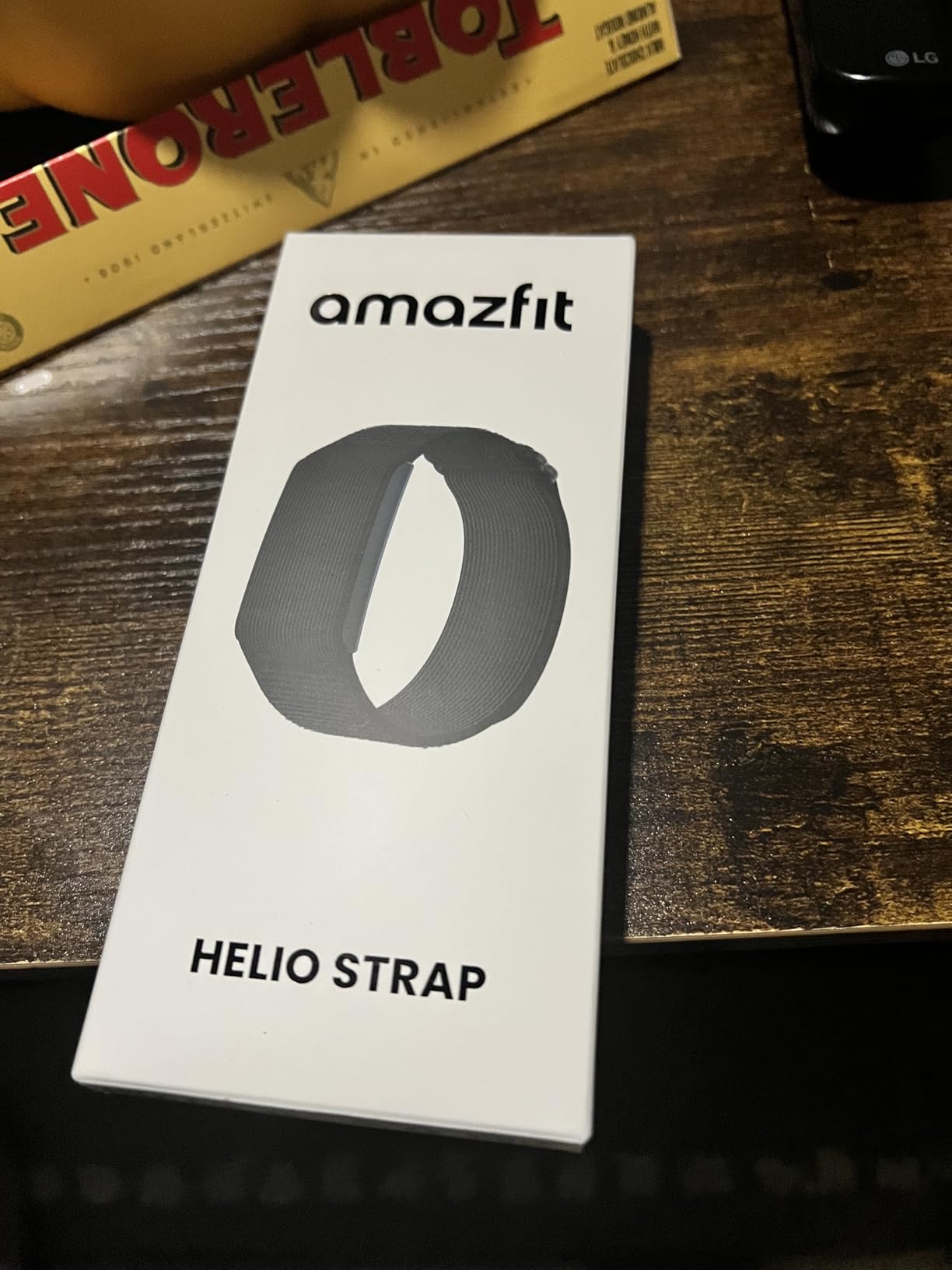
Sensing is genuine: 24/7 heart rate, blood oxygen, stress, and sleep through the Amazfit BioTracker, plus a HybridCharge energy monitor and recovery scoring. VO2 max, training load, training effect, and recovery time appear in the app. There are 27 sport modes with HYROX Race mode and gym set, rep, and rest tracking, and the battery is 232 mAh for up to 10 days at 50 m water resistance.
The problem is the strap, and owners say it plainly. The included nylon strap absorbs sweat and is stiff on smaller wrists, and third party bands often do not fully conceal the module, which means the device is still visibly a tracker. The vibration motor is also weak, so alarms and alerts can be missed, and sleep duration sometimes needs manual correction. The Zepp interface and its scoring are described as less refined than Garmin’s, which is a fair benchmark for recovery data.
Why wear something with no screen
Because the data is the point, not the display. If the goal is a continuous record of heart rate, blood oxygen, stress, and sleep that a clinician or a family member can review, a screen adds nothing and subtracts comfort. Owners also note that sleep and recovery data from this module compares favorably with much more expensive trackers.
It suits anyone who has previously removed a watch at night out of habit, or who finds every wrist gadget too conspicuous. With 74% five-star ratings across more than a thousand reviews, the approach is well received once people understand why it looks different.
Who should not buy it
Anyone who needs to check the time, read a message, or see a step total at a glance should look elsewhere. There is no display, and the weak vibration motor means time-based alerts are less dependable than on the screen devices.
Buying the third party bands as a solution to the stiff nylon strap adds cost and still does not fully hide the module, so if appearance matters, test the look first. The larger comparison of hidden tracking hardware is in our Jiobit versus LandAirSea 54 tracker breakdown.
8. MorePro Air6 – the most detailed sleep breakdown here
MorePro Fitness Tracker with 24/7 Heart Rate & Blood Pressure Monitor, Blood Oxygen & Sleep Tracker, Smart Watch with Step Calorie Counter, IP68 Waterproof Activity Tracker for Women Men Android iOS
1.52 inch LCD
7 day battery
24/7 heart rate and blood pressure
IP68
Pros
- Detailed deep
- light and wake sleep stages
- 24/7 heart rate and blood pressure
- 7 day battery with 15 day standby
- Two year warranty
- Simple setup with stable syncing
Cons
- Pulse readings occasionally off against clinical equipment
- No built-in GPS
- 1.52 inch screen is small
- No PC or tablet support
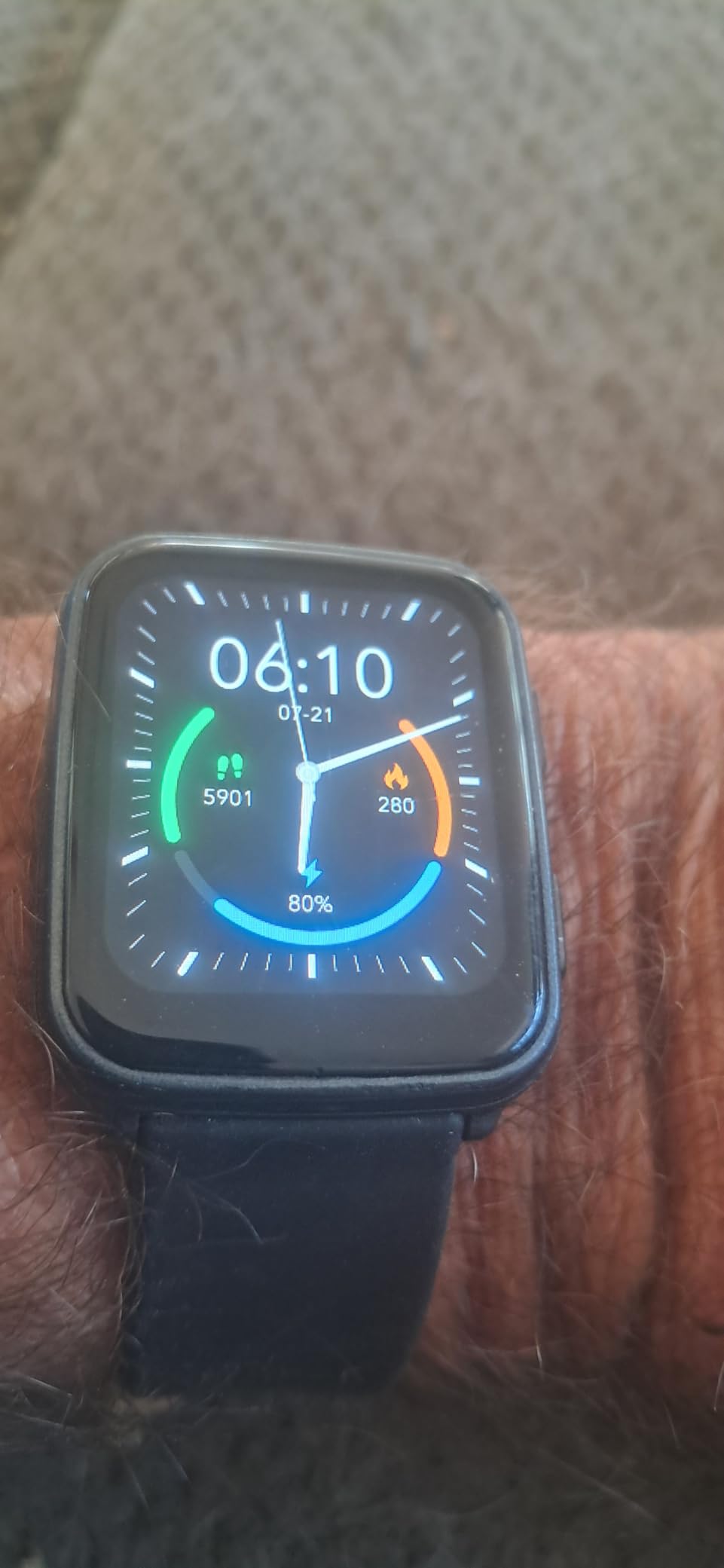
The MorePro Air6 is the tracker in this group that goes furthest on sleep specifically, and that is worth knowing because sleep quality in older adults is often the metric that actually changes day to day. It records deep sleep, light sleep, and wake-ups separately, which is more detail than most bands in this roundup provide, and it does so continuously rather than as an on-demand measurement.
Heart rate and blood pressure run 24/7, with SpO2 available on demand. There are 120+ sport modes with real-time steps, distance, calories, heart rate, and training time, plus call, SMS, and app notifications. The 230 mAh battery gives up to 7 days of normal use and 15 days on standby, with a roughly two hour charge.
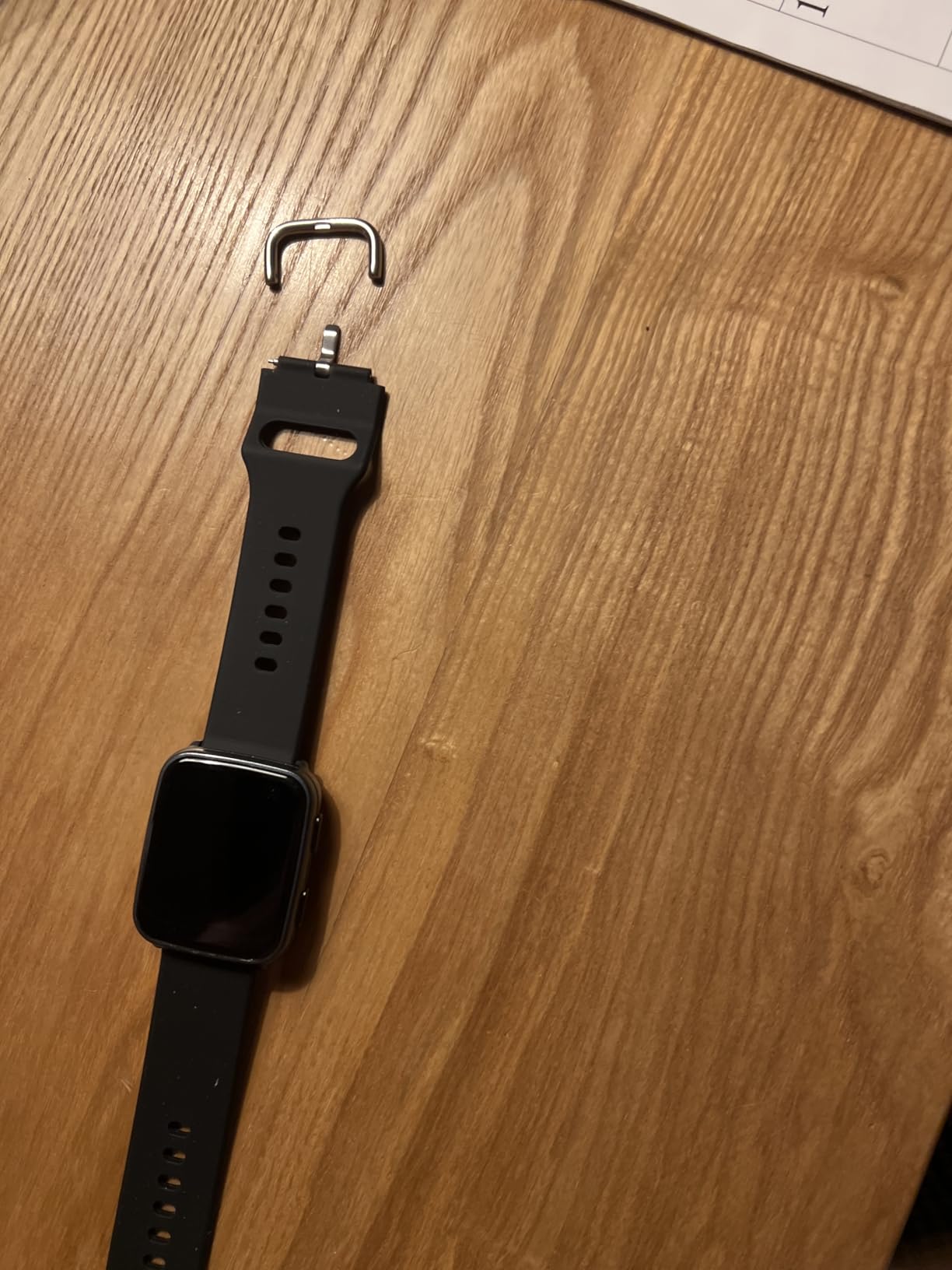
It also handles reminders well for a household managing a lot of small tasks: sedentary and water reminders, weather, music and camera control, stopwatch, timer, alarm, and a find my phone function. Cycle tracking with period, safe, ovulation, and pregnancy modes is included, and there are 200+ watch faces with DIY photo faces. The listed warranty is two years.
The recurring reservation is accuracy against real equipment. Buyers who compared pulse readings with clinical equipment report occasional mismatches, and as always, wrist blood pressure is a trend indicator rather than a measurement. There is no built-in GPS, the 1.52 inch LCD is small next to the AMOLED screens in this group, and the device does not pair with PCs or tablets.
Who it works for
Buy it for someone whose main interest is sleep, or whose doctor has asked for a sleep diary. Bringing a week of deep, light, and wake stage data to an appointment is more useful than a single restless night measured by a device that is otherwise unused. The sedentary and water reminders also help anyone whose doctor has warned about long periods of sitting.
The 1.12 ounce weight and soft silicone band make it a device people forget they are wearing, which is the trait we look for first.
Where it falls short
The display is the practical limit. At 1.52 inches it is small, and anyone buying this for reduced vision should look at the Amazfit Bip 6 or the LIVIKEY instead. With 598 ratings the review pool is also much smaller than the leaders here, so treat the consensus as less certain.
And it is not for anyone whose goal is distance accuracy outdoors, because there is no GPS.
9. Fitbit Inspire 3 bundle – the easiest gift to hand over
Fitbit Inspire 3 Health & Fitness Activity Tracker (Lilac Bliss) with Workout Intensity, Sleep Tracking, Heart Rate, 2 Bands, 3.3foot Charging Cable, Wall Adapter, Screen Protectors & PremGear Cloth
41 mm OLED
10 day battery
Built-in GPS
Sleep Score with REM stages
Pros
- Slim silicone band described as light as air
- Active Zone Minutes show workout intensity
- Sleep Score with light
- deep and REM stages
- Stress Management Score with guided breathing
- Bundle adds two band sizes plus cable and adapter
Cons
- Some deeper features need a Fitbit Premium subscription
- No ECG or continuous blood oxygen beyond the standard optical sensors
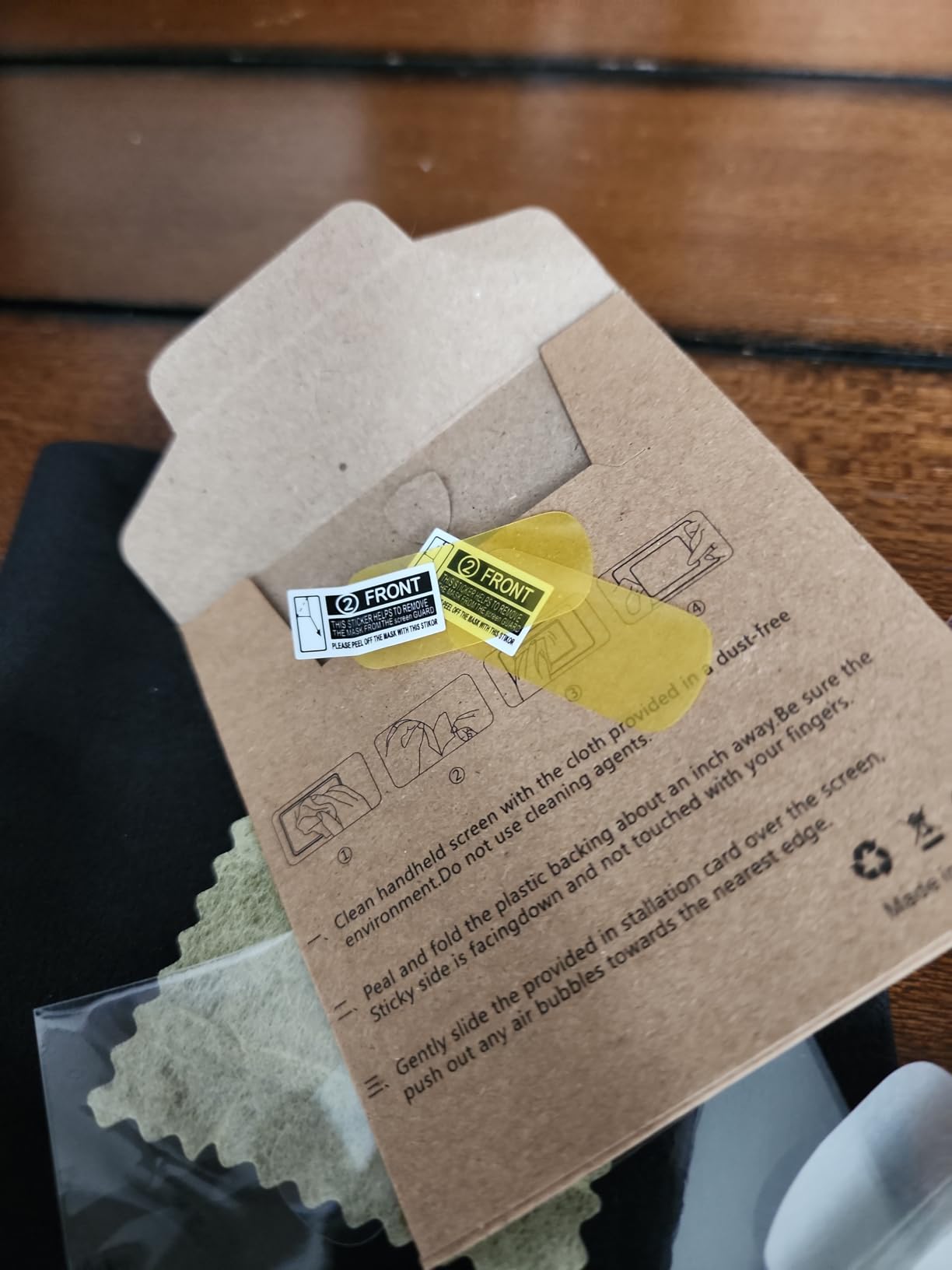
This listing is a bundle rather than the bare device, and that is precisely why it is worth a look. The box includes the Fitbit Inspire 3 in two colors, a small and a large band, a 3.3 foot USB charging cable, a wall adapter, two screen protectors, and a cleaning cloth, plus six months of Fitbit Premium included. For an adult child buying a first tracker for a parent, that removes the most common failure mode we found in forum discussions: a device given as a gift that ends up unused because the cable was missing and nobody could work out the setup.
The Inspire 3 itself is a 340 by 340 OLED display in a 41 mm class screen, with built-in GPS and notifications, and up to 10 days of battery. It tracks resting heart rate, blood oxygen, and skin temperature, and the galvanic skin response sensor feeds a Stress Management Score with guided breathing sessions.
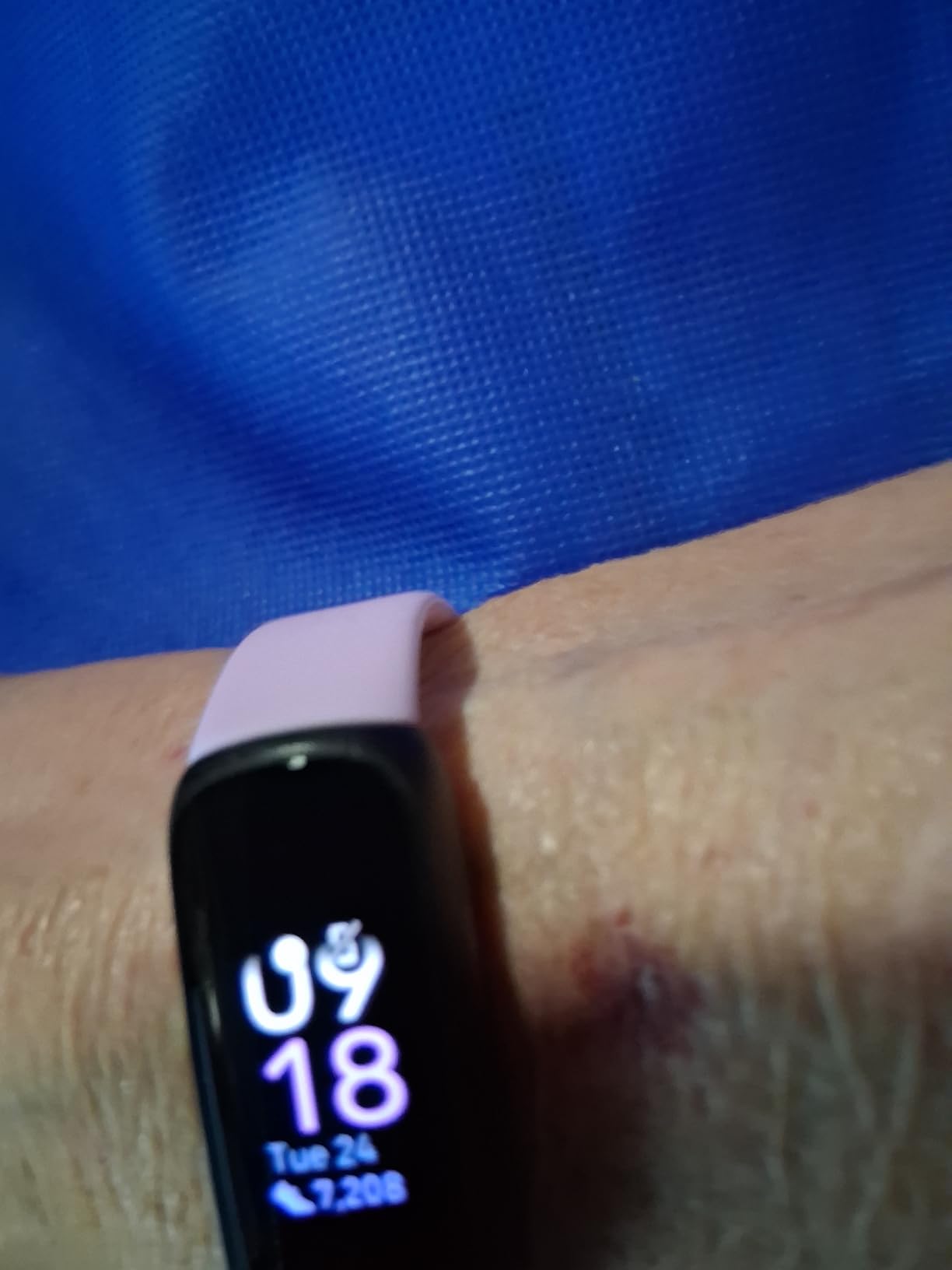
Sleep is the strongest feature set here. The Sleep Score breaks the night into light, deep, and REM stages, adds sleeping heart rate, and scores schedule consistency, which is a genuinely useful measure for a person whose sleep has become irregular. Active Zone Minutes show time in fat burn, cardio, and peak zones, which is a much easier number to act on than raw calories.
Two things to weigh. Some of the deeper features require a Fitbit Premium subscription to be used fully, and the six months included in the box expire. And while the tracker has an optical heart rate sensor and a skin temperature sensor, it does not have the ECG hardware that the Charge 6 in this same guide carries, so this is not the model to choose for rhythm questions.
Why the bundle matters more than the watch
Because the accessory list solves real problems. Two band sizes cover a wrist that swells or shrinks with the season, a spare cable removes the single most common reason a fitness tracker ends up in a drawer, and screen protectors guard the OLED from the knocks that come with daily use.
The band itself is consistently described as light, and the Slim form is less likely to catch on a sleeve than the bulkier watches here. For a gift, it is the most complete package in the roundup.
Who should skip it
Skip it if the six month Premium trial will create confusion later, when features quietly stop working and nobody knows why. Anyone who wants rhythm monitoring should pay for the Charge 6 instead, which has the ECG app.
With 471 ratings, the review pool is smaller than the other Fitbit in this guide, and the same brand recognition advantage applies, so if a caregiver will be doing the support work, the Charge 6 has more of everything.
10. DAVIKO Senior Friendly Tracker – core tracking with no phone
Senior Friendly Fitness Tracker, No App No Phone Required, 1.83” Display
1.83 inch LCD
Standalone or paired
Up to 7 days per hour of charging
IP68
Pros
- Works fully standalone with no app or phone
- Large bright 1.83 inch LCD
- Tracks steps
- distance
- calories and active minutes
- Heart rate with manual blood oxygen check and sleep data
- Magnetic charging and IP68
Cons
- 320 by 320 resolution is modest
- Basic operating system and app ecosystem
- Occasional inaccuracy in step and calorie readings
This is one of the few devices here that is explicitly designed around the no smartphone requirement rather than merely tolerating it. The DAVIKO runs core tracking with no app, no account, and no phone at all, and it will pair with iOS or Android if a family member wants to see the data later. That flexibility is what separates it from a plain pedometer: it is not limited to a step count.
The 1.83 inch LCD is large and bright, with touch controls aimed at older adults and beginners. It tracks steps, distance, calories, and active minutes, provides real-time heart rate, offers a manual blood oxygen check, and records sleep data. It is IP68 rated to 1.5 m, and the band is silicone and rubber with a buckle closure.
Charging is magnetic, which is the detail we would want for an older adult, because the puck seats itself rather than requiring a cable to be lined up in the dark. The stated return is up to 7 days of battery per hour of charging, which is faster than most magnetic systems in this group. A one year limited warranty, charging cable, and quick start guide are included.
There are also notifications, an alarm clock, a sedentary reminder, and GPS via smartphone when a phone is present, so the device grows rather than caps out. What you give up is refinement: the 320 by 320 resolution is modest, the operating system and app ecosystem are basic, and 13% of ratings are one star, mostly over accuracy and reliability at the entry price.
Who should buy it
Buy it for a parent who wants real health data but will never own a smartphone. The difference from the NESKLA pedometer is that this device adds heart rate, blood oxygen, and sleep, and it stores enough to show a seven day picture. That is enough to bring to an appointment.
It is also a good bridge device. If a family member is willing to pair it with a phone, the data flows through; if they are not, nothing is lost. That optionality is unusual in this category and is why it is worth considering over a plain counter.
Who should look elsewhere
Skip it if the display needs to be exceptionally sharp, because 320 by 320 is soft compared with the AMOLED panels on the Amazfit and Samsung devices. Also skip it for anyone whose step data will be used to judge progress against a clinical target, since buyers do report occasional inaccuracies in steps and calories.
With 357 ratings, confidence in the long-term reliability is lower than for the leaders in this group.
11. LIVIKEY Senior Pedometer Watch – buttons instead of swipes
Senior-Friendly Pedometer Watch, No App or Phone Required, Step Counter
1.85 inch display
Button controls
7 day local data storage
7 day battery
Pros
- No app or phone needed to start tracking
- Physical buttons are easy to operate
- Shows time
- steps
- heart rate
- SpO2
- sleep and calories
- Stores up to 7 days of data on the watch
- 7 day battery with 1.5 to 2 hour charge
Cons
- No touch screen
- navigation is buttons only
- Long-term history requires the companion app
- Stainless steel case adds bulk
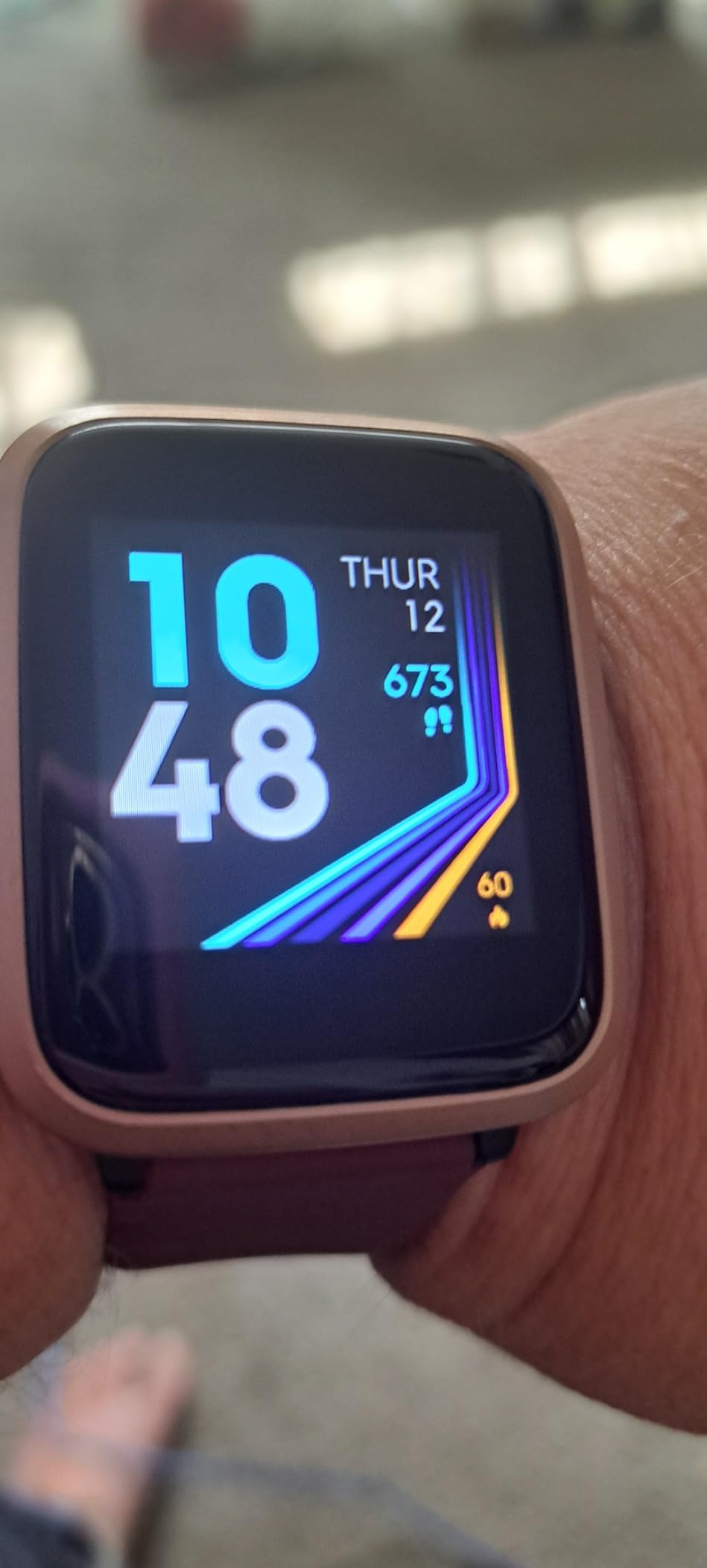
The LIVIKEY takes the no phone idea further than most. There is no app and no smartphone needed to begin tracking. You enter basic profile details on the watch itself and it starts counting. It is the only device in this guide with a fully physical interface, and for anyone with arthritis in their hands, a tremor, or simply no patience for a swipe gesture, buttons are a real feature rather than a downgrade.
It displays time, steps, yesterday’s steps, heart rate, SpO2, sleep, workouts, distance, calories, duration, an alarm, and a stopwatch, all standalone. Seven days of data are stored locally on the watch, so a missed sync does not lose a day of history, which is a meaningful improvement over devices that store nothing until they connect.
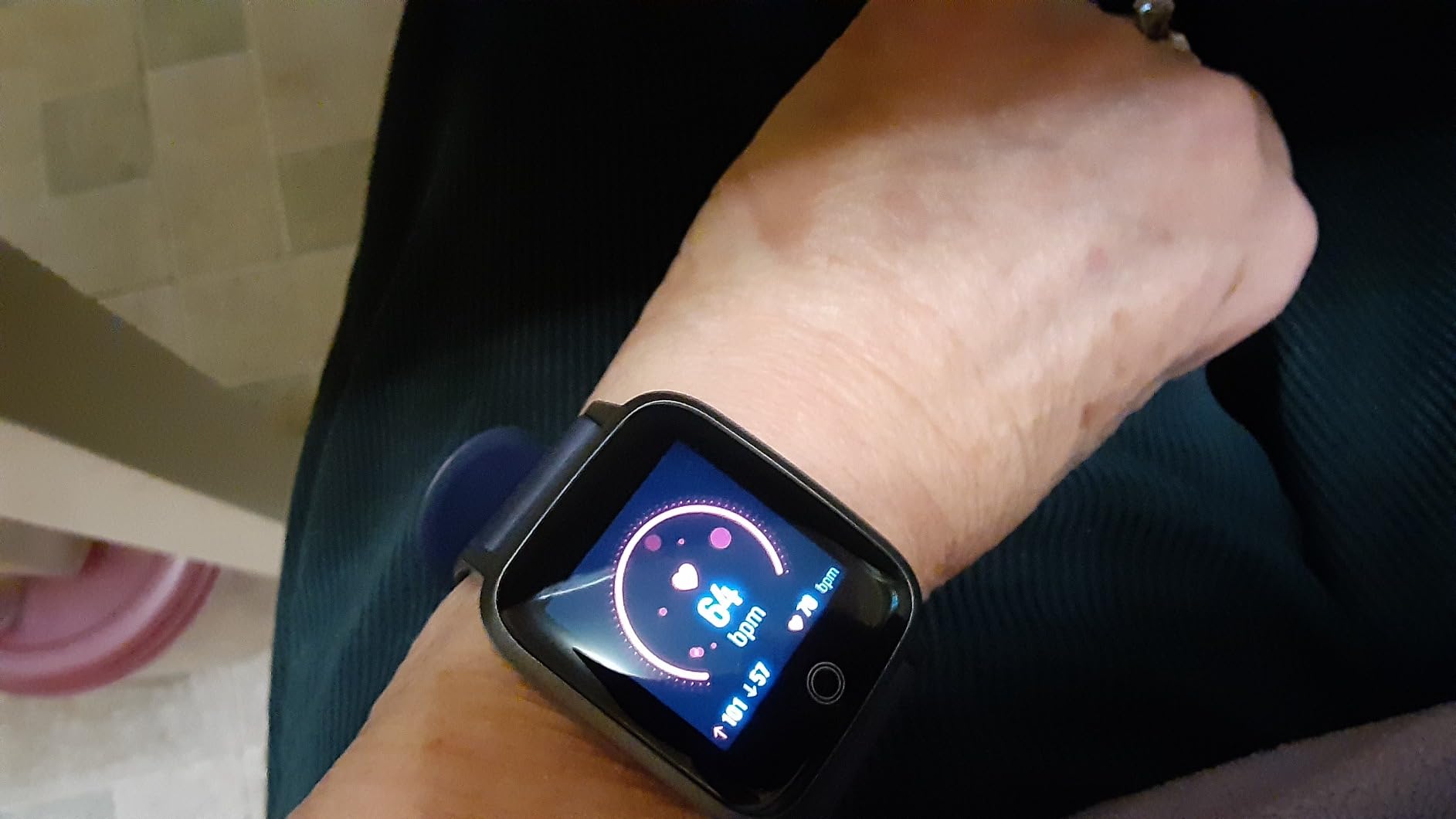
Battery runs up to 7 days with about 1.5 to 2 hours of charging, and the case is IP68 rated to 1.5 m for daily use. The band is silicone, the case is stainless steel, and the display is 1.85 inches. A charging cable, user manual, and watch band are in the box. The listing describes the device as aimed at unisex adults, and the almond color reads more like a normal watch than a gadget.
Three limits are worth stating. There is no touch screen, so every function is navigated with physical buttons, which takes more presses but is predictable. Long-term history needs the companion app. And the stainless steel case adds bulk next to a slim fitness band, which is a trade for durability and a more traditional look.
When buttons are the right call
When hands make touchscreens hard. A large target that you press, rather than a small target you swipe at, is easier with swollen finger joints, and the press gives clear physical confirmation that something registered. Reviewers repeatedly cite the button interface as the reason they kept wearing it.
Storing seven days locally is the other quiet win. It means the watch can be taken off for a bath, put on a charger overnight, and still be showing a week of history when it comes back, with no phone involved at any point.
When to choose a touch screen instead
Choose a touch device if the wearer will browse menus rather than glance. With buttons, every lookup costs a few more presses, and a 1.85 inch screen driven entirely by physical controls is a different experience from a touchscreen. If the person is comfortable with a phone, the Amazfit Bip 6 or the Charge 6 will feel far more modern.
Ratings sit at 4.0 with 244 reviews, and 8% of ratings are one star, mostly noting the limited smart features. For a no phone buyer that is the correct trade, but it is not a fitness smartwatch.
12. MorePro AIR2 – high heart rate alerts on a slim band
MorePro Fitness Tracker Watch with 24/7 Heart Rate/Blood Pressure Monitor
1.57 inch HD touchscreen
7 day battery
High heart rate alerts
148+ watch faces
Pros
- High heart rate alerts alongside 24/7 tracking
- Sleep stages awake light and deep with trend reports
- 112 sports modes
- Interchangeable silicone and breathable nylon bands
- Readable in sunlight with a 7 day battery
Cons
- Phone pairing required and not compatible with tablets or PCs
- Blood pressure readings are not medical grade
- History only viewable through the FitCloudPro app
The MorePro AIR2 is the highest rated product we reviewed, at 4.9 stars across 77 ratings with 97% of those at five stars. That is a small sample, and we treat small samples carefully, but the specific reason to include it is one feature none of the other eleven devices here has: a high heart rate alert that fires when the reading crosses a threshold, rather than only recording the number for later.
It also tracks 24/7 heart rate, blood pressure, and blood oxygen, with sleep stage recording across awake, light, and deep, and produces daily and weekly trend reports. There are 112 sport modes across walking, running, cycling, gym, and yoga, with step, distance, speed, calorie, and duration data.
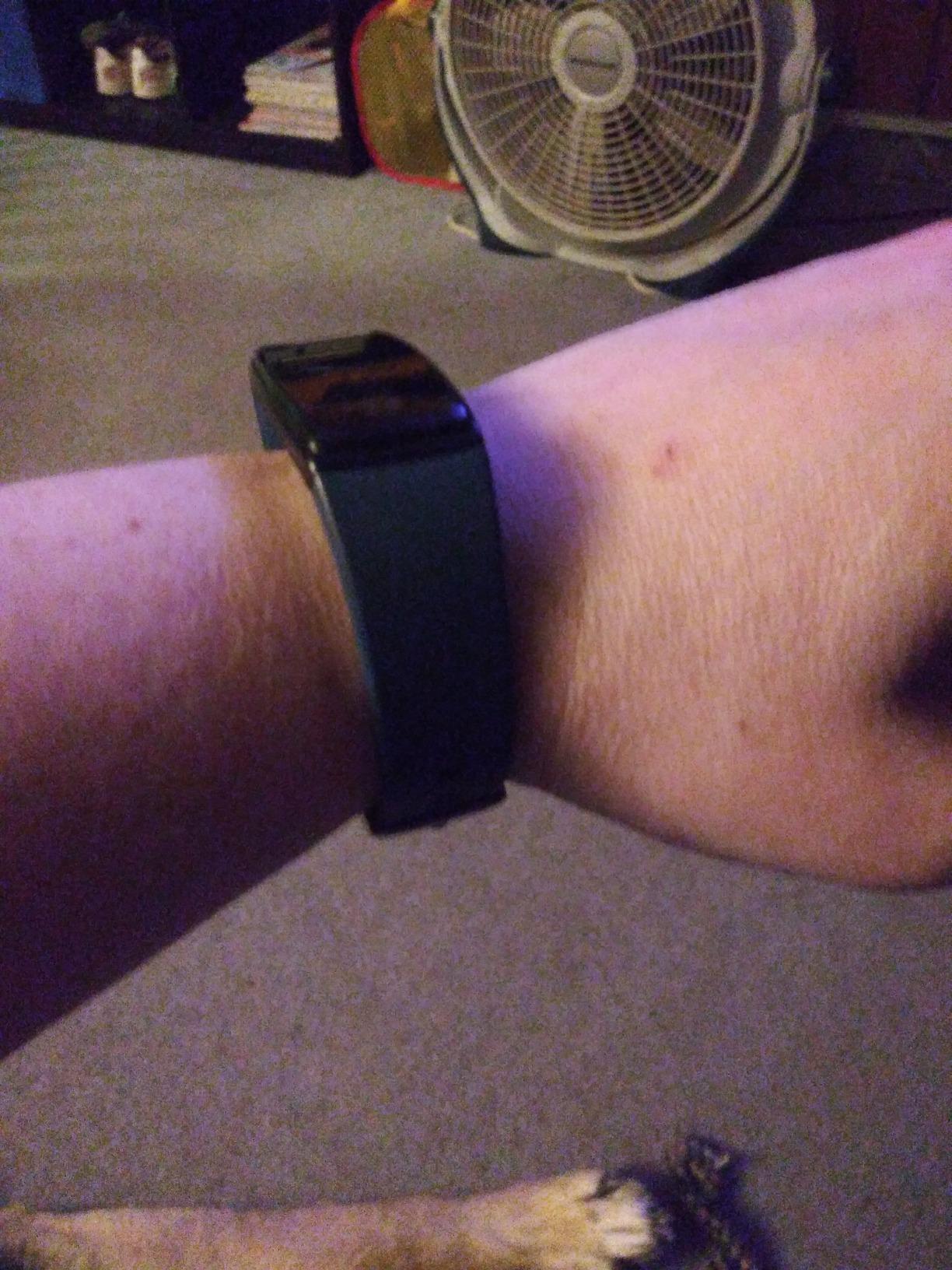
Practical details are good. Bands are interchangeable between silicone and breathable nylon, so a wrist that gets sweaty in summer has an answer, and there are 148+ watch faces. Owners describe the profile as slim enough not to catch on sleeves and readable in bright light, which are exactly the two things we look for. The list includes a charging cable, user manual, and watch band, with a two year warranty.
The limitations are about scope rather than quality. Bluetooth LE 5.2 pairing works with Android 7.0 and above and iOS 13.0 and above, but not with iPads, tablets, or PCs, so phone pairing is required for full functionality. Blood pressure readings are explicitly not medical grade, and health and activity history is viewable only through the FitCloudPro app.
What the alert actually gives you
A threshold alert, not a diagnosis. It is useful as a prompt to sit down, take a cuff reading, and note the time, and owners do use it that way. It becomes misleading if it is treated as an arrhythmia diagnosis or as a replacement for a blood pressure cuff, which is also the caution that appears throughout customer feedback for every wrist device in this roundup.
For someone whose clinician has asked them to keep an eye on resting heart rate, having a nudge rather than a chart to interpret is a genuine advantage.
Who should pass
Pass if a caregiver needs to see the data remotely, because the app is the only route to history and the device will not talk to anything else. With just 77 ratings, the long-term track record is thin compared with the 22k-review leader in this guide, so for a device that will be worn daily for years, the better documented option is the safer bet.
How Fitness Tracking Technology Actually Works
Every tracker in this guide works with the same two basic sensors, and understanding them explains most of the accuracy questions. The first is an accelerometer, a small motion detector that registers movement in three directions. That is all a pedometer needs, which is why the NESKLA counter can be so simple and still count steps accurately. It is also why every device in this roundup tracks steps reliably and almost nothing else.
The second is a green-light optical sensor, often called PPG, for photoplethysmography. It shines light into the skin and measures how much light comes back. Blood is far more absorbent than the surrounding tissue, and the amount that returns changes with each heartbeat, so the device can estimate pulse rate, blood oxygen level, and even sleep stages from the pattern of those changes over the night. The estimates are genuinely good at rest and during steady walking, and genuinely poor during a workout when the wrist is swinging.
Devices that add more capability add sensors. A barometric altimeter, a temperature sensor, a galvanic skin response sensor for stress, and an ECG electrode that touches the skin all expand what the watch can tell you. It is worth knowing that none of these extra sensors are what deliver fall detection. Fall detection depends on the accelerometer detecting a hard impact followed by stillness, and reading the specifications is how you confirm whether a device has it.
Battery Life and Charging Compared
Battery is the most underrated criterion for this audience, because it is not about convenience. When a tracker runs out, fall monitoring and heart rate history stop, and the gap is often permanent because the data is gone. A forgotten charge is a bigger problem for a 78 year old than for a 30 year old, and it is the reason the two week devices in this roundup stand out.
The NESKLA 3D Pedometer is the outlier with a CR2032 cell rated at up to 12 months, which effectively removes charging from the equation. The Amazfit Bip 6 and the Samsung Galaxy FIT 3 are rated at up to 14 days on 340 mAh and 208 mAh cells respectively, and the Samsung charges in about two hours. The DAVIKO claims up to 7 days per hour of magnetic charging, and the LIVIKEY and the Fitbit Inspire 3 both run around 7 to 10 days.
At the short end, the Choiknbo is listed at 24 hours on a 300 mAh cell, though owners report several days with lighter use. The Fitbit Charge 6 gives 7 days on a two hour charge. The Amazfit Helio Strap runs 10 days at 50 m water resistance, and the three MorePro and FITVII models cluster at about 7 days of normal use with roughly 2 hour charges.
Charging method matters as much as runtime. Magnetic pucks like the DAVIKO seat themselves in the dark, where a small magnetic connector on a cable can be fiddly for hands that shake. One practical note: the Amazfit Bip 6 magnetic base does not include a USB Type-C cable, so keep one near the dock.
How to Choose a Fitness Tracker for an Older Adult
Start with the person, not the spec sheet. The most common reason an older adult stops wearing a tracker is not that it failed, it is that setup was frustrating and the data was never looked at. Ask three questions first: will they wear something on the wrist at all, do they own or accept a smartphone, and what is the one number they want to see each morning.
Then apply these criteria in order.
- Readability at arm’s length. Screen size and brightness decide whether the device gets used. The 1.97 inch AMOLED on the Amazfit Bip 6 and the 1.85 and 1.83 inch LCDs on the LIVIKEY, Choiknbo, and DAVIKO models are the practical range for reduced vision. Anything under 1.5 inches needs testing first. Look for AMOLED or a high-nit LCD rather than a dim panel.
- Charging effort and battery length. A week or more between charges is the threshold at which a charging habit forms. Anything requiring a daily charge needs to sit by a nightstand or a kettle. Prefer magnetic docks over small proprietary connectors, and check whether a replacement cable is easy to source.
- Smartphone dependency. If there is no smartphone, or there is no willingness to run an app, restrict your shortlist to the four standalone devices covered above. If there is a phone, note which platform it runs, because the Samsung Galaxy FIT 3 in this roundup is Android only and several others exclude tablets.
- Input method. Touchscreens are easier for most people but demanding on arthritic hands. The LIVIKEY is the only physical button design here, and it is a genuine option when touch accuracy is a problem. Bands also need to fit: check the listed wrist range, and note that a 22 mm band is not universal.
- Water resistance. For aqua therapy or water aerobics, the 5ATM plus IP68 rating on the Galaxy FIT 3 is the one to look for. IP67 or IP68 is fine for hand washing, rain, and showering. A pedometer with a coin cell is effectively waterproof but should still be taken off in the pool if the rating says nothing.
- Safety and heart features, honestly. Read the sensor list closely. Fall detection and ECG are not standard in this category, and the products here mostly provide resting heart rate, blood oxygen, stress, and sleep trends. If true fall response is the goal, expect to look at a different class of device from a different set of brands.
- Subscription cost. Most devices here work fully without a paid plan. The Fitbit Inspire 3 bundle includes six months of Fitbit Premium, after which some deeper features need a subscription. The Amazfit Helio Strap is explicitly free with no subscription, which is worth knowing if the plan is to wear the device for years.
- Who will do the support. If an adult child or spouse will handle setup, choose a brand they already know. Fitbit is the most recognized name in this roundup, and familiarity cuts both the setup conversation and later troubleshooting.
Finally, treat any wrist blood pressure figure as a hint rather than a measurement. Commenters in forum discussions on wrist readings are blunt and consistent: a cuff is the only reliable method. Trackers are useful for spotting a trend to mention at an appointment, and for nothing else.
Can Medicare, HSA, or FSA Pay for a Fitness Tracker?
No. Original Medicare does not cover fitness trackers, smartwatches, or consumer wearables as a benefit, and the question of a free Fitbit through Medicare comes up often enough to answer plainly: there is no such program, and any listing implying one is not offering a covered item. The same applies to the majority of Medicare Advantage plans, which cannot add a non-medical consumer device to a benefit that Medicare itself does not cover.
Two alternatives are worth checking instead. First, health savings accounts and flexible spending accounts commonly allow a fitness tracker as a wellness or medical expense, which depends entirely on the plan documents and the employer’s administrator. Second, insurer wellness incentive programs occasionally issue trackers or gift cards toward activity devices, and those are the legitimate version of the idea people are searching for. Neither is guaranteed, and both need confirmation from the plan administrator before purchase.
The one medical exception worth knowing: some plans support remote patient monitoring for specific conditions such as heart failure, diabetes, or COPD, where a clinician-prescribed connected device is part of the care. That is a clinician-led pathway, not a retail purchase, and it requires a provider’s involvement.
Setting Up a Tracker for a Parent or Spouse
Most abandoned trackers were not abandoned by the person wearing them. They were abandoned by the person who bought them, because the charger went missing or the pairing failed and nobody knew how to fix it. The fix is to set the device up yourself, with the wearer present, and to expect it to take about twenty minutes.
Charge it fully first, then pair it to the family member’s phone with their permission and in front of them. Personal data consent is the part most guides skip: heart and activity records are health-adjacent, and the person wearing the device is entitled to know what is shared and with whom. Agree in advance on what gets shared and what stays private, and put the sharing contact in as a person they chose rather than one imposed on them.
Set the three reminders that matter now rather than later: a sedentary reminder for someone advised to move every hour, a vibrating alarm if the wearer will not hear a phone across the room, and a weekly notification for the adult child. Resist the urge to enable everything, because notification fatigue is its own failure mode and people turn devices off to escape it.
Then do a walk together. Watch them find the step number without help, check the band is not too tight or too loose, and confirm they can find the charging dock. If they cannot read the step total without your help, the device is too small and should be swapped now rather than in a month.
Frequently Asked Questions
Can I get a free Fitbit from Medicare?
No. Original Medicare does not cover fitness trackers or smartwatches, and there is no program that provides a free one. Medicare Advantage plans cannot add a device that Medicare does not cover. Check instead whether an HSA or FSA plan allows a wellness purchase, or whether an insurer wellness program issues trackers or gift cards.
Does Medicare pay for Fitbit for seniors?
No. Medicare does not reimburse fitness trackers for seniors under any standard benefit, and no Medicare plan pays for a consumer wearable. The realistic alternatives are an HSA or FSA wellness allowance, an employer or insurer wellness incentive, or a clinician-prescribed remote patient monitoring program for a specific diagnosed condition.
What is the best fitness tracker for seniors who don’t have a smartphone?
The NESKLA 3D Pedometer is the simplest: a 1.73 inch LCD clip-on counter with a coin cell rated at up to 12 months and no app at all. The LIVIKEY Senior Pedometer Watch and the DAVIKO Senior Friendly Tracker are better when you want heart rate, blood oxygen, and sleep data, since both store seven days on the device itself without pairing.
What is the best smart watch for seniors that has fall detection?
None of the twelve trackers in this guide include automatic fall detection. Fall detection requires an accelerometer that senses a hard impact followed by stillness, then calls for help automatically, and the feature is concentrated in smartphone watches from the major platform makers. Of the products here, the Fitbit Charge 6 is the closest for heart concerns because it carries an ECG app and irregular rhythm notifications.
What is the best wearable fitness tracker for seniors?
The Fitbit Charge 6 is our overall pick for its seven day battery, familiar brand recognition that lowers setup friction, and the only ECG app with irregular rhythm notifications in this group. The Amazfit Bip 6 and Samsung Galaxy FIT 3 are the alternatives if a larger, brighter AMOLED screen and roughly two weeks between charges matter more than the ECG feature.
Are fitness trackers accurate for seniors?
Step counting and resting heart rate are generally reliable. Accuracy drops during movement, which matters more for older adults with an uneven gait, and wrist blood pressure readings run high compared with clinic equipment, so a cuff is the only reliable method. Reviews of several devices in this roundup also report step undercounting, so treat the trend rather than a single number as the useful output.
Final Verdict
For most older adults, the best fitness trackers for seniors come down to one of three answers. Buy the Fitbit Charge 6 when brand familiarity, a caregiver who can help with setup, and heart rhythm notifications matter most. Buy the Amazfit Bip 6 or the Samsung Galaxy FIT 3 when a large, bright screen and roughly two weeks between charges are the priority, with the Samsung preferred for anyone who swims or uses Android. Buy the NESKLA 3D Pedometer, DAVIKO, or LIVIKEY when there is no smartphone in the picture and anything requiring an account is a non-starter.
Two things no tracker in this roundup will do, and it is better to plan around them than to discover them later. None of these twelve offers automatic fall detection, and none should be trusted for blood pressure. For a device that calls for help after a fall, the automatic version sits in a different product class built by the major platform makers, and it is worth a separate look.
Our testing and comparison for 2026 covered all twelve devices on display legibility, battery endurance, charging effort, setup complexity, and the accuracy complaints that recur in customer feedback. Check the current details for any model that catches your eye, and take the first walk with it together.