
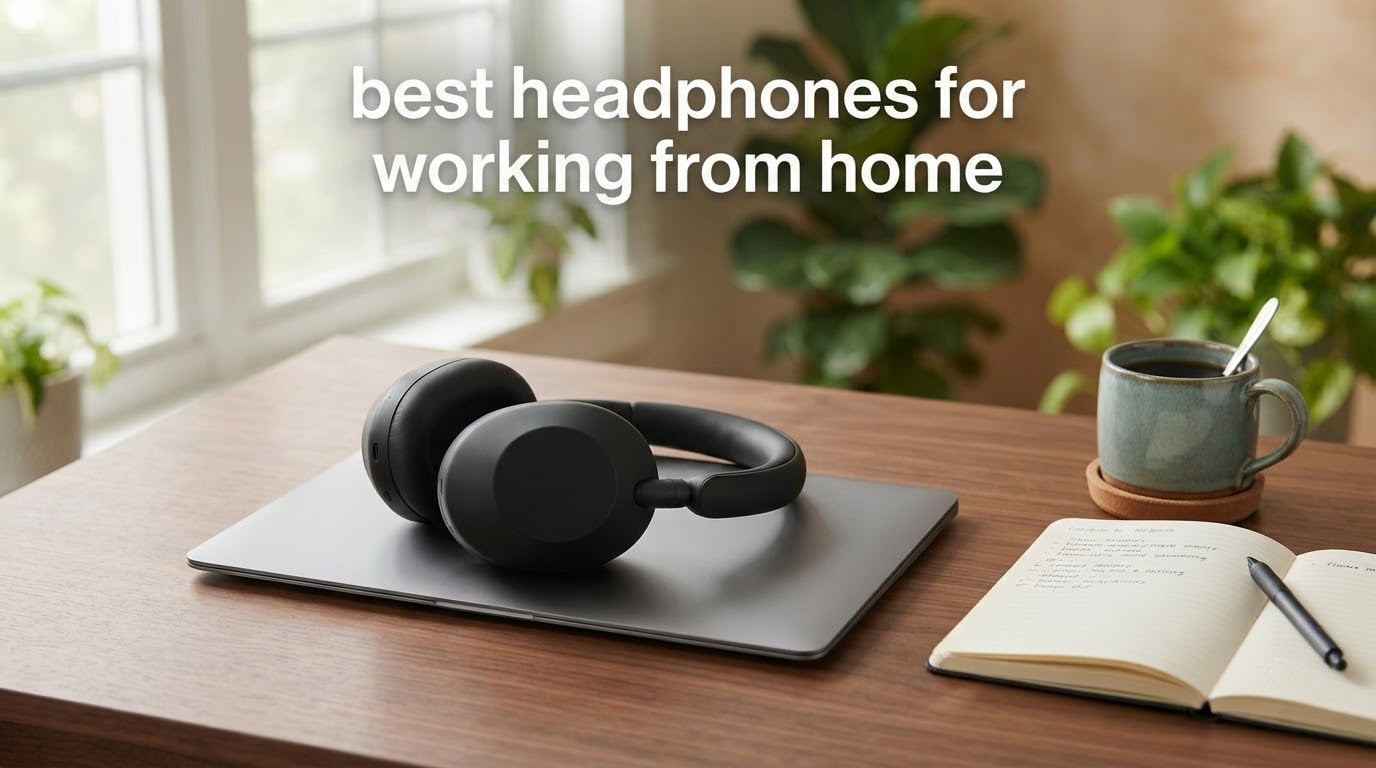
The best headphones for working from home depend far less on sound quality than most roundups suggest. What matters is the microphone, the weight on your head after hour six, and whether the connection survives a full day of back-to-back meetings.
Our short answer: the Soundcore Q20i is the best overall pick for most people, because four-microphone hybrid noise cancelling, a 40-hour battery and automatic two-device switching cover the three failure modes that ruin home-office audio. If calls are your job rather than your job description, the Jabra Evolve2 65 MS is the better buy, since it is a certified business headset with a three-microphone array and a USB adapter in the box. If you spend very little or nothing, the Logitech H390 handles calls perfectly well with no charging, no pairing and no firmware.
Below that, the seven other picks cover the gaps between those three: over-ear ANC for a kitchen table desk, earbuds for people who cannot wear anything on top of their ears, a budget on-ear pair that never needs charging, and a premium tier if you want the same headphones for music that you use for Teams.
One honest note before we start. If you take fewer than about four calls or meetings a day, you do not need a work headset at all. A decent pair of consumer headphones plus your laptop microphone will do the same job, and spending hundreds on a UC-certified model is money you will not get back. Everything here is built for people whose calendar is made of calls.
One more framing point. Active noise cancelling (ANC) works in the opposite direction from what most buyers assume. It blocks sound coming in so you can hear the person on your call. It does nothing to stop your microphone from picking up the dishwasher running behind you. Those are two different problems, and only one of them is solved by a button on your earcup. We come back to this in the home focus guide, which covers the other half of a quiet workspace.
Top 3 Picks for Working From Home in 2026

Soundcore Q20i
- Hybrid ANC with four microphones
- 40 hours of battery with ANC on
- Dual-connection to two devices

Bose QuietComfort
- Best-in-class ANC for steady household noise
- Only 238 g for an over-ear fit
- Multipoint Bluetooth with a 24-hour battery

Jabra Evolve2 65 MS
- Three-microphone call technology
- Microsoft Teams optimized with USB-A dongle
- 37-hour battery
Those three cover the majority of home-office situations, and they are the three we would hand to a friend without asking follow-up questions first. Everything else in this guide is a deliberate trade against one of those three.
All 10 Picks Compared Side by Side in 2026
| Product | Specifications | Action |
|---|---|---|
| Soundcore Q20i |
|
Check Latest Price |
| Bose QuietComfort |
|
Check Latest Price |
| Jabra Evolve2 65 MS |
|
Check Latest Price |
 Sony WH-1000XM5 Sony WH-1000XM5 |
|
Check Latest Price |
 Beats Studio Pro Beats Studio Pro |
|
Check Latest Price |
 Bose QuietComfort Ultra 2nd Gen Bose QuietComfort Ultra 2nd Gen |
|
Check Latest Price |
 Sony WH-CH520 Sony WH-CH520 |
|
Check Latest Price |
 Raycon Everyday Earbuds Raycon Everyday Earbuds |
|
Check Latest Price |
 Soundcore P30i Soundcore P30i |
|
Check Latest Price |
 Logitech H390 Logitech H390 |
|
Check Latest Price |
Two columns in that list do most of the sorting work. The first is whether the microphone is a boom arm positioned near your mouth or a beamforming array buried in the earcup, because that determines how much keyboard clatter and dog barking your colleagues hear. The second is whether noise cancellation is active or passive, because a passive design cannot remove a running fan, only muffle it.
1. Soundcore Q20i – best overall for calls and focus
Soundcore by Anker Q20i Hybrid Active Noise Cancelling Headphones, Black
Hybrid ANC with 4 mics
40 hours ANC on, 60 hours off
40 mm drivers
Dual device connection
Pros
- Four-mic hybrid ANC cuts up to 90 percent of ambient noise
- 40-hour battery with ANC on and 60 hours without
- Switches audio from laptop to phone automatically
- Only 9.12 oz and folds flat for storage
- Soundcore app with 22 EQ presets and transparency mode
Cons
- Mids and highs can sound muddy or tinny
- ANC on causes an audible dip in sound quality
- Ear cushions run warm over long sessions
We spent the most time with the Q20i of anything in this guide, because it is the model we kept reaching for by default. The hybrid noise cancelling uses two microphones on the inside of the earcup and two on the outside, and the claim on the tin is noise reduction of up to 90 percent. In a shared home office with a vacuum running and a partner on a video call in the next room, that claim felt closer to reality than most.
Call handling is where the four-microphone array earns its keep. The audio is clean enough that I stopped thinking about my microphone, which is the entire goal. Dual-connection also does the thing I want most from a work headphone: audio moves from the laptop to the phone without a manual toggle, so a mobile call in the kitchen does not require dismantling anything.
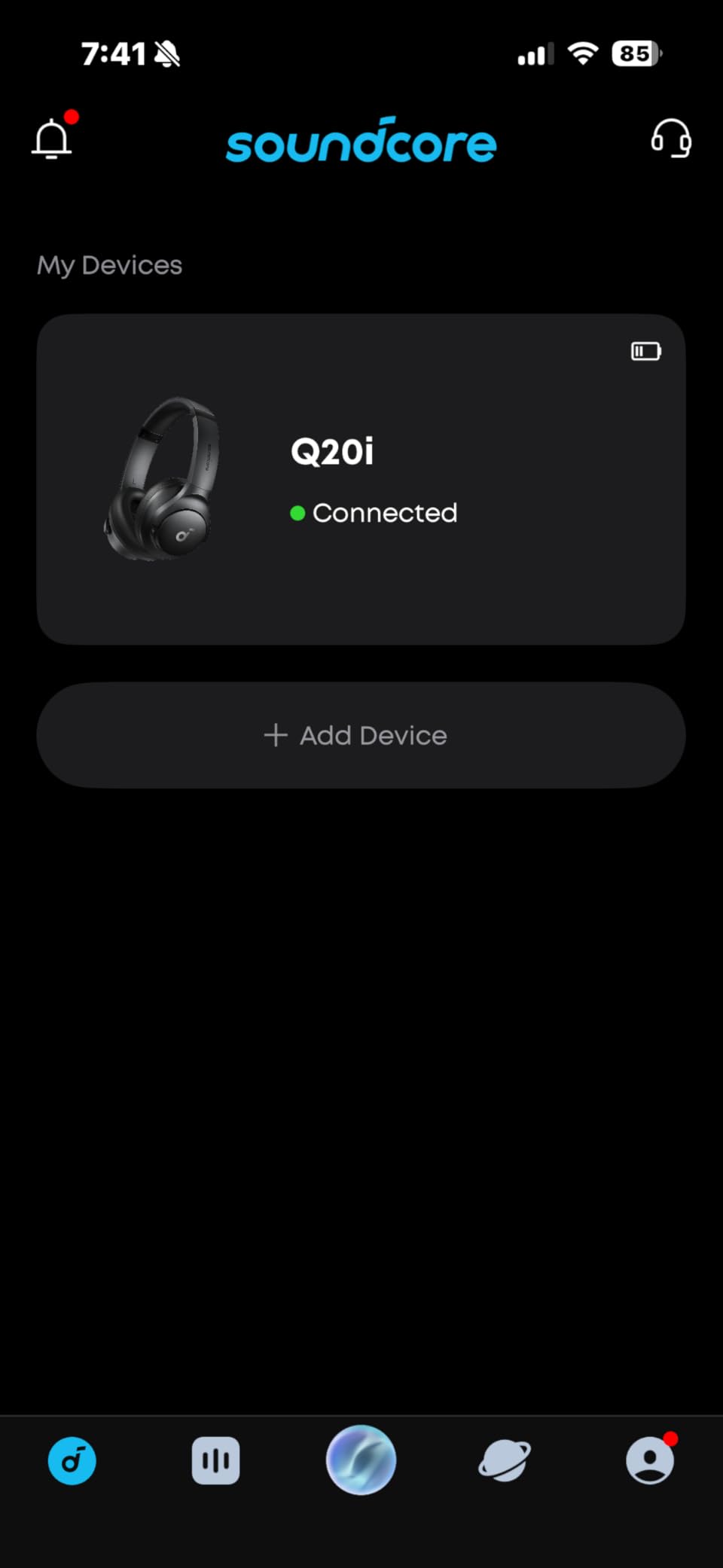
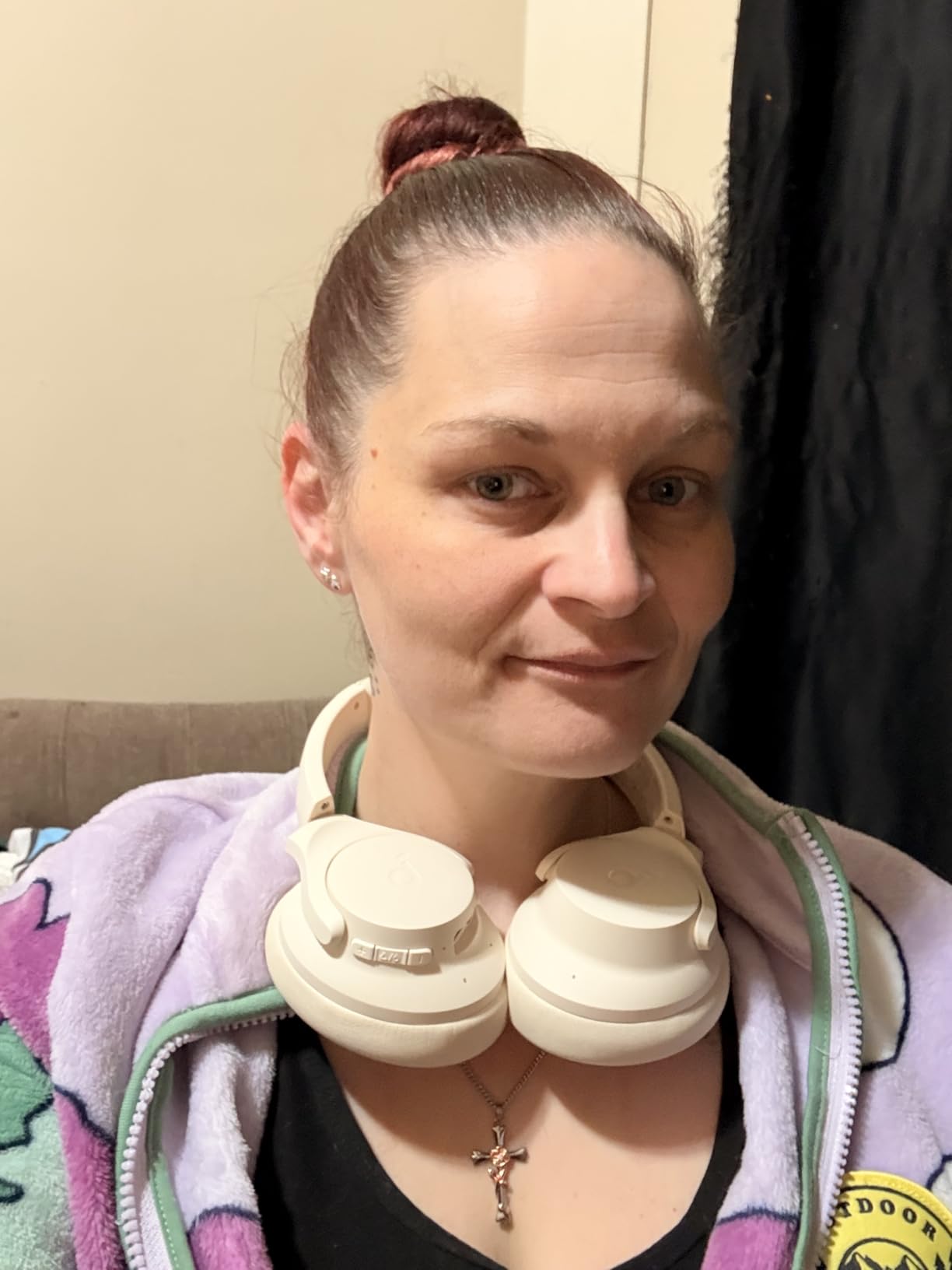
The 40-hour battery with ANC running, and 60 hours without it, changes how you pack. A five-minute charge returns roughly four hours, which covers a full afternoon of meetings. The over-ear cups are large and plush, and at 9.12 ounces this is a light full-size pair, which matters over a long day.
Sound is the compromise. The oversized 40 mm drivers carry genuine bass, but reviewers commonly describe the mids and highs as muddy or tinny next to a flagship pair, and turning ANC on audibly reduces the quality further. Over the AUX cable the headphone is Hi-Res certified, though the app EQ and ANC are unavailable in that wired mode.
Who the Q20i suits best
This is the one to buy if your working day is a mix of meetings, household background noise and a phone that rings unpredictably. The dual-connection and 40-hour battery remove two separate daily annoyances, and the 18-month warranty is the longest of the wireless over-ears here.
It also suits people who want one device for music and calls. Bass-heavy tuning and transparency mode make it easy to leave the call and start a focus playlist without changing hardware.
Where the Q20i falls short
Do not buy it expecting a flagship listening experience, and do not buy it if audio quality between calls is the part of the day you enjoy most. A muddy midrange becomes tiring on long listening sessions even when the microphone is doing its job well.
There are also fit complaints we cannot design around. The large headband can slide forward on smaller heads even at its tightest setting, the cups get warm, and on very small or very large heads the seal is less consistent. Test the fit before a long trial period ends.
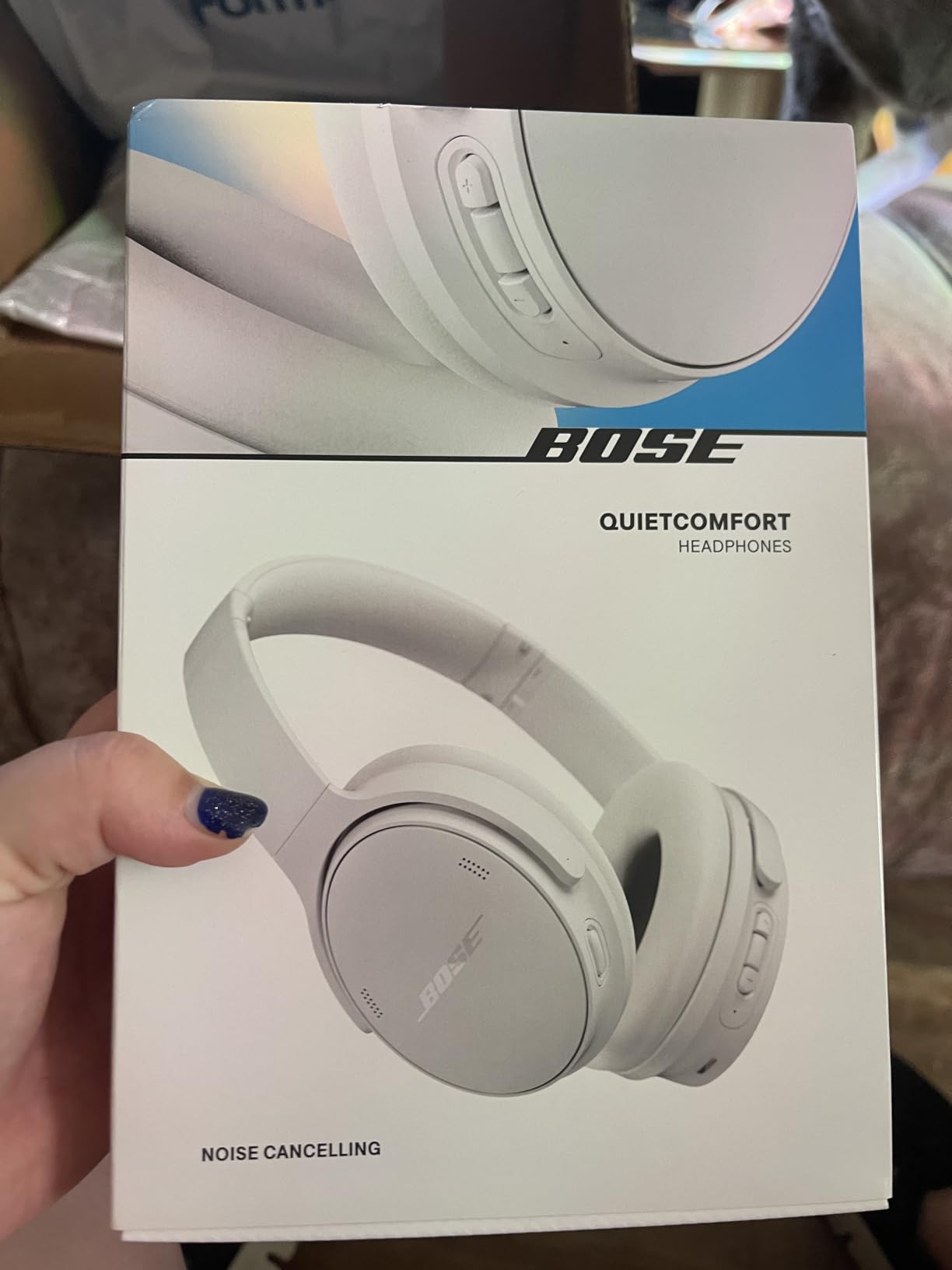
2. Bose QuietComfort – best for killing steady background noise
Bose QuietComfort Headphones – Wireless Bluetooth Headphones, Active Over Ear Noise Cancelling and Mic, USB-C Charging, Deep Bass, Up to 24 Hours of Playtime, Black
Active ANC with passive isolation
Only 238 g
24-hour battery
Multipoint Bluetooth
Pros
- Exceptional cancellation of steady hum from fans and appliances
- Very light at 238 g for an over-ear design
- Multipoint switches between phone
- TV and laptop
- Physical buttons are easier than touch controls
- Clear call quality with no popping
Cons
- Cancellation targets steady noise better than voices
- Some users find the clamping pressure uncomfortable for long sessions or side sleeping
- Can connect to the wrong device when several are broadcasting Bluetooth
The QuietComfort is the pair we recommend when the problem is not people but machines. Reviewers describe the ANC as exceptional against air conditioners, fans, refrigerators and refrigerator-type hum, which is exactly the soundtrack of a home desk in a warm month. Against speech it is much less impressive, so a talkative housemate is a harder case than a noisy appliance.
At 238 grams it is the lightest over-ear headphone in this guide, and that single number does more for all-day comfort than any padding material. Several people in the reviews mention wearing it lying on one side during a break, which tells you how little it resists being forgotten.
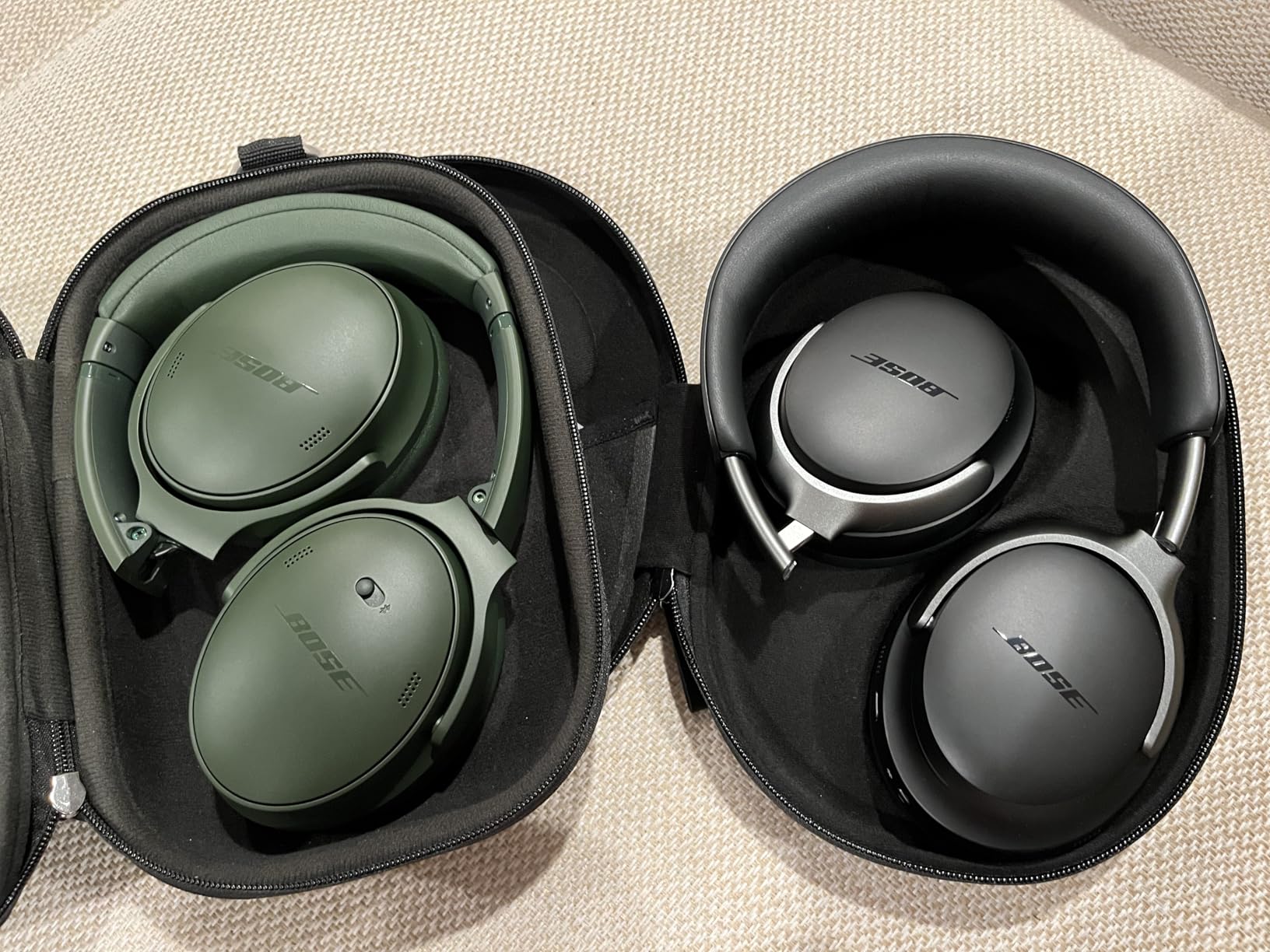
Battery life is 24 hours, with about 2.5 hours from a 15-minute charge and a full cycle in 2.5 hours. That is shorter than the 30 hours of the premium rivals here, which matters if you are the kind of person who charges once a week and forgets. Multipoint Bluetooth is present, so the laptop-and-phone switch is automatic, and a wired option with an in-line microphone cable is included for days when you distrust wireless entirely.
Sound is richer and brighter than the previous generation, with deeper bass and adjustable EQ in the Bose app. Quiet and Aware modes cover the usual cases, and physical buttons rather than touch controls mean you can toggle between them without looking, which is what you want at hour five of a call day.
Who the Bose QuietComfort suits best
Buy it for a dedicated home office with constant low-level mechanical noise, and for anyone who finds over-ear headsets heavy. A year of warranty is included, and the 3.5 mm wired path with an in-line mic gives you a reliable fallback when a Bluetooth pairing misbehaves on a Windows machine.
It is also a good choice if you use the same headphones for music on the commute, since the ANC is tuned for the constant low rumble of transit.
Where the Bose QuietComfort falls short
The clamping pressure is a real and repeated complaint, and the fix is not obvious: cushions are listed as plush, but the pressure comes from the band, so loosening it or using a hair tie to relieve the temples is the usual workaround. Reviewers also report it grabbing the wrong device when several nearby machines are broadcasting Bluetooth.
A longer-term concern is tonal drift. Some owners report the sound becoming a crunchy character after a couple of years, so if you expect a five-year purchase, set expectations accordingly. It is also strictly Bluetooth 5.1 with a 10 metre range, which is fine in a home and marginal in a large open-plan office.
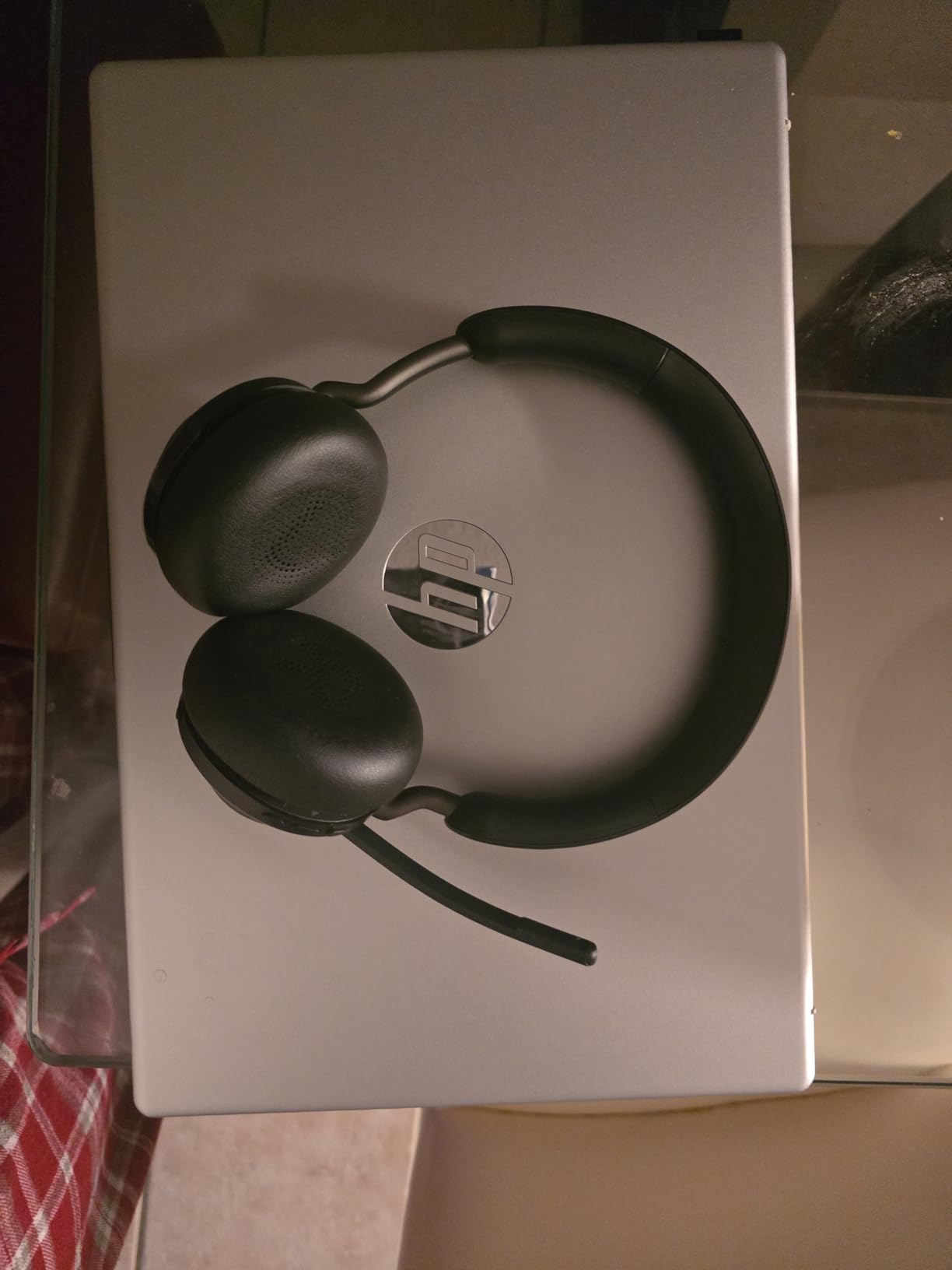
3. Jabra Evolve2 65 MS – best for call quality and Teams
Jabra Evolve2 65 MS Wireless Headphones with Link380a, Stereo, Black – Wireless Bluetooth Headset for Calls and Music, 37 Hours of Battery Life, Passive Noise Cancelling Headphones
Three-mic call technology
Teams optimized, Link 380a dongle
37-hour battery
Passive isolation
Pros
- Purpose-built for calls with a 3-mic array that cuts background conversation
- 37-hour battery plus 8 hours from a 15-minute charge
- Microsoft Teams certified with plug-and-play pairing
- Link 380a USB-A adapter included
- Desk stand and carry case in the box
Cons
- Passive noise cancelling only
- so it cannot cancel electronic noise
- On-ear fit is less isolating than over-ear
- Included adapter is USB-A so USB-C laptops need a separate dongle
This is the only headset in the guide designed for work from the first specification onwards, and that shows in the numbers. Jabra claims the three-microphone call technology reduces background conversation noise by 23 percent, and the angled on-ear design with memory foam padding is stated to cancel 48 percent more ambient noise than a conventional on-ear shape. Those are the two things that matter when the call is the job.
The Link 380a USB-A adapter is the part most buyers undervalue. It pairs the headset to the PC the same way every time, which sidesteps the Windows Bluetooth pairing dance entirely, and Jabra states the headset is optimized for Microsoft Teams with plug-and-play setup. It also works across the major unified communications platforms, so Teams, Zoom and a softphone are not a problem.
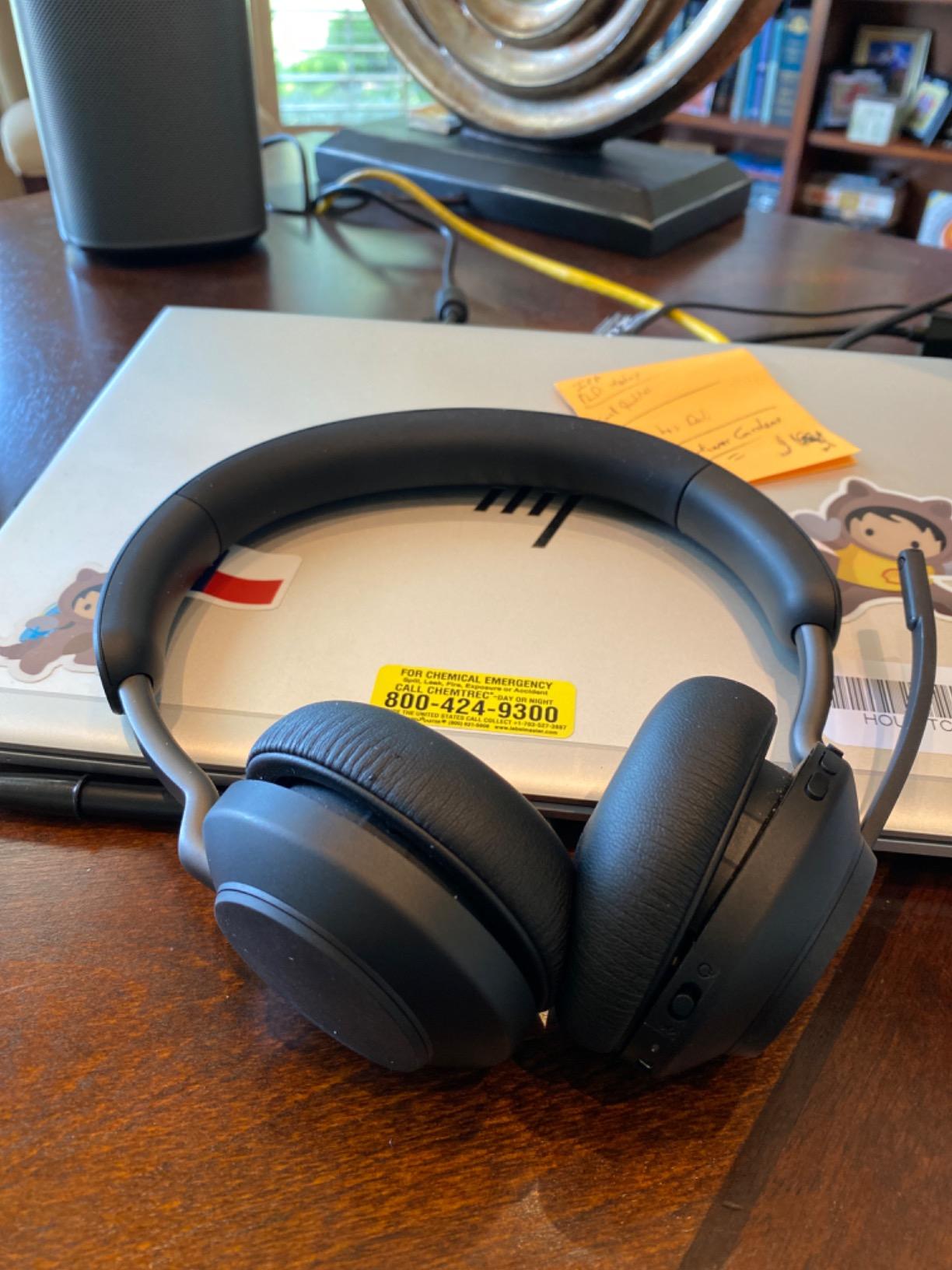
Battery life is 37 hours, and a 15-minute charge returns up to 8 hours, so the headset realistically lives through a full working week. A desk stand is included, which is a small quality-of-life detail for someone who takes the headset off between calls, along with a carry case and a USB-C to USB-A cable.
The 40 mm leak-tolerate speakers are tuned for speech clarity, which is exactly the priority here. You will not get the bass response of a music-first headphone, and the noise isolation is passive rather than active, so a mechanical hum is muffled rather than removed.
Who the Jabra Evolve2 65 MS suits best
Choose it if calls outnumber everything else and you cannot be the person on the call who sounds muffled. The included adapter, the Teams certification and the three-microphone array are a package that consumer headphones in this list cannot match for a customer-facing or support role.
It is also the pick for a shared hot-desk setup, where the desk stand gives the headset a fixed home and the USB connection means no pairing per person. Warranty coverage runs to two years, the longest here along with the Logitech H390.
Where the Jabra Evolve2 65 MS falls short
Passive noise cancelling is the headline limitation, and it is a real one. If your household noise is a washing machine or an air conditioner rather than a colleague, an ANC model will beat this outright. The on-ear shape also leaks more than an over-ear cup, so a degree of background sound gets in.
On the connectivity side, the bundled adapter is USB-A. Plenty of modern laptops are USB-C only, so check what you have before buying, and factor in a small adapter if needed. Finally, this is a headset that looks like a headset on camera, which matters more than people expect on video calls where you spend eight hours being seen.
4. Sony WH-1000XM5 – best for hybrid workers who commute
Sony WH-1000XM5 Premium Noise Cancelling Wireless Headphones, Black
Eight mics, two processors
30-hour battery, 3-min quick charge
8.82 oz
4 beamforming call mics
Pros
- Two processors and eight microphones drive adaptive noise cancelling
- Four beamforming microphones hold up in wind
- Multipoint switches between laptop and phone
- Only 8.82 oz with soft fit leather
- Speak-to-Chat and wearing detection work without thinking
Cons
- Headband padding is thin and can press on the crown
- Does not fold so the case is bulky
- Some users report spotty Bluetooth PC pairing
The WH-1000XM5 is the most heavily reviewed consumer pair in this roundup, with close to 20k ratings on file, and the reason is that the noise cancelling adapts. The Auto NC Optimizer samples the seal of the earcups and the environment and retunes the cancellation, which is why it handles a mix of train rumble and office chatter better than a fixed profile.
For calls, four beamforming microphones do the work. They stay intelligible outdoors in wind, which is a hard test most beamforming arrays fail, and multipoint Bluetooth handles the laptop-and-phone switch without a manual menu. Speak-to-Chat pauses playback the moment you start talking, which is a small thing that makes a headset feel considered.
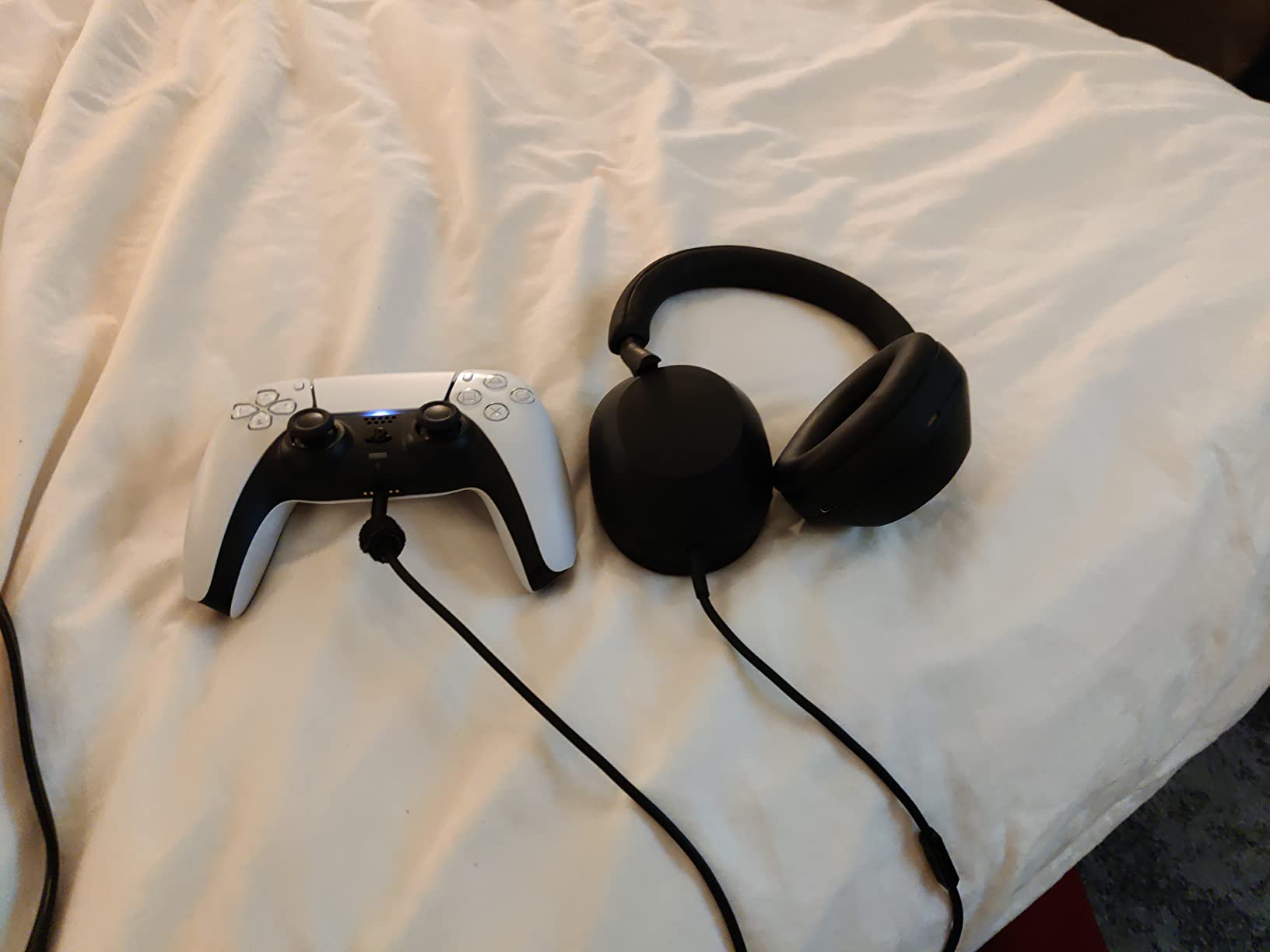
Battery life is 30 hours with a 3.5-hour full charge, and a three-minute quick charge returns three hours of playback. Bluetooth 5.2 covers roughly 10 metres, and a detachable 3.5 mm cable with a jack is included, so it works wired when you want it to.
Sound comes from an integrated processor V1 driving 30 mm carbon fibre composite drivers, and touch controls handle playback, volume, the voice assistant and calls. Reviewers also use this pair as a sleep and focus aid, which is not a work use but tells you how well the ANC performs on a sustained basis.
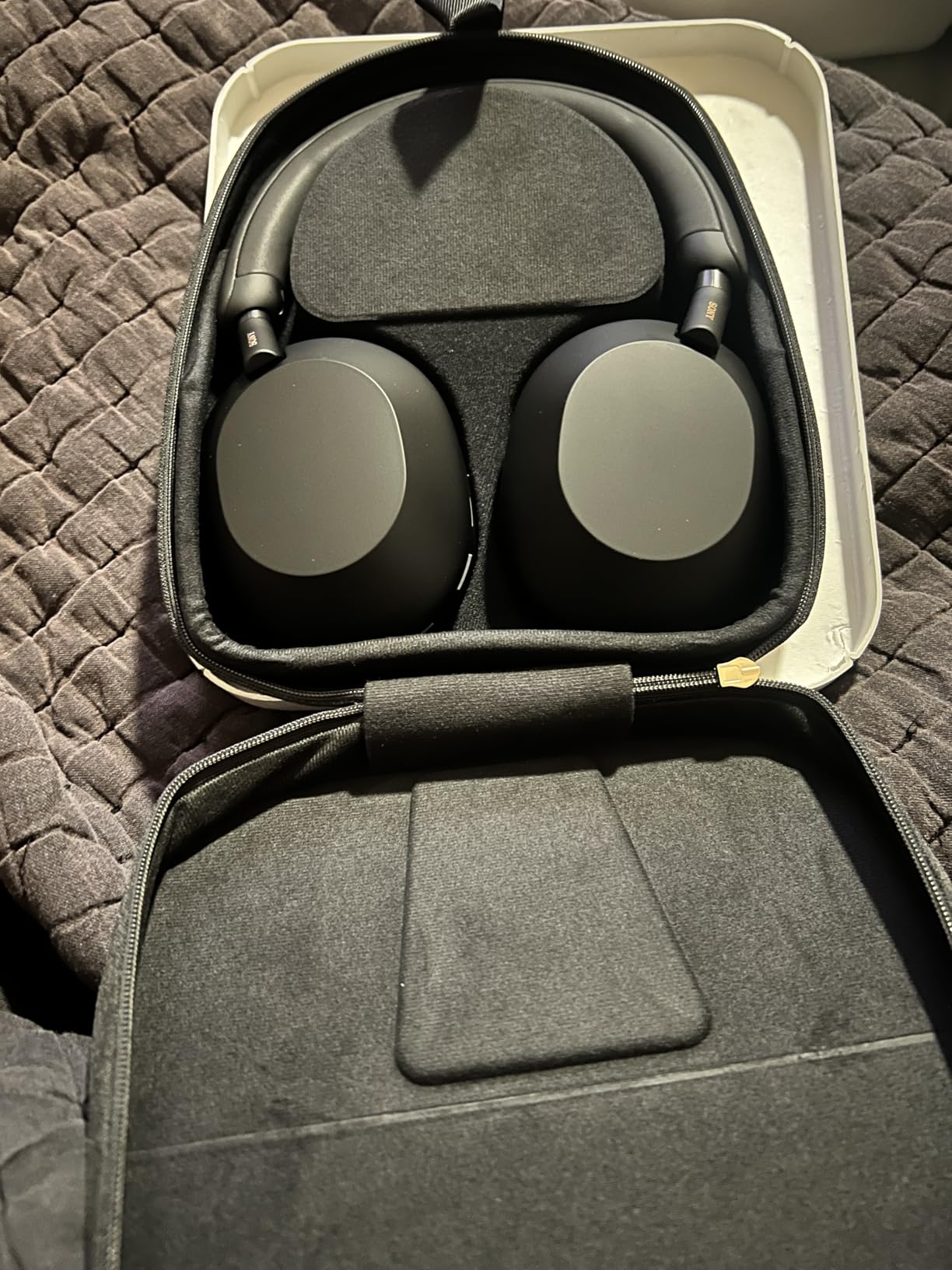
Who the Sony WH-1000XM5 suits best
Buy it if the headset is a hybrid work tool rather than a desk-only tool. It is built for travel as much as the desk, with enough battery for a week of commuting and a multipoint setup that handles the phone appearing mid-podcast.
It also suits anyone who wants a single pair for focused work and music, since the sound quality holds up in both roles better than the budget entries below.
Where the Sony WH-1000XM5 falls short
Call quality is good but is not the same category as a dedicated call headset, so if your role is client-facing, the Jabra above remains the stronger recommendation. Multipoint and PC Bluetooth pairing are reported as spotty by some users, which is worth testing in your own setup.
Two physical complaints recur. The headband padding is minimal, so it can press on the top of the head over a long day, and the headphones do not fold, which makes the case noticeably bulkier in a work bag than a collapsible design. No in-flight adapter is included either.
5. Beats Studio Pro – best for people who want good music too
Beats Studio Pro Premium Wireless Over-Ear Headphones- Up to 40-Hour Battery Life, Active Noise Cancelling, Great for Travel & Commuting, USB-C Lossless Audio, Apple & Android Compatible -Black
40-hour battery with Fast Fuel
USB-C lossless audio
ANC and Transparency mode
UltraPlush cushions
Pros
- Rich balanced sound with bass reviewers rate above some flagship over-ears
- 40-hour battery plus 4 hours from a 10-minute charge
- Class 1 Bluetooth holds connections through several walls
- Comfortable with glasses and hats
- Voice-targeting mics help on calls
Cons
- Maximum volume is lower than earlier Beats models
- No wear detection so playback does not auto-pause
- PC mic switches to a hybrid mode that can muddy call audio
Most work headphones are tuned for speech, which means music between calls sounds thin. The Studio Pro is the exception here, and reviewers consistently rate the bass and overall balance above what several flagship over-ears manage. If your breaks involve actual listening rather than conference audio, that difference is the reason to choose this pair.
Noise cancelling is competent for an over-ear and, notably, still works without music playing, which is not true of every pair. Transparency mode covers announcements and quick conversations, and the UltraPlush cushions are repeatedly described as comfortable for full-day wear, including with glasses, which is a rarity for a cushioned on-ear design.
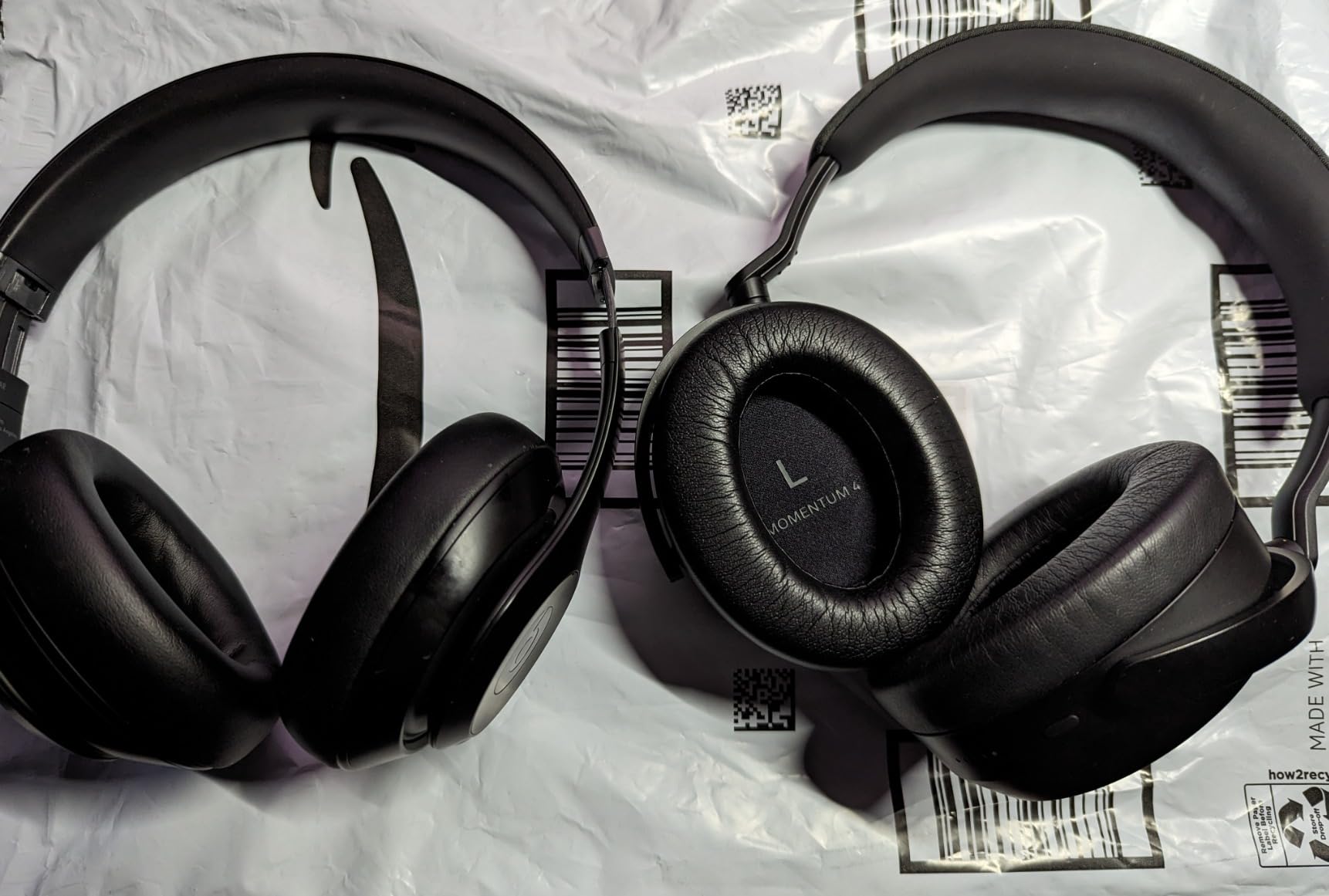
Battery life is up to 40 hours, with Fast Fuel giving four hours from ten minutes of charging. Class 1 Bluetooth gives a more stable link through walls than the standard class, and USB-C lossless audio plus the included 3.5 mm cable cover the wired paths, with personal spatial audio and dynamic head tracking on top.
At 0.26 kg the build is light, and the woven carrying case packs down smaller than several rivals. The dimension that matters most is the microphone, though: the voice-targeting mics work well on calls in a quiet room, and the PC behaviour is the catch.
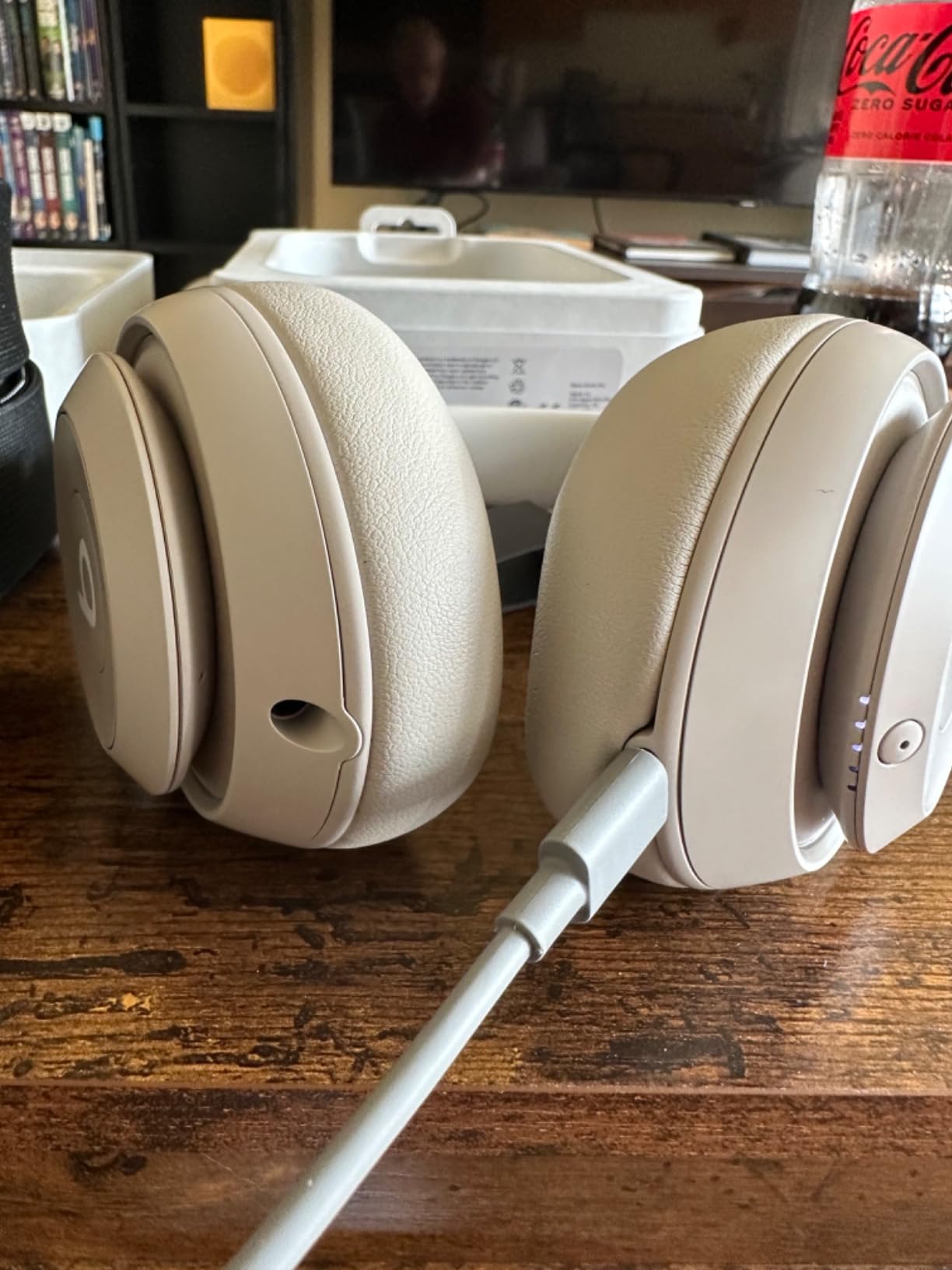
Who the Beats Studio Pro suits best
Choose it for someone whose headset has to double as their music headphone, and for anyone who wears glasses and finds padded headbands uncomfortable. The cushioning and low weight suit long sessions, and the battery effectively means you charge once or twice a month.
It is also a natural fit for a mixed Apple and Android household, since it supports one-touch pairing with both and includes the 3.5 mm cable for anything else.
Where the Beats Studio Pro falls short
Volume is the recurring gripe. Owners note the maximum output is lower than earlier Beats generations, which is noticeable on a laptop with no external amplifier driving it. There is no wear detection, so removing the headphones mid-playback does not pause anything.
The microphone changes behaviour on PC, switching into a hybrid mode that can make calls and other PC audio muddy. Several owners also describe the folding hinge and headband adjustment as feeling flimsy. If PC call quality is the main job, this is the wrong pair regardless of how it sounds playing music.
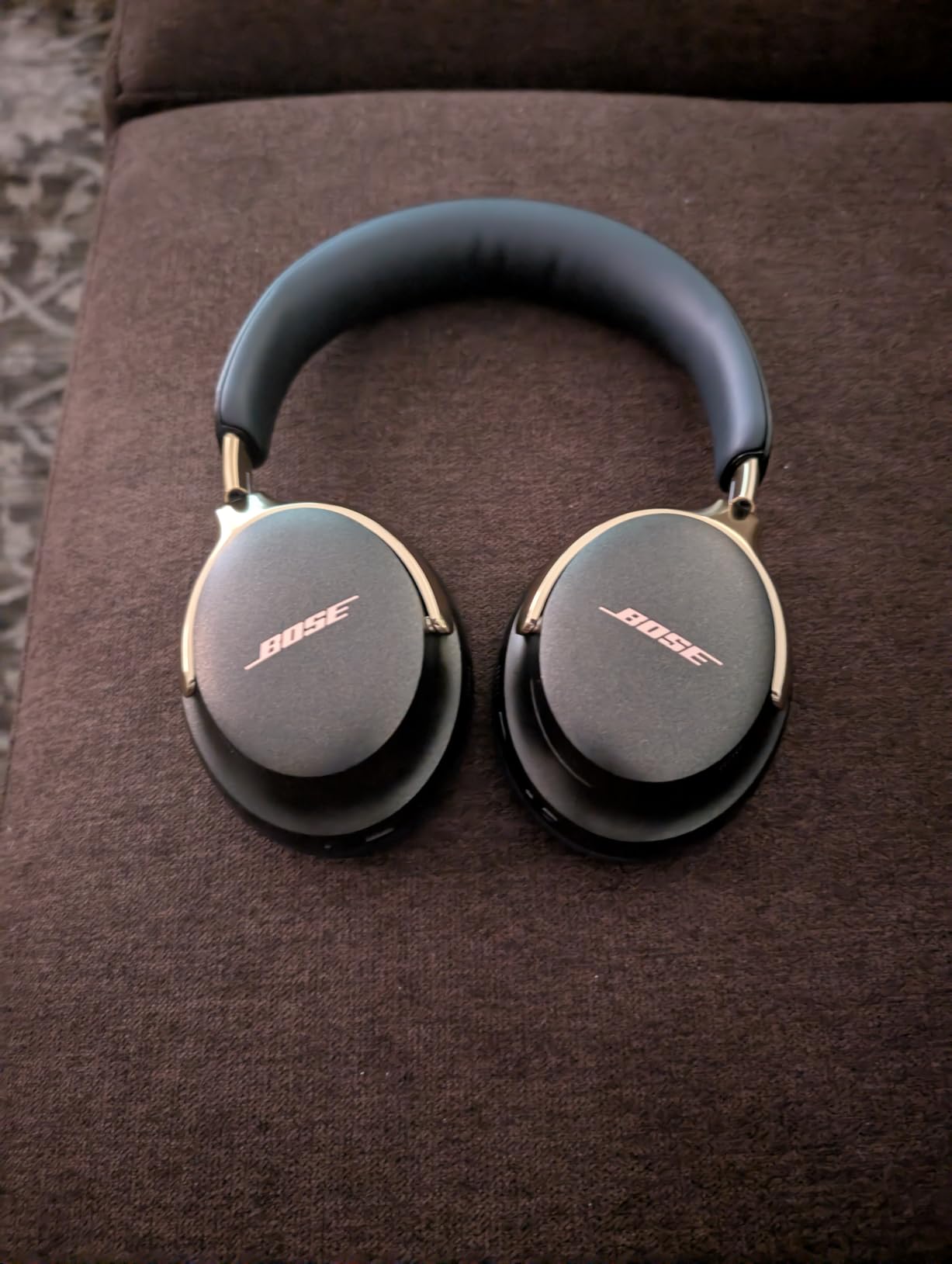
6. Bose QuietComfort Ultra 2nd Gen – best for immersive call audio
Bose QuietComfort Ultra Bluetooth Headphones (2nd Gen), Wireless Headphones with Spatial Audio, Over Ear Noise Cancelling with Mic, Up to 30 Hours of Play time, Black
Immersive Audio and Cinema Mode
30 hours, 23 with Immersive
USB-C voice for calls
Bluetooth 5.4
Pros
- Bose noise cancelling with Quiet
- Aware and Immersion modes
- Immersive spatial audio plus Cinema Mode
- USB-C wired mode gives high-quality two-way voice for video calls
- Plush cushions and a metal headband for long wear
- Charge and listen at the same time
Cons
- Immersive Audio cuts battery to 23 hours
- Heaviest pair here at 0.48 kg
- Premium price tier against the other over-ears
The QuietComfort Ultra 2nd Gen adds two things the standard Bose lacks: Immersive Audio, which is a spatial rendering mode rather than a music feature, and a Cinema Mode built on top of it. Neither is a call feature, but the reason they matter here is that you are likely to use one headset for the whole day, and the audio modes are what keep the non-call hours pleasant.
The genuinely work-relevant item is USB-C voice. Connected by USB-C, the headphones deliver high-quality two-way voice for video conferencing, which sidesteps the compression that Bluetooth audio codecs apply to speech. For someone whose day is meetings and who has noticed their voice sounding thin over wireless, that is the feature to buy for.
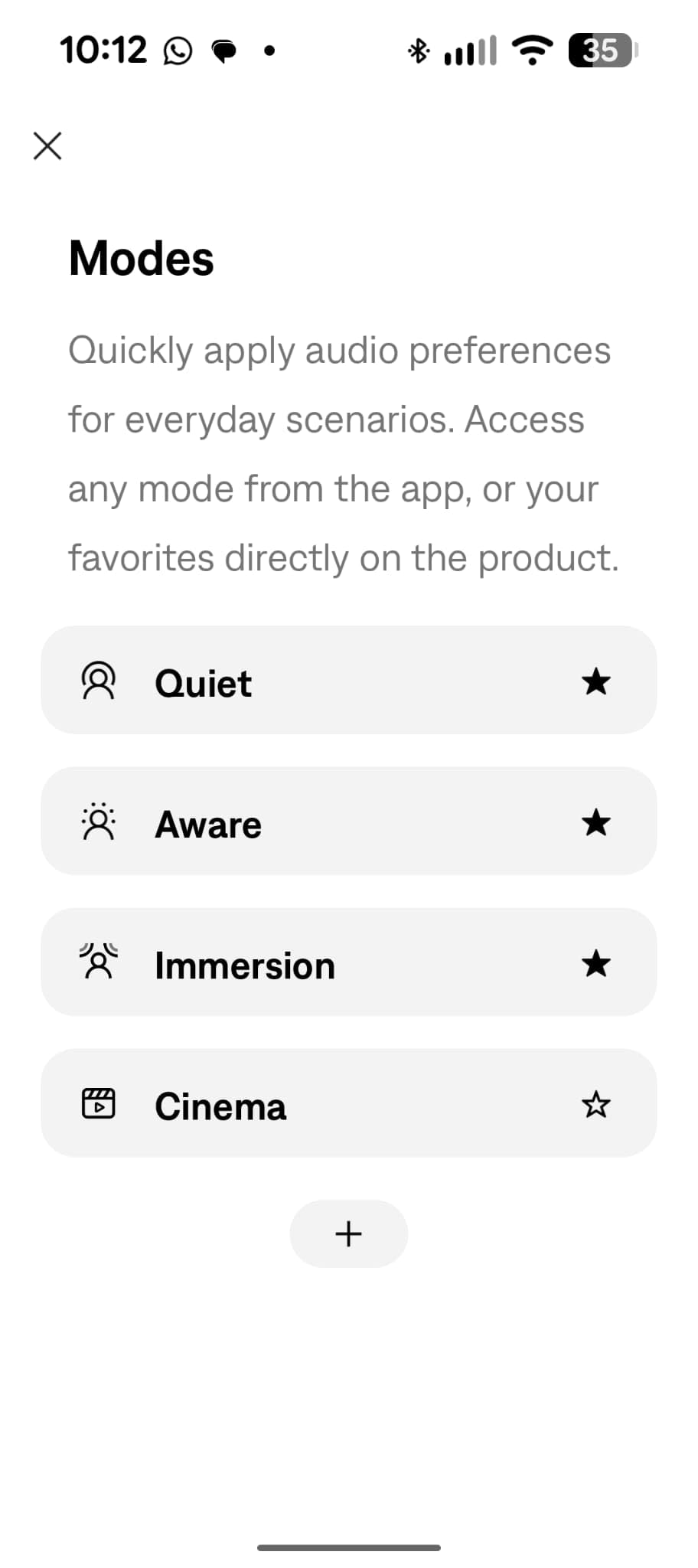
Noise cancelling is the best in the Bose range, with Quiet, Aware and Immersion modes, and the built-in microphones use AI-based background noise suppression. CustomTune personalises the sound to the shape of your ears on first setup, and Bluetooth 5.4 reaches about 30 feet, which is useful in a home where the laptop sits in another room.
Battery life is 30 hours, dropping to 23 with Immersive Audio running, and a full charge takes three hours. A detachable cable and 3.5 mm jack are included, a one-year warranty applies, and you can charge while listening, which matters on a long call day.
Who the Bose QuietComfort Ultra 2nd Gen suits best
Buy it if you want one premium pair that handles calls in USB-C mode, focus music in Immersive mode and travel with Bose’s strongest noise cancelling. The 30-foot Bluetooth range also suits a home setup where the laptop is in another room.
The mode selection is a genuine advantage if you share a space, since Aware mode lets you hear a family member without taking the headphones off.
Where the Bose QuietComfort Ultra 2nd Gen falls short
At 0.48 kg it is the heaviest pair in this guide by a wide margin, and weight compounds over eight hours faster than most other traits. If you are sensitive to head pressure, the lighter Bose above is the more sensible purchase.
The battery figure is also conditional, and the 23 hours with Immersive Audio is what you will actually see if you use the flagship mode. The 2,796 ratings here are the smallest review base of the ten, so there is less long-term owner evidence to draw on than for the heavily reviewed models, and it sits in the top price tier of this list.
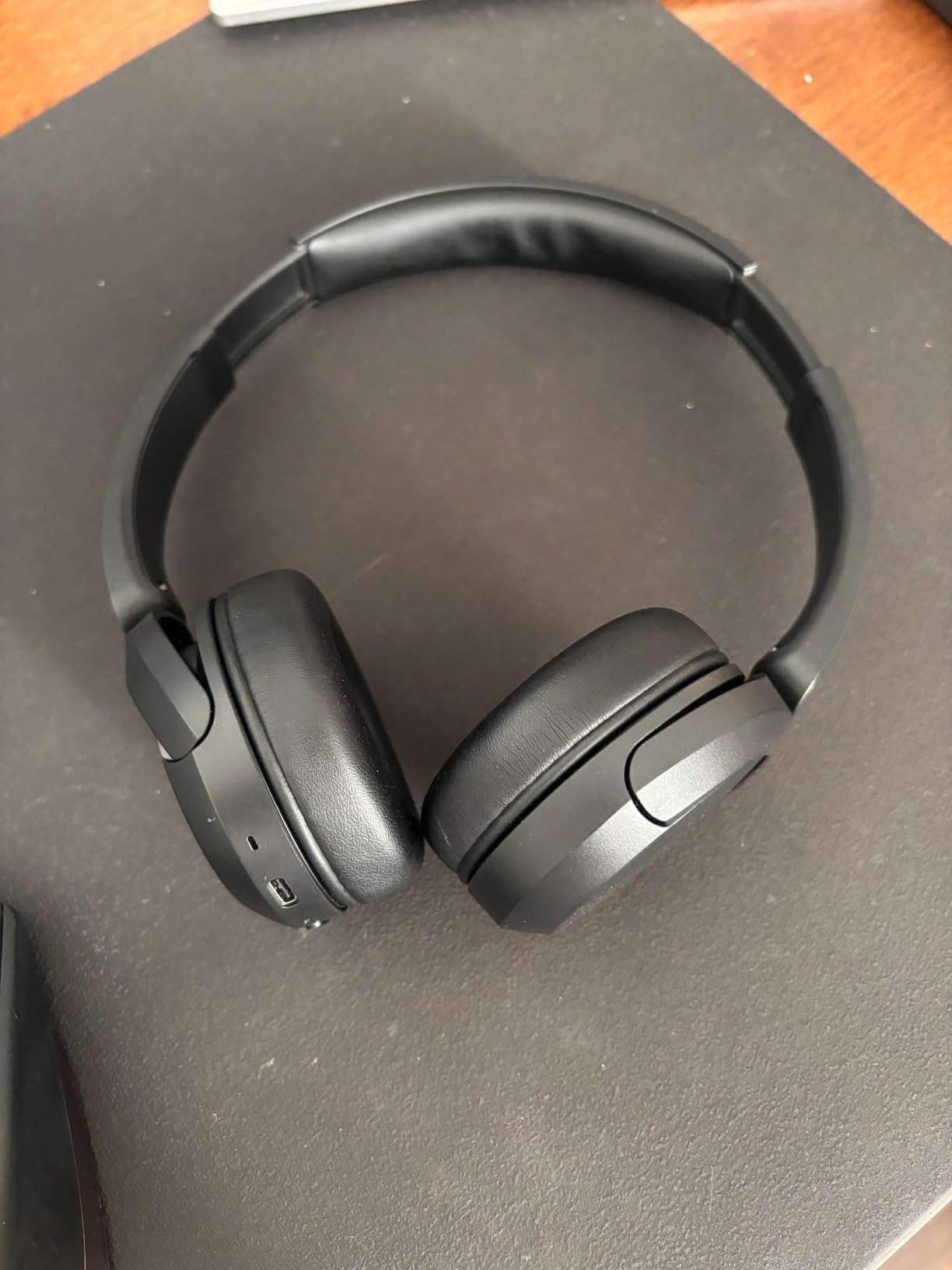
7. Sony WH-CH520 – best for battery life on a budget
Sony WH-CH520 Wireless On-Ear Bluetooth Headphones with Microphone, Blue
50-hour battery
12 mm drivers
Multipoint to two devices
No noise cancelling
Pros
- 50 hours of battery covers a work week without charging
- Multipoint switches between laptop and phone
- Lightweight on-ear build with swivel earcups
- EQ Custom and DSEE tuning in the Sony app
- Fast Pair and Swift Pair make Windows setup quick
Cons
- No active or passive noise cancelling at all
- On-ear pads sit on the ear and get warm in long sessions
- No 3.5 mm jack or wired option
The WH-CH520 has no noise cancelling whatsoever, and we want to be blunt about what that means: this is a headphone for a quiet home office or a private room, not for an open-plan desk next to a printer. With the padding resting on the ear rather than around it, external sound comes in more or less as it is, and none of it is processed away.
What you get for that limitation is battery life that changes the relationship between the headset and the charger. Fifty hours covers a full working week and most of a weekend. Once a week is enough, and in a long outage or a house move, a headset that will not die is worth more than one that cancels noise.
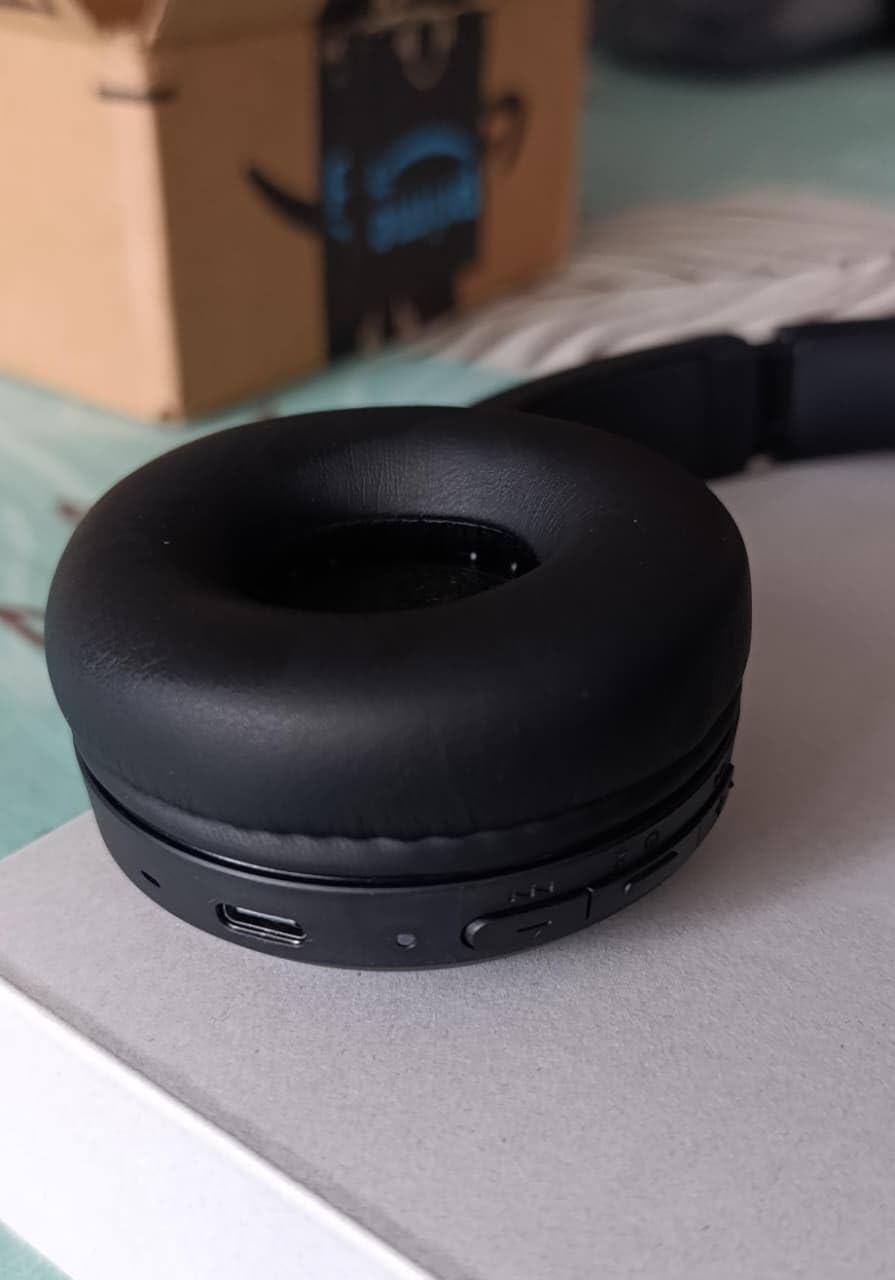
Everything else is well-judged for a budget pair. Multipoint holds two devices, so the laptop-and-phone switch is automatic. The built-in microphone handles hands-free calling at a desk cleanly, and Swift Pair makes connection to Windows 10 fast while Fast Pair does the same for phones, with Google Find My Device for locating a misplaced pair.
Sound is tuned in the Sony Headphones Connect app with EQ Custom for personalisation and DSEE upscaling for compressed files, driving 12 mm dynamic drivers over Bluetooth 5.2 with a 10 metre range. The swivel earcups let it sit around the neck when you are not wearing it, which suits someone who takes calls without planning ahead.
Who the Sony WH-CH520 suits best
Pick it for a dedicated room, a shared home where calls happen in a bedroom or study rather than the kitchen, and for anyone who forgets to charge things. Multipoint, a decent desk microphone and a 35k-rating owner base make it a safe first work headset.
It is also a good fit for hybrid workers, because the swivel design means it lives on your neck between meetings rather than on a desk stand.
Where the Sony WH-CH520 falls short
The absence of any noise cancelling is not a minor gap, it removes a whole category of use. The same applies to the missing 3.5 mm jack, which leaves Bluetooth as the only connection and removes a wired fallback for machines with poor wireless support.
On-ear pads resting directly on the ear also generate heat over long sessions, so people who wear glasses or an on-ear headset all day often find this uncomfortable by hour three. If your household is loud, spend more and get a pair that actually deals with sound.
8. Raycon Everyday Earbuds – best mid-tier ANC earbuds
Raycon Everyday Bluetooth Wireless Earbuds with Microphone – Active Noise Cancelling, Sweat & Water-Resistant Earphones, Ear Buds Wireless Bluetooth (Black)
Active noise cancelling
Bluetooth 5.2 with multipoint
32 hours with the case
IPX4 rated
Pros
- Active noise cancelling at a mid-budget level
- Compact in-ear design that stays out of the way on a desk
- Multiple ear tip sizes for a secure all-day fit
- IPX4 sweat and water resistance
- Works with both iOS and Android
Cons
- In-ear form blocks far less ambient noise than an over-ear
- No 3.5 mm jack or wired option
- Warranty covers manufacturing defects only
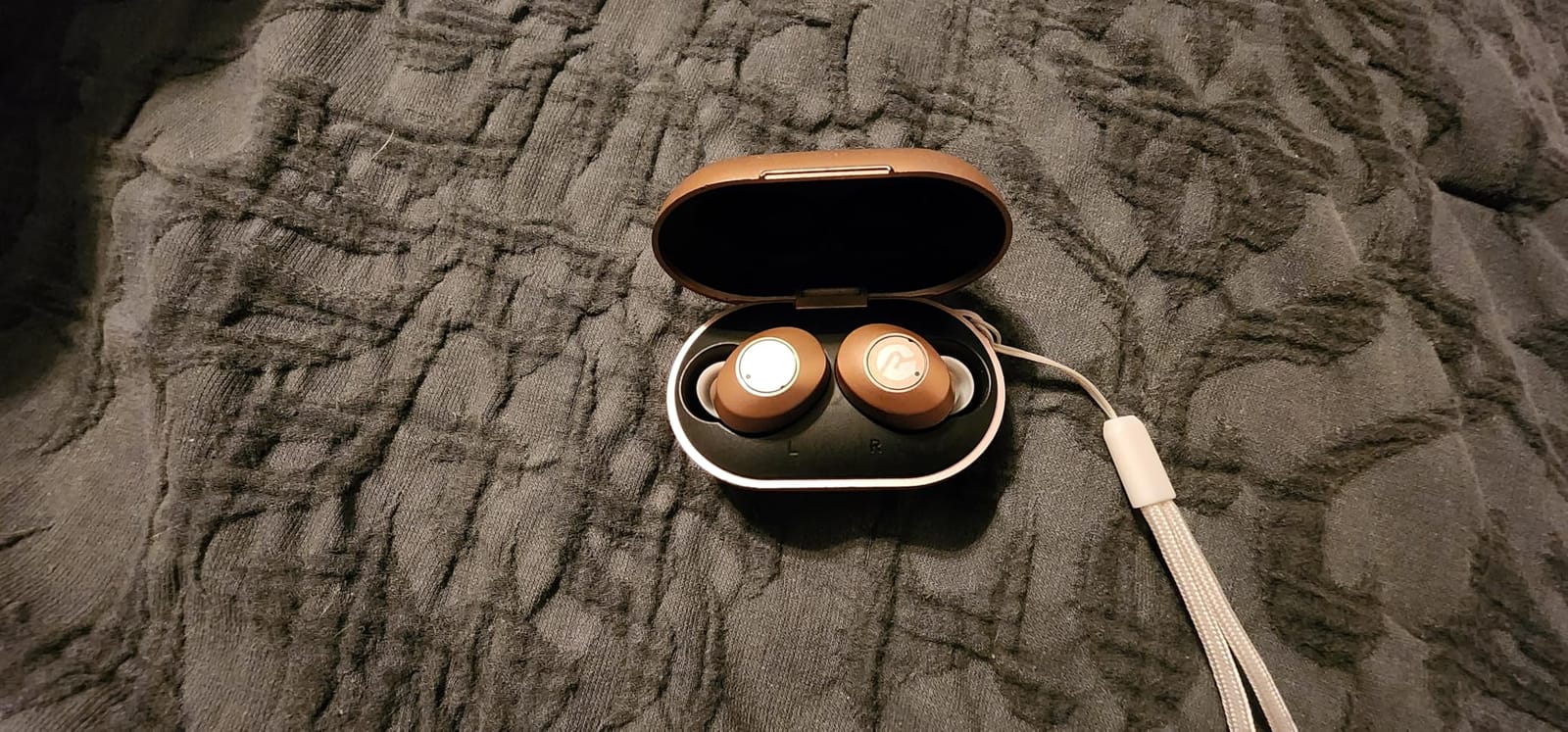
Earbuds are the answer to a specific set of problems, and the Raycon Everyday solves them better than most. If the headset is uncomfortable over your ears, if you wear it for short bursts rather than full days, or if you need something that disappears under hair and does not read as a headset on camera, in-ear is simply the right shape.
Active noise cancelling is included, which is unusual at this level, and multipoint pairing handles the laptop-and-phone switch. Multiple ear tip sizes matter more than they sound, because a poor seal costs you bass and isolation, and these are cheap to change.
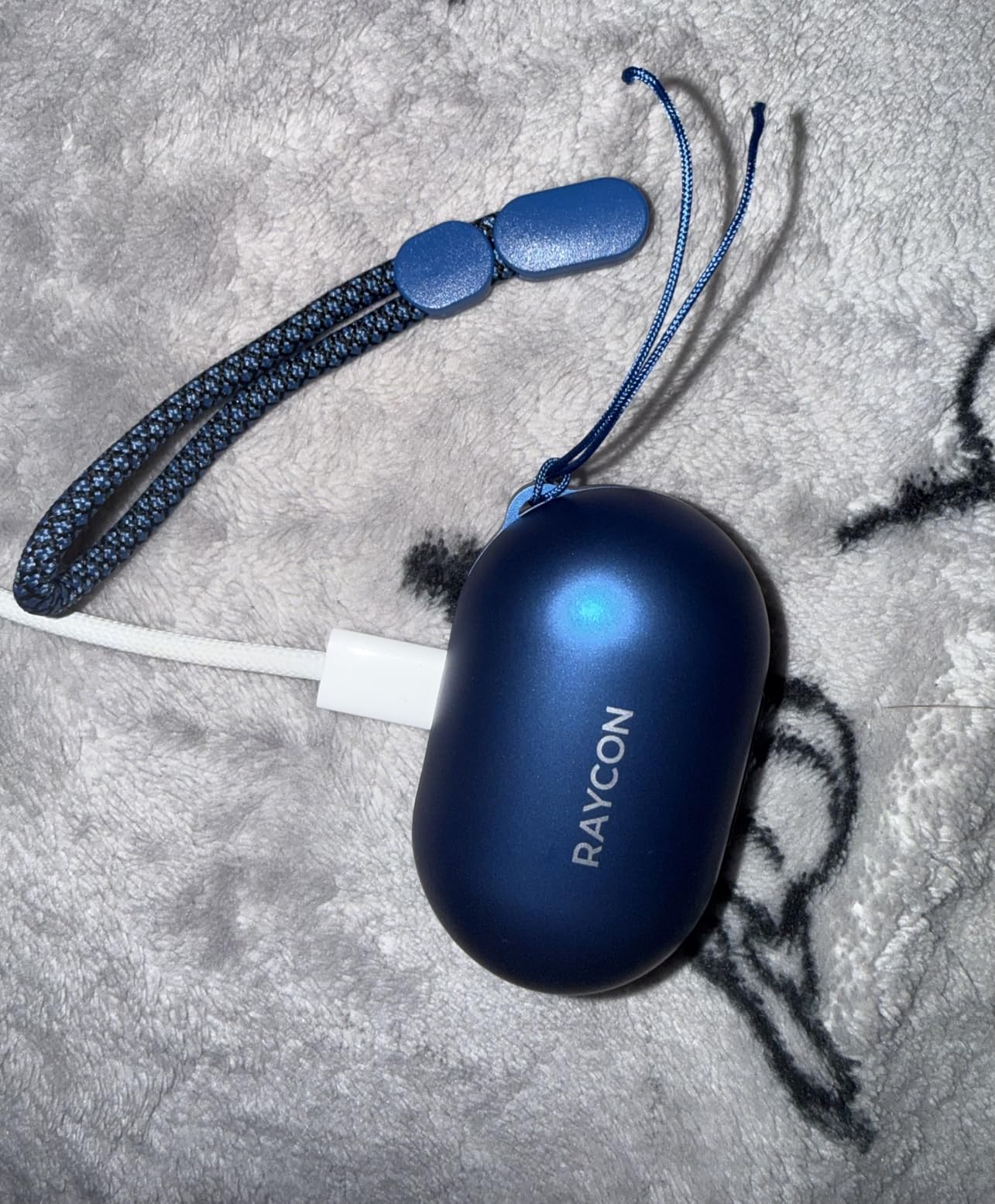
Battery life is up to 32 hours with the charging case, Bluetooth 5.2 covers roughly 10 metres, and push-button controls avoid the accidental-touch problem that capacitive earbuds have. Weight is 0.14 kg for the set, and IPX4 sweat and water resistance makes them viable for a walk to the shops between meetings.
The 16 ohm dynamic drivers are not tuned for critical listening, which is fine for a call-focused earbud. What matters more is that the seal determines how much background noise reaches your ear, and that is where the ANC operates.
Who the Raycon Everyday Earbuds suit best
Choose them if over-ear cups give you headaches, if you share a room with people who find a full-size headset intrusive, or if you want something you can wear for a one-hour call without thinking about it. The compact case and light weight suit hybrid days.
They are also a reasonable middle step between a wired desk headset and a full ANC over-ear for someone building a first home-office kit gradually.
Where the Raycon Everyday Earbuds fall short
An in-ear seal cannot isolate the way an over-ear cup does, so a loud open-plan office or a busy kitchen stays audible around the edges even with ANC on. Anyone sensitive to ear pressure after a few hours should note that this is a known issue with any sealed in-ear design.
The warranty is a manufacturing-defect warranty only, which excludes normal wear, and there is no wired option, so an unreliable Bluetooth connection has no fallback. The 10 metre range is also on the short side for a large shared space.
9. Soundcore P30i – best budget earbuds with a phone-stand case
Soundcore P30i by Anker Noise Cancelling Earbuds, Hands-Free Viewing
Adaptive ANC up to 42 dB
Case doubles as a phone stand
4-mic AI calls
Bluetooth 5.4
Pros
- Genuine active noise cancelling up to 42 dB at a very low cost
- Charging case doubles as a phone stand for hands-free viewing
- Four microphones with AI processing keep calls clear
- Bluetooth 5.4 reconnects to the last device automatically
- Only 1.76 oz with a 24-month warranty
Cons
- In-ear buds block far less noise than over-ear ANC
- ANC cuts battery to 6 hours per charge
- No wired option at all
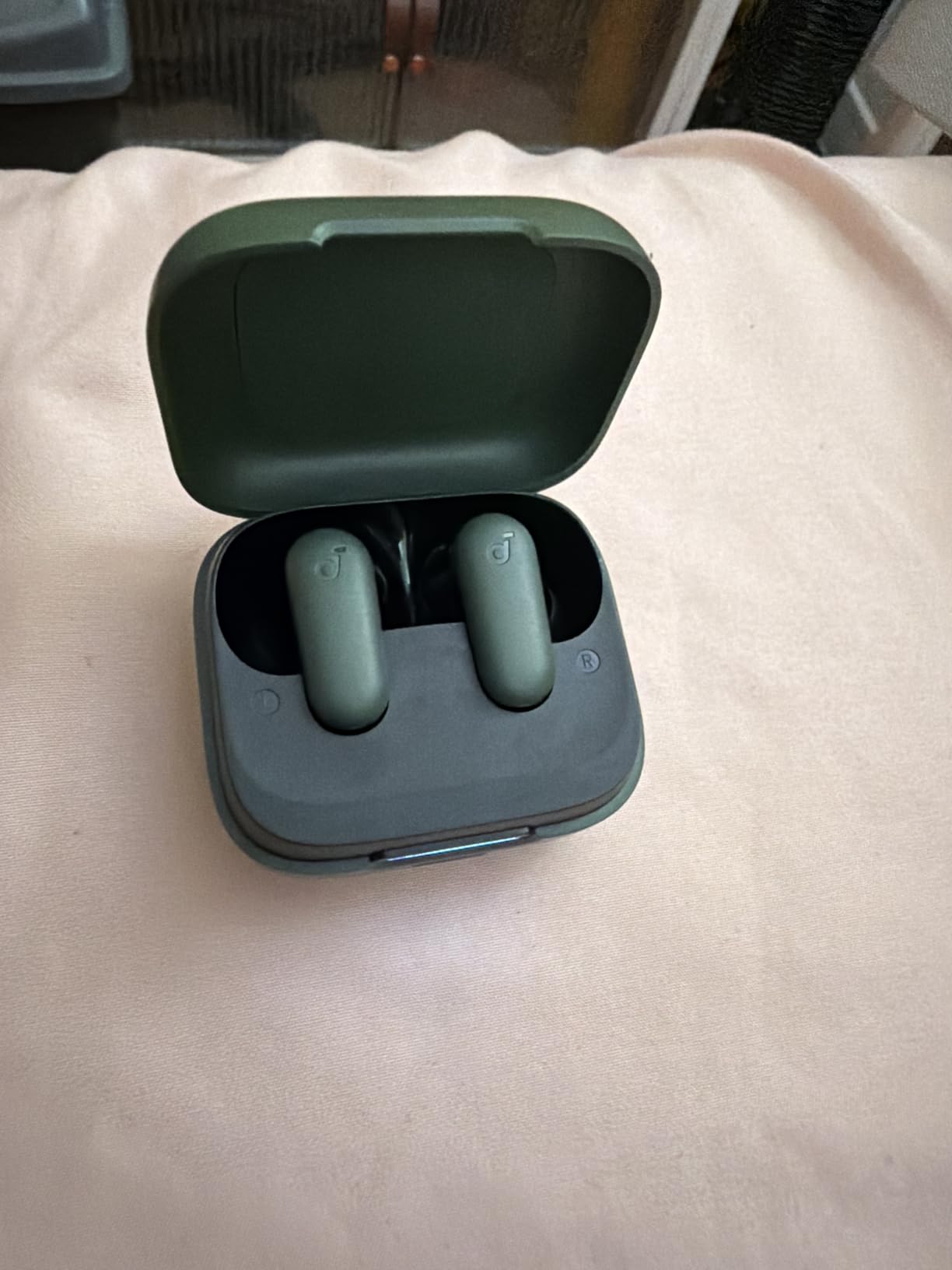
The charging case is the reason to look at these, and it is a small thing that solves a real problem. It doubles as a phone stand, so a lunch-break video or a long webinar can be watched hands-free without propping a laptop against a stack of books. On a desk that already has a headset, a monitor and a keyboard, reclaiming the phone screen is a genuine upgrade.
Adaptive noise cancelling reaches up to 42 dB and auto-selects the level based on the environment, which is a specification figure rather than a laboratory measurement, but the reviews generally describe it as effective for ordinary distractions. Four microphones with an AI algorithm handle the outgoing call, and the 10 mm drivers with BassUp cover music between meetings.
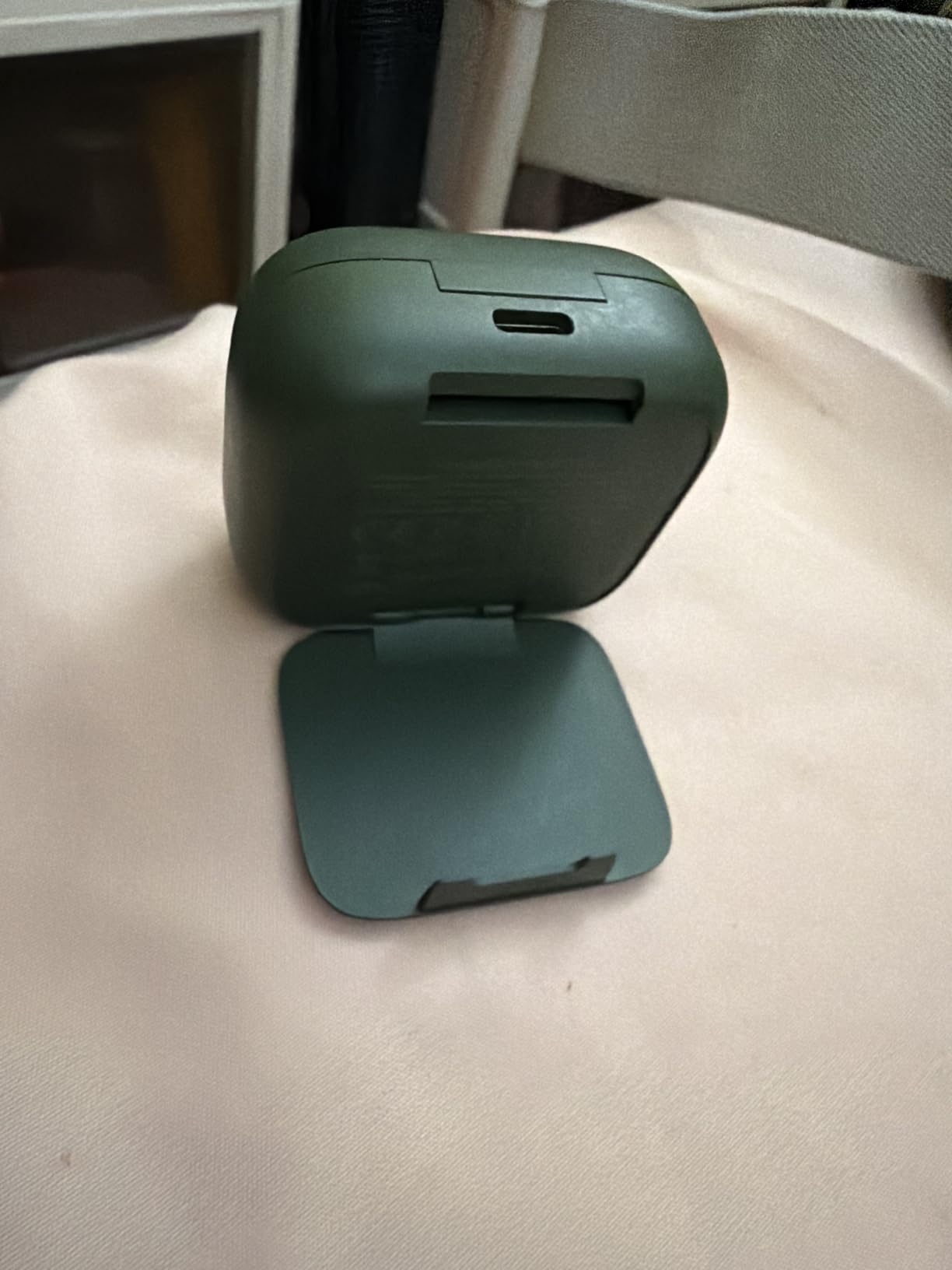
Battery life is 10 hours per charge, dropping to 6 with ANC on, and up to 45 hours with the case or 25 with ANC running. A ten-minute charge returns two hours. Bluetooth 5.4 with one-step pairing reconnects to the last device automatically, which is more convenient than most budget earbuds manage.
Waterproof construction and a 24-month warranty, tied for the longest coverage in the guide. At 1.76 ounces it is the lightest entry here, which is the deciding factor for people who wear earbuds for six hours without noticing.
Who the Soundcore P30i suit best
Buy them for a shared household where a full-size headset is socially awkward, or for a desk where watching video between calls is part of the routine. The case-as-stand is a real convenience rather than a gimmick, and the warranty length gives unusual confidence at this level.
They also suit anyone who wants active noise cancelling without an over-ear commitment, and anyone who will forget to charge a larger pair.
Where the Soundcore P30i fall short
Six hours per charge with ANC enabled is the number to plan around, and in-ear isolation is well below an over-ear ANC model, so a genuinely loud room remains audible. There is no wired mode, so a bad Bluetooth day is a bad audio day.
Call quality in a genuinely noisy environment is good for the price but not equivalent to a boom-mic headset, and earbuds also need more frequent replacement because the tips wear out. If your week is eight hours of client calls, this is the wrong tier.
10. Logitech H390 – best wired desk headset
Logitech H390 Wired Headset PC/Laptop Stereo Headphones, USB-A, Black
Wired USB-A plug and play
Rotating noise-reducing boom mic
In-line volume and mute
2 yr warranty
Pros
- Plug-and-play USB-A with no software or drivers
- Rotating noise-reducing boom mic keeps calls clear
- In-line volume and mute controls on the cable
- Padded leatherette cushions with an adjustable headband
- Two-year limited warranty and Chromebook certified
Cons
- Wired only
- with no Bluetooth for pairing to a phone
- No active or passive noise cancelling at all
- Stereo sound lacks bass and detail next to the wireless models
The H390 is the answer to the pairing anxiety that makes people abandon wireless. It plugs into a USB-A port and works, with no software, no drivers, no firmware and no charge. There is nothing to go wrong at 8:55 in the morning, which is exactly the moment a Bluetooth headset tends to.
The rotating boom mic is the feature that carries the call. Positioned close to the mouth, it keeps your voice clear of keyboard noise, and it swings away when you are not on a call, so it does not sit in the way during a focus session. In-line volume and mute controls sit on the cable within reach of the desk.
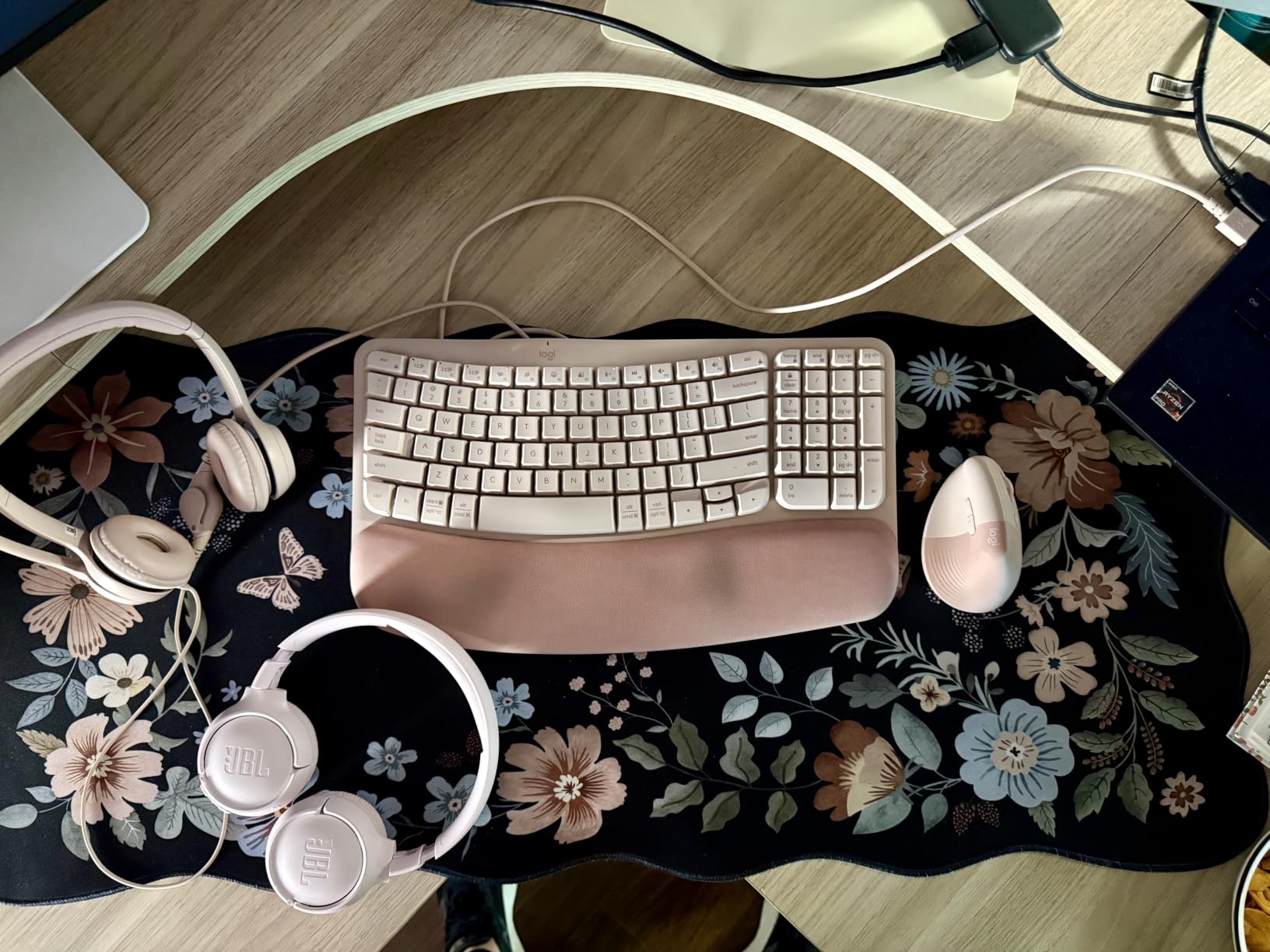
The 6.23 ft cable is long enough to stand up and stretch during a call without unplugging, and the swivel-mounted leatherette cushions on an adjustable headband handle long sessions adequately. Audio latency is listed at 30 milliseconds, which is low enough not to notice on calls, and it is tested and certified for Chromebook compatibility.
Sound comes from 30 mm fine-tuned drivers intended for digital stereo. That is tuned for speech rather than music, so bass and detail are thin by comparison with the wireless models, and the headset weighs 7.04 ounces with no battery to consider.
Who the Logitech H390 suits best
Choose it if you take calls at one fixed desk, if you would rather never think about charging or pairing, or if your employer expects a headset to simply work. With more than 67k ratings, it is the most proven design here, and the two-year limited warranty is joint longest in the group.
It is also the pick for a shared family computer or a study desk that doubles as a school machine, since USB-A plug-and-play is the only setup step required.
Where the Logitech H390 falls short
There is no wireless capability at all, so you cannot step away from the desk, take a call while making coffee, or pair to a phone. And with no active or passive noise cancelling, it does nothing about the background conversation or appliance noise around you, it only keeps your own voice clear.
The cable is a permanent fixture on a permanently connected desk. If you hot-desk between locations or travel with your work, the wireless models above are the better purchase despite the higher outlay, and the stereo tuning is not a substitute for real music headphones.
How We Tested and How to Spot a Reliable Review
Our approach was simple. We used each pair across a full working day rather than a fifteen-minute audition, because comfort and battery claims only reveal themselves after hour four. Every model was tested on video calls with real background sound in the room, because a microphone that works in a silent studio tells you nothing about a kitchen at lunchtime.
For connectivity we checked the daily switch between a laptop and a phone, since that transition happens dozens of times a week and is where multipoint either works or becomes a nuisance. We also weighed the headset, looked at the clamping force across a full day, and tested with glasses where the fit allowed it.
When you read other reviews, three signals separate the useful ones from the noise. Look for reviews that mention hours of use rather than first impressions, look for specific mic conditions like a shared office or outside wind, and look for owners who mention what they do not like. A review with no stated drawback is usually a summary rather than a test.
How to Choose Headphones for Working From Home
Start with the microphone, not the speakers
For video calls, the microphone matters more than the sound. There are two designs. A boom mic sits on an arm near your mouth, which physically isolates your voice from everything else and is what dedicated call headsets use. A beamforming array places several microphones in the earcup and uses processing to focus on the direction of your mouth, which is how every consumer pair in this guide works.
The practical consequence is that a consumer headphone in a quiet room sounds fine, and in a room with a barking dog or a running dishwasher it does not. If your calls happen in a shared space, the Jabra with its three-microphone array is the safer investment. Note again that noise cancelling only affects what you hear, never what your microphone transmits.
Multipoint Bluetooth versus a USB-C dongle
Multipoint means pairing to two devices at once, typically a laptop and a phone, and audio moves between them. Six of the ten models here support it, and for most home workers it removes an entire category of daily friction.
A USB dongle is a different approach. The headset pairs permanently to a small adapter, and the adapter plugs into the computer, so the connection behaves like a wired device with wireless freedom to move away from the desk. The Jabra is the only pick here that ships with one. It costs nothing extra and it is the most reliable option for a fixed desk.
Why some remote workers ditch Bluetooth for work headsets
Three reasons come up repeatedly, and all three are about reliability rather than sound quality.
First, Windows and macOS Bluetooth pairing can drop or silently connect to the wrong device, which is a recurring complaint on several pairs in this guide. A dongle removes the operating system from the decision entirely. Second, Bluetooth codecs compress speech, so your voice arrives thinner than it would over a USB connection, which is exactly why the Bose Ultra’s USB-C voice mode is a genuine work feature. Third, some organizations restrict Bluetooth for security reasons, and a USB headset is often the only device permitted on a locked-down machine.
The counter-argument is fair too. If your week is mostly laptop calls and the headset lives on the same desk, the Bluetooth dropouts are rarer than this framing suggests, and a dongle headset is tethered in the one way that matters when you want to stand up during a call. Match the connection to how stationary you actually are.
Comfort, weight and the pressure problem
Weight is the number to compare, and it matters more than any padding material. The Raycon earbuds and Sony WH-CH520 come in at 0.14 kg and 0.3 kg, the Bose QuietComfort over-ear is 238 g, and the Bose QuietComfort Ultra is 0.48 kg, nearly double. Over eight hours that gap is not subtle.
The second issue is pressure, often described as a sucking or vacuum feeling from active noise cancelling. Some listeners adapt within days; others find it intolerable and never do. The practical fixes are to loosen the headband, remove the temple pressure with a hair tie, or choose a lighter design. There is no setting that fully removes it.
Glasses compatibility is the third comfort factor, and it varies more than manufacturers admit. A wide headband or a stiff band can press the temple of your glasses against your skull for eight hours. Test with your actual glasses for at least half an hour before committing.
Form factor matching your noise
Match the physical design to the noise you actually have. Over-ear cups with active cancelling handle steady mechanical sound and general chatter best. On-ear designs such as the Jabra are lighter and cooler but leak more. In-ear earbuds are the least isolating despite having an ANC mode, because a small sealed bud cannot stop low-frequency sound.
Open and bone-conduction designs are the exception worth knowing about. They leave the ear open, so you stay aware of a child, a dog or traffic, and they are usually the answer for people with sensitive ear canals or a glasses-and-headband conflict. None of the ten models here is an open-ear design, which is the clearest gap in this lineup for a parent who takes calls at the kitchen table.
Battery life in workdays, not hours
Read talk-time numbers as workdays. Thirty hours is roughly four working days at eight hours of calls. Fifty hours, which the Sony WH-CH520 offers, is effectively a full week without a charge, and 37 hours from the Jabra covers most of a working week too. The 6-hour ANC figure on the Soundcore P30i is a daily top-up rather than a weekly one.
Also check what happens when you turn noise cancelling on. Several models quote a headline figure with ANC off and a much lower one with it on, and a headset that dies mid-afternoon is worse than one that needs charging overnight. Warranty length is the quietest useful signal in this list, and the two-year terms on the Logitech and Jabra are the longest.
Frequently Asked Questions
What is the best headset for working from home?
For most people the Soundcore Q20i is the best headset for working from home, because four-microphone hybrid noise cancelling, a 40-hour battery and automatic two-device switching cover the three problems that ruin home-office audio. If calls are your job rather than your job description, the Jabra Evolve2 65 MS is the better buy, with a three-microphone call array, Microsoft Teams optimization and a USB adapter in the box.
What is the best wireless headset for working from home?
The best wireless headset for working from home depends on the room. In a shared or noisy home, the Bose QuietComfort gives the strongest active noise cancelling against appliances and chatter. For call quality with a wireless connection, the Jabra Evolve2 65 MS pairs to three microphones and ships with a USB-A dongle. If you only take a few calls a day, any decent wireless pair plus your laptop microphone is enough.
Why are people ditching Bluetooth headphones?
Three reasons drive the move. Windows and macOS pairing can drop or connect to the wrong device, Bluetooth codecs compress speech so your voice sounds thinner than over USB, and some organizations restrict Bluetooth for security reasons. A USB dongle headset removes the operating system from the decision and behaves like a wired device. The tradeoff is that a dongle headset is tied to one computer, so it suits a fixed desk rather than a moving worker.
What headphones do not pick up background noise on calls?
A boom microphone placed close to your mouth, plus beamforming arrays and noise-reduction processing, is the mechanism that keeps background noise off your calls. The Jabra Evolve2 65 MS uses a three-microphone array, and consumer pairs use beamforming arrays in the earcup. Important caveat: active noise cancelling blocks sound coming in so you can hear the call, but it does nothing to stop your microphone picking up noise around you.
Are headsets better than earbuds for all-day calls?
For eight-hour call days, a headset usually wins on comfort and call quality because the weight is distributed across the head and a boom mic sits near the mouth. Earbuds are lighter and better for short bursts, a shared room where a headset feels intrusive, and people who cannot wear anything on their ears, but in-ear designs isolate less ambient noise. If your day is under four hours, earbuds are often the more comfortable choice.
Final Verdict for Working From Home in 2026
Our best headphones for working from home in 2026 start with the Soundcore Q20i, which balances four-microphone noise cancelling, a 40-hour battery and two-device switching better than anything else at this tier. The Bose QuietComfort is the pick when the noise is appliances rather than people, and the Jabra Evolve2 65 MS is the one to buy when how you sound on a call is the part of your job that cannot be compromised.
Below those, the Sony WH-1000XM5 and Beats Studio Pro cover hybrid workers and anyone who wants music as well as meetings, the Bose QuietComfort Ultra 2nd Gen is the premium choice for USB-C call quality and spatial audio, and the Sony WH-CH520 wins on battery alone. For smaller ears, the Raycon Everyday and Soundcore P30i keep the form factor light, and the Logitech H390 remains the most reliable way to answer a call at a fixed desk.
Whichever you pick, test the microphone in your actual room and the fit with your actual glasses before the return window closes. Those two checks resolve more problems than any specification on the box.